
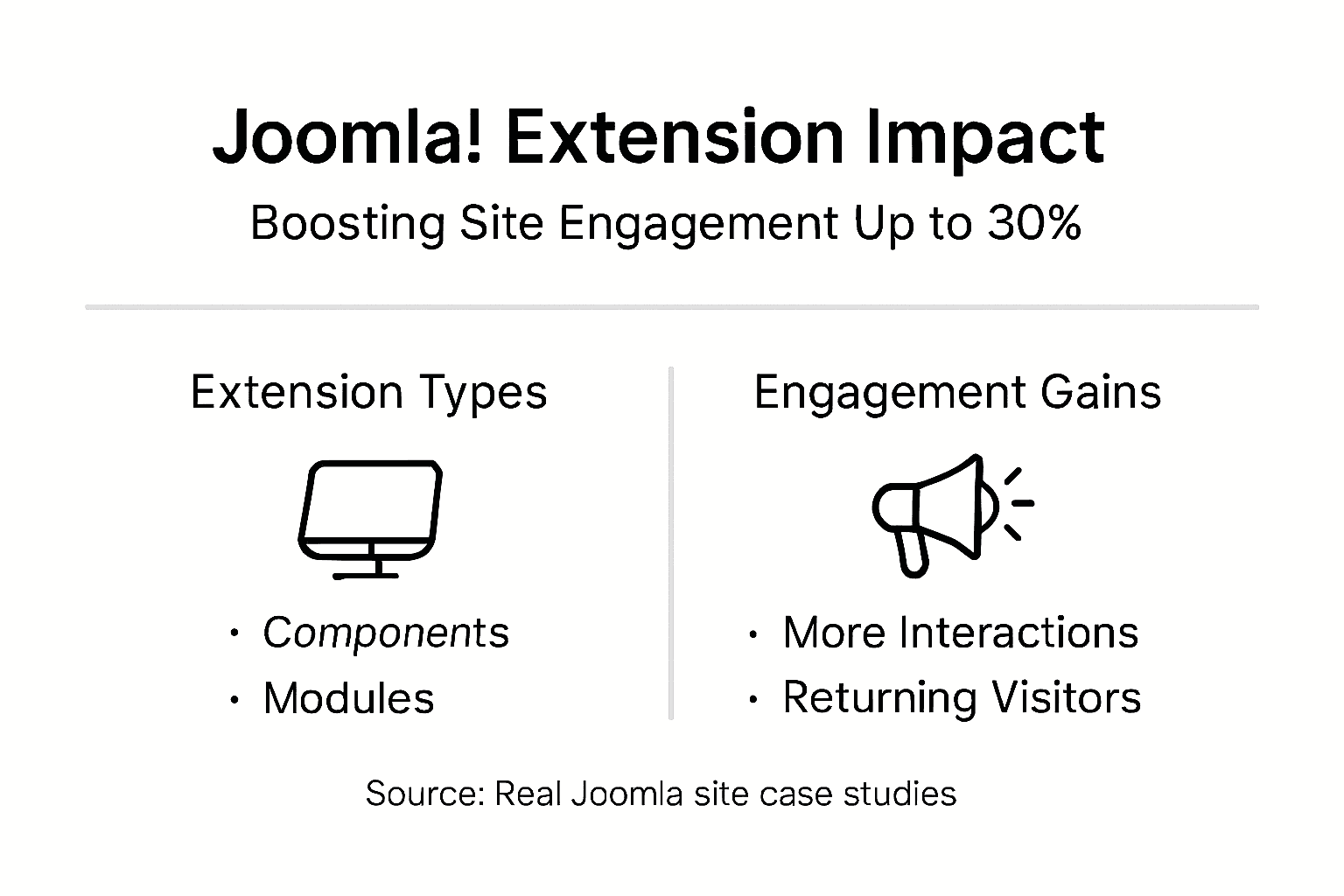
Integrating social media extensions into your Joomla! site can boost visitor engagement by up to 30%. If you’re a Joomla! administrator or small business owner looking to enhance your site’s functionality and connect better with your audience, understanding website extensions is essential. This guide walks you through selecting and implementing the right extensions to transform your site into an engagement powerhouse without needing deep technical skills.
Table of Contents
- Introduction To Joomla! Website Extensions
- Types Of Joomla! Extensions And Their Specific Roles
- How Extensions Enhance Social Media Integration
- Common Misconceptions About Joomla! Extensions
- Best Practices For Selecting And Implementing Joomla! Extensions
- Case Studies: Extensions Driving Business Growth And Engagement
- How To Integrate And Configure Joomla! Social Media Extensions
- Summary And Practical Next Steps
- Enhance Your Joomla! Site With Premium Extensions
- FAQ
Key Takeaways
| Point | Details |
|---|---|
| Extensions enhance functionality | Joomla! extensions add social media integration, reviews, and multimedia displays to boost user interaction. |
| Different types serve unique roles | Components, modules, plugins, and templates each fulfill specific functions in your site architecture. |
| User-friendly options exist | Premium extensions designed for beginners achieve 70% satisfaction rates with minimal technical knowledge required. |
| Trusted providers reduce risks | Selecting reputable extension vendors cuts security vulnerabilities by up to 40%. |
| Implementation drives measurable growth | Sites using social media extensions see 20-30% engagement increases and 15-20% more returning visitors within six months. |
Introduction to Joomla! Website Extensions
Joomla! extensions are add-on software packages that expand your site’s capabilities beyond the core CMS. Think of them as apps for your website. They let you add features like social media feeds, customer reviews, photo galleries, and contact forms without writing code from scratch.
Extensions integrate directly with Joomla!'s core system through standardized APIs. This means they work seamlessly with your existing setup. You install them through Joomla!'s built-in extension manager, configure a few settings, and they’re live on your site.
Thousands of Joomla! extensions are available across four main categories: components, modules, plugins, and templates. Each type serves a distinct purpose in enhancing your site. Components create entirely new sections with their own databases and admin panels. Modules display content blocks in sidebar or header positions. Plugins react to system events like user logins or content saves. Templates control your site’s visual design and layout.
This variety means you can customize your site to match your exact business needs. Need to display your Instagram feed? There’s a module for that. Want customers to leave Google reviews directly on your site? A plugin handles it. The extension ecosystem transforms Joomla! from a basic CMS into a powerful business tool.
For small business owners and site administrators, extensions simplify website management significantly. Instead of hiring developers for custom features, you can install tested, supported extensions in minutes. Many premium options include customer support and regular updates, giving you professional functionality at a fraction of custom development costs.
Key extension categories include:
- Social media integration tools for feeds and sharing
- Review collection systems for customer testimonials
- Multimedia galleries for photos and videos
- E-commerce solutions for online selling
- SEO optimization tools for search rankings
- Security enhancements for site protection
Types of Joomla! Extensions and Their Specific Roles
Understanding the four extension types helps you choose the right solution for your needs. Each type operates differently within Joomla!'s architecture.
Components are the most comprehensive extension type. They create entirely new application areas with dedicated database tables, admin interfaces, and front-end displays. A social media management component might include a dashboard for scheduling posts, analytics reports, and feed display options. Components handle complex functionality that requires multiple features working together.
Modules are lighter-weight content blocks that display in template positions like sidebars, headers, or footers. A Facebook feed module shows your latest posts in a widget area. Modules display content segments typically in page regions, making them perfect for showcasing information without creating full pages.
Plugins work behind the scenes, responding to system events. When a user logs in, an authentication plugin might check their credentials against social media accounts. When content is saved, an SEO plugin might generate meta descriptions automatically. Plugins react dynamically to system events for enhanced functionality, adding intelligence to your site’s operations.
Templates control your site’s entire visual presentation. They define layout structures, color schemes, typography, and responsive behavior. While not feature-focused like other extensions, templates dramatically impact user experience and brand consistency.
Comparison of extension types:
| Extension Type | Primary Function | Complexity Level | Common Uses |
|---|---|---|---|
| Components | Full applications with admin panels | High | E-commerce, forums, photo galleries |
| Modules | Content display blocks | Low to Medium | Social feeds, latest posts, contact forms |
| Plugins | Event-triggered automation | Medium to High | SEO, security, social login, caching |
| Templates | Visual design and layout | Medium | Branding, responsive design, user interface |
When to use each type:
- Choose components when you need complete feature sets with data management
- Use modules for simple content displays that don’t require their own pages
- Implement plugins for automated processes and system enhancements
- Select templates to establish your visual brand and improve mobile responsiveness
How Extensions Enhance Social Media Integration
Social media extensions bridge the gap between your Joomla! site and platforms like Facebook, Instagram, Twitter, TikTok, and YouTube. They automate content sharing, display real-time feeds, and enable social login, transforming your site into a connected hub.
Social media extensions increase visitor interaction rates by up to 30%. This happens because live social feeds keep your content fresh without manual updates. When visitors see your latest Instagram posts or customer reviews directly on your site, they engage longer and return more frequently.

Feed extensions pull content from your social accounts and display it attractively on your pages. A restaurant might show Instagram food photos on their menu page. A retail store could display customer Facebook reviews on product pages. These extensions update automatically, so your site always reflects your current social presence.
Sharing button plugins let visitors spread your content to their networks with one click. This organic amplification increases your reach without advertising costs. When someone shares your blog post to Facebook, their friends see it, driving new traffic back to your site.
Social login plugins allow visitors to register and log in using their existing social media accounts. This reduces friction in the signup process. Instead of creating yet another username and password, visitors click “Login with Facebook” and they’re in. Higher registration rates mean larger email lists and more engaged communities.
Types of social media extensions:
- Feed display modules showing live posts from platforms
- Share button plugins for content distribution
- Authentication systems for social login
- Review aggregators pulling ratings from Google and Facebook
- Video players embedding YouTube and TikTok content
Pro Tip: Start with feed display extensions for immediate impact. They require minimal configuration and instantly make your site feel current. Add authentication plugins once you have regular visitors who would benefit from easier login.
The automation aspect cannot be overstated. Once configured, social media Joomla extensions work continuously without your intervention. You post to Instagram as usual, and your website updates automatically. This consistency builds brand awareness while freeing your time for other business activities.
Common Misconceptions About Joomla! Extensions
Several myths prevent business owners from leveraging extensions effectively. Let’s address the most common misconceptions with facts.
Myth 1: Extensions are too complex for beginners. Many premium extensions are specifically designed for non-technical users. They feature intuitive interfaces, visual configuration tools, and comprehensive documentation. 70% user satisfaction among beginners with premium extensions proves that ease of use is achievable. Quality vendors prioritize user experience, knowing their customers aren’t necessarily developers.
Myth 2: All extensions pose similar security risks. Security quality varies dramatically by vendor. Free extensions from unknown sources might contain vulnerabilities. However, choosing extensions from trusted providers reduces security vulnerabilities by up to 40%. Reputable vendors follow coding standards, conduct security audits, and release timely patches. Check vendor reputation, read reviews, and verify regular update schedules before installing.
Myth 3: Compatibility isn’t a major concern. Compatibility issues cause significant problems if ignored. Extensions built for older Joomla! versions might break your site or create conflicts with other extensions. Always verify an extension supports your exact Joomla! version before purchasing. Read compatibility notes carefully, and test on a staging site when possible.
Myth 4: Free extensions are just as good as premium ones. While some free extensions are excellent, premium options typically offer superior support, regular updates, and professional design. When your business depends on functionality, the investment in trusted Joomla extensions pays dividends through reliability and vendor assistance when issues arise.
How to evaluate extension trustworthiness:
- Check the vendor’s track record and years in business
- Read user reviews and ratings from multiple sources
- Verify the extension receives regular updates
- Confirm compatibility with your Joomla! version
- Review the vendor’s support options and response times
- Look for clear documentation and setup guides
Pro Tip: Join Joomla! community forums and ask for extension recommendations. Experienced administrators share honest feedback about which extensions perform well and which vendors provide excellent support. Real-world experiences beat marketing claims.
Following security best practices includes keeping extensions updated, removing unused ones, and backing up your site before installing new software. These simple habits prevent most extension-related problems.
Best Practices for Selecting and Implementing Joomla! Extensions
Choosing the right extensions requires evaluating multiple factors beyond features. Follow this systematic approach to make informed decisions.
Selection criteria to prioritize:
- User-friendliness: Can you configure it without developer help?
- Compatibility: Does it support your Joomla! version explicitly?
- Vendor reputation: Do they have positive reviews and active support?
- Security: Are updates released regularly? Do they follow coding standards?
- Performance: Will it slow your site? Check reviews for speed mentions.
- Cost: Does the price include support and updates? Are renewals required?
Compatibility issues can reduce site speed by up to 35% and cause conflicts requiring extensive troubleshooting. Never skip compatibility verification.
Step-by-step selection and installation process:
- Define your exact need before searching for solutions
- Research extension options reading reviews on multiple sites
- Verify compatibility with your current Joomla! version
- Check the vendor’s update frequency and support quality
- Review documentation to ensure you can configure it yourself
- Purchase or download from official sources only
- Back up your site completely before installation
- Install on a staging site first if possible
- Configure settings following vendor documentation
- Test thoroughly before making live to visitors
- Monitor performance for the first week after launch
- Set reminders to check for updates monthly
Common pitfalls include installing too many extensions at once, which makes troubleshooting difficult if problems arise. Add extensions one at a time, testing between installations. This isolates issues to specific extensions.
Ignoring update notifications is another frequent mistake. Updates often patch security vulnerabilities. Set a monthly calendar reminder to check for extension updates and install them promptly.
Failing to remove unused extensions clutters your site and creates unnecessary security risks. If you stop using an extension, uninstall it completely rather than just disabling it.
Find more detailed extension selection tips from Joomla! experts who share selection frameworks and evaluation checklists.
Pro maintenance checklist:
- Update extensions within one week of new releases
- Remove extensions you haven’t used in three months
- Back up before any extension changes
- Test major updates on staging before production
- Monitor site speed after installing new extensions
When you select Joomla extensions using these criteria, you build a stable, secure site that serves your business reliably for years.
Case Studies: Extensions Driving Business Growth and Engagement
Real-world examples demonstrate the measurable impact of well-implemented Joomla! social media extensions.
A boutique hotel integrated a Facebook and Instagram feed module on their homepage. Within three months, they saw a 28% increase in direct booking inquiries. Potential guests spent 45% more time on the site viewing authentic guest photos from Instagram. The hotel’s marketing manager noted that automating social content updates freed five hours weekly previously spent manually updating the site.
A local restaurant added a Google Reviews and TripAdvisor plugin displaying recent customer ratings prominently on their menu page. Their returning visitor rate jumped 22% over six months. The owner credits the social proof from real reviews with building trust that converted first-time visitors into regulars. New customers frequently mentioned seeing positive reviews on the website before deciding to visit.
Sites integrating social media extensions saw a 20-30% rise in visitor engagement and 15-20% growth in returning visitors within six months across multiple industries. These aren’t isolated successes but repeatable patterns when extensions are properly implemented.
An e-commerce store selling handmade crafts implemented a YouTube video gallery extension showcasing product creation processes. Average session duration increased from 2.5 minutes to 4.2 minutes. Conversion rates improved by 18% as customers better understood product quality through video demonstrations. The store owner invested just $49 in the extension, generating thousands in additional revenue.
Success factors across case studies:
- Extensions chosen matched specific business goals
- Implementation was simple enough for owners to manage
- Content updated automatically without ongoing effort
- Vendors provided support during initial setup
- Regular updates kept extensions secure and functional
Measurable impacts observed:
| Metric | Average Improvement | Timeframe |
|---|---|---|
| Visitor engagement | 20-30% increase | 3-6 months |
| Returning visitors | 15-20% growth | 6 months |
| Session duration | 40-70% longer | 2-4 months |
| Conversion rates | 15-25% improvement | 4-8 months |
These businesses share a common approach: they started with one well-chosen extension, monitored results, then expanded gradually. They didn’t try implementing everything at once. This measured approach let them attribute results clearly and build confidence in extension value.
Explore more successful Joomla social extensions stories and learn which specific tools delivered these results for businesses like yours.
How to Integrate and Configure Joomla! Social Media Extensions
Implementing social media extensions successfully requires following a clear process. Here’s your step-by-step guide.
Installation process:
- Log into your Joomla! administrator panel
- Navigate to Extensions > Manage > Install
- Choose your installation method: Upload Package File or Install from URL
- Select the extension file you downloaded from the vendor
- Click Upload & Install and wait for the success message
- Navigate to Extensions > Manage to verify installation
- Enable the extension if it’s not activated automatically
Configuration steps for social media feeds:
- Locate the extension in your Components or Modules menu
- Create a new module instance or component setup
- Enter your social media API credentials or access tokens
- Select which content types to display (posts, photos, videos)
- Configure display options like number of items and layout style
- Choose where the module appears using position assignments
- Set visibility rules for which pages show the feed
- Preview on the front end before publishing live
Common configuration challenge: Getting API credentials from social platforms. Most require creating a developer app to generate access tokens. Follow the extension vendor’s documentation precisely, as each platform has different requirements. Many premium extensions simplify this with connection wizards.
Another frequent issue involves caching. If your feed doesn’t update immediately, check your Joomla! cache settings. You might need to exclude the extension from caching or reduce cache lifetime for dynamic social content.
Responsive display problems occur when feeds don’t adapt to mobile screens properly. Check the extension’s responsive settings and test on actual mobile devices, not just browser resize tools. Premium extensions typically include mobile optimization, but you may need to enable it explicitly.
Pro Tip: Create a dedicated menu item for testing extensions before adding them to your main pages. This lets you experiment with settings and appearance without affecting live visitor experience. Once perfected, assign the module to your actual pages.
For detailed guidance on specific platforms, review configuration tips covering common setup scenarios and troubleshooting solutions.
Performance optimization matters after installation. Large social feeds can slow page load times. Configure extensions to load only 5-10 items initially, with options to view more. This balances engagement with speed.
Regular maintenance keeps extensions working smoothly. Check for updates monthly, monitor feed display weekly, and refresh API connections if content stops updating. Most issues resolve by simply updating to the latest version.
Learn more about how to install Joomla extensions with video tutorials and visual guides that walk you through each screen.
Summary and Practical Next Steps
Joomla! extensions transform your site from a static information page into an engaging, automated business tool. We’ve covered how extensions work, the types available, their role in social media integration, and how to select and implement them successfully.
The evidence is clear: sites using social media extensions see 20-30% engagement increases and measurably higher returning visitor rates. These improvements happen because extensions keep content fresh automatically, build social proof through reviews, and reduce friction in visitor interactions.
Your implementation checklist:
- Identify your top business goal (more engagement, more reviews, better social presence)
- Research 2-3 extensions that specifically address that goal
- Verify compatibility with your Joomla! version
- Check vendor reputation through reviews and community feedback
- Start with one extension, implement it fully, and measure results
- Expand to additional extensions once you see success
- Maintain regular updates and monitor performance monthly
Don’t let technical concerns hold you back. Modern extensions are designed for business owners, not just developers. The 70% beginner satisfaction rate with premium extensions proves you can achieve professional results without coding knowledge.
Start small, measure impact, and build confidence through successful implementation. The social media integration features available through quality extensions give you enterprise-level functionality at small business prices. Your competitors are likely already using these tools. The question isn’t whether to implement extensions, but which ones to start with today.
Enhance Your Joomla! Site with Premium Extensions
Ready to transform your site’s engagement and social media presence? AllForJoomla offers premium modules and plugins specifically designed for business owners who want professional results without technical complexity.
Our premium Joomla extensions include social media feeds for Facebook, Instagram, Twitter, TikTok, and YouTube, plus review collection systems for Google, TripAdvisor, and Facebook reviews. Each extension installs in minutes and includes comprehensive documentation and expert support.
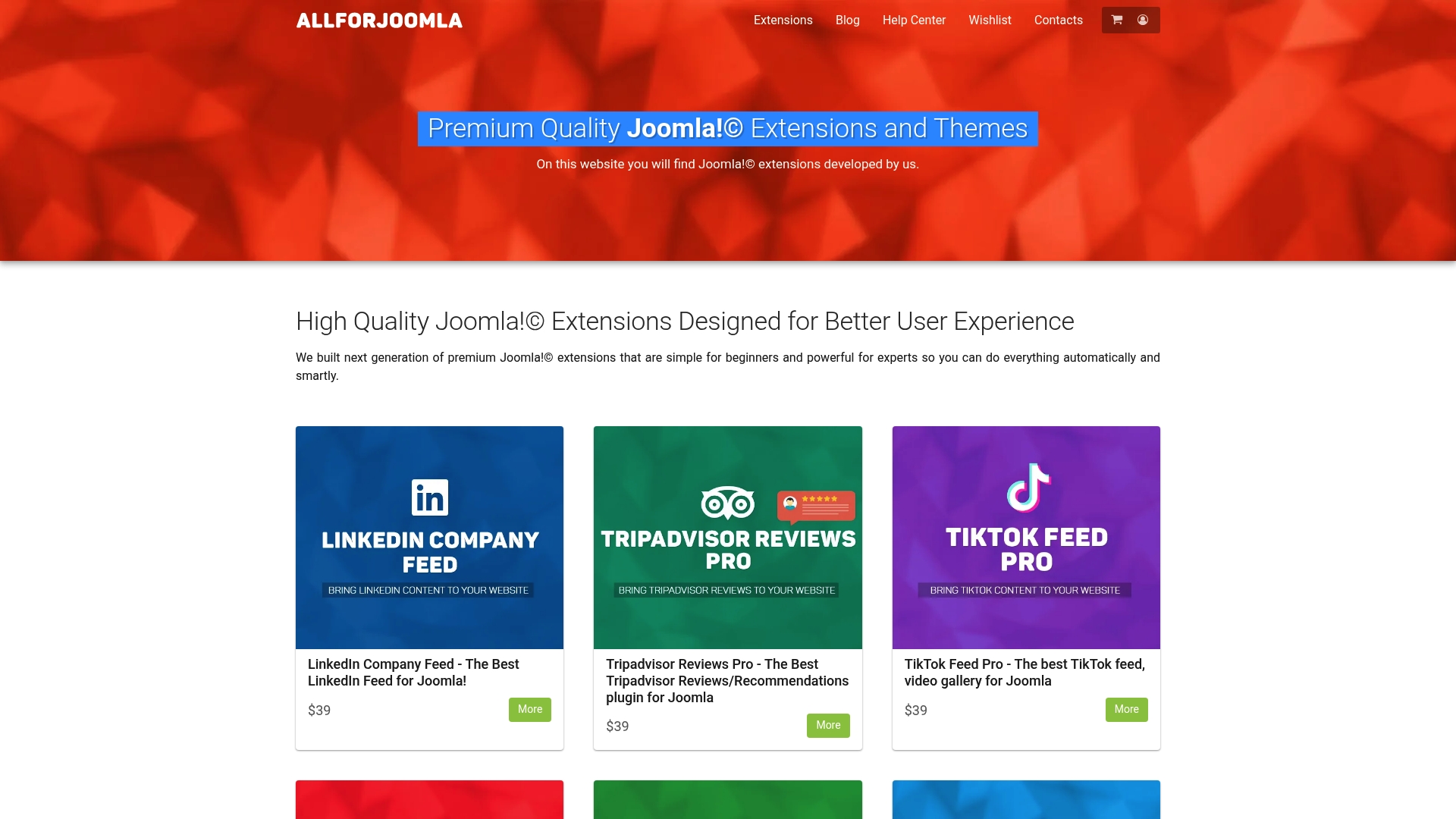
Small business owners choose our solutions because they work immediately without developer assistance. Our Joomla social media modules update automatically, keeping your site fresh while you focus on running your business. Security updates and feature improvements are included, ensuring your investment stays current.
Explore the complete Joomla extensions marketplace to find the perfect tools for your engagement goals. Join thousands of Joomla! site owners who’ve already boosted their visitor interaction and social proof using our trusted extensions.
FAQ
What are the main types of Joomla! extensions and their roles?
Components create full applications with admin panels and databases. Modules display content blocks in template positions like sidebars. Plugins react to system events for behind-the-scenes functionality. Templates control the visual design and layout of your entire site.
Are Joomla! extensions difficult to use for beginners?
Many premium extensions are designed specifically for non-technical users with intuitive interfaces and visual configuration tools. 70% beginner satisfaction with premium Joomla! extensions demonstrates that user-friendly options exist. Quality vendors provide documentation and support to help you succeed regardless of technical background.
How can I ensure Joomla! extensions are secure and compatible?
Choose extensions from reputable providers with positive reviews and regular update schedules. Trusted providers reduce security risks up to 40%. Always verify the extension supports your specific Joomla! version before installation. Follow security best practices including keeping extensions updated and removing unused ones promptly.
What steps help successfully implement social media extensions on Joomla!?
Start by assessing your specific needs and selecting a user-friendly extension that matches your goals. Verify compatibility with your Joomla! version, then back up your site before installation. Install the extension, configure settings following vendor documentation, test thoroughly on a staging site if possible, and monitor performance after launch. Update the extension regularly to maintain security and functionality.










