
Keeping your Joomla! site fresh and engaging is a constant challenge. Visitors expect dynamic content, and static pages simply don’t cut it anymore. TikTok feed plugins solve this by automatically embedding TikTok feeds can increase average session duration by up to 20%, transforming your site into a vibrant hub of social proof and real-time video content. These extensions connect your TikTok account directly to your Joomla! platform, pulling in the latest videos without manual effort.
Table of Contents
- Introduction To TikTok Feed Plugins For Joomla!
- What Is A TikTok Feed Plugin And How It Works
- Customization And Display Features Of TikTok Feed Plugins
- Benefits Of Embedding TikTok Feed On Joomla! Websites
- Top TikTok Feed Plugins Compatible Or Adaptable To Joomla!
- Best Practices For Moderating And Curating TikTok Content In Feeds
- Installing And Configuring TikTok Feed Plugins In Joomla!
- Common Misconceptions About TikTok Feed Plugins
- Summary And Next Steps For Joomla! Users
- Explore Premium Joomla! TikTok Feed Plugins Today
- Frequently Asked Questions
Key Takeaways
| Point | Details |
|---|---|
| Automated Video Display | TikTok feed plugins sync your account to Joomla! sites, automatically updating content without manual embedding. |
| Customization Boosts Engagement | Grid, carousel, and lightbox layouts with hashtag filters enhance user experience and brand alignment. |
| Measurable Performance Gains | Embedding feeds boosts engagement metrics by 15-20% and converts 12% more visitors into followers. |
| Easy Setup for All Skill Levels | Top plugins offer one-click integration, multi-account support, and setup times under 5 minutes. |
| Content Control Maintains Brand Safety | Moderation tools using keywords and hashtags filter unwanted videos, protecting brand reputation. |
Introduction to TikTok Feed Plugins for Joomla!
A TikTok feed plugin connects a TikTok account to a website using TikTok’s API to automatically retrieve latest videos. These extensions are specialized tools built for Joomla! that bridge your social media presence with your website. They fetch video content from your TikTok profile and display it in customizable formats, turning your site into a dynamic content destination.
For Joomla! administrators, these plugins eliminate the tedious process of manually embedding individual videos. Instead of copying embed codes for each new post, the plugin does the heavy lifting. Marketers particularly value this automation because it keeps website content synchronized with their social media campaigns in real time.
Why does this matter for your Joomla! site? Think of it as having a living, breathing showcase that updates itself. When you post a new TikTok video about your product launch or service update, it appears on your website within minutes. This creates several advantages:
- Visitor engagement increases because fresh video content captures attention better than static text
- Social proof strengthens as potential customers see your active TikTok presence
- Cross-platform visibility improves, driving traffic between your website and TikTok profile
- Time savings add up, freeing your team from manual content updates
The Joomla plugin marketplace offers various TikTok feed solutions designed specifically for the platform’s architecture. Some plugins support multiple TikTok accounts simultaneously, perfect for agencies managing several brands. Others focus on advanced filtering to show only videos matching specific hashtags or keywords.
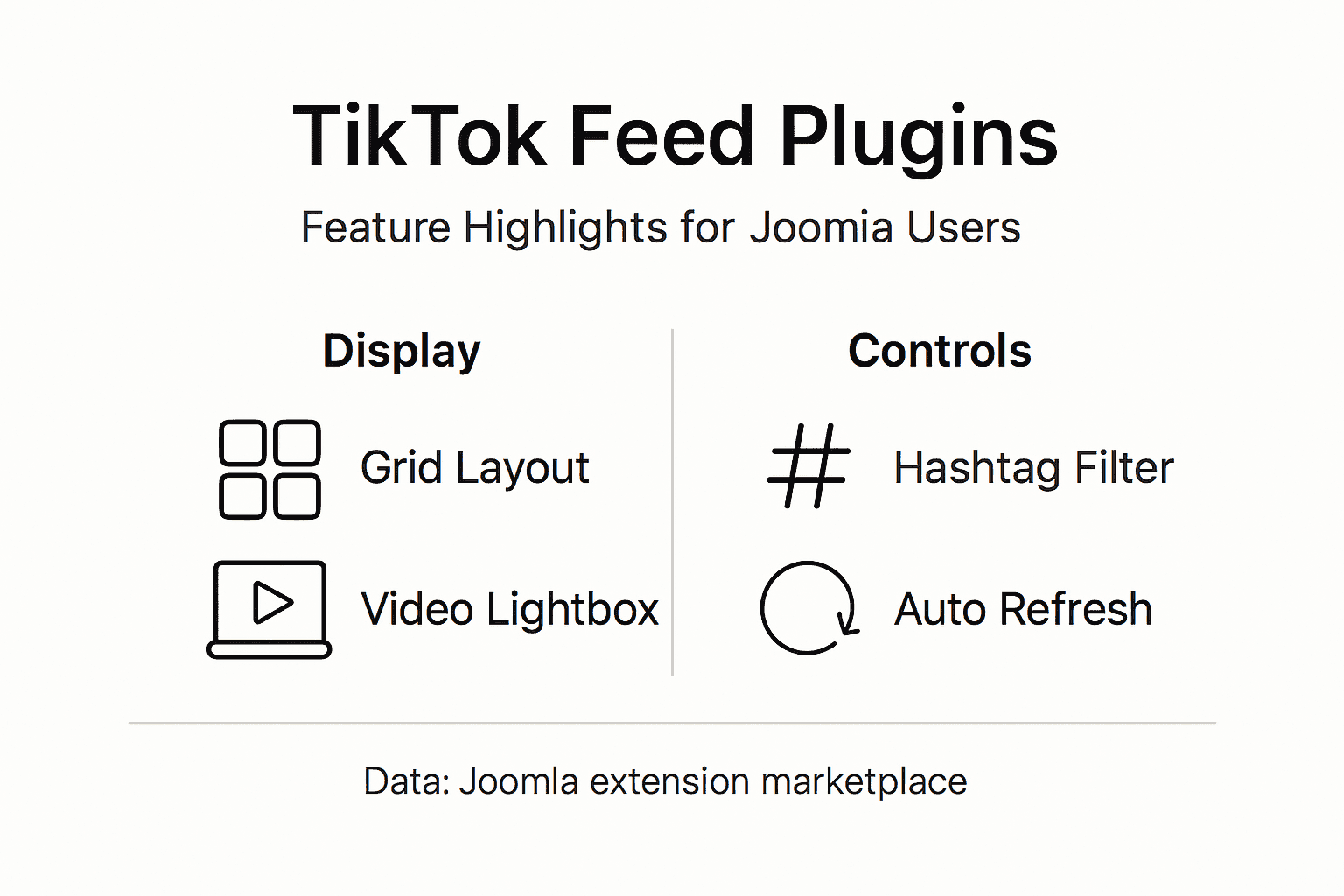
Pro Tip: Before choosing a plugin, check whether it supports your preferred video layout. Grid displays work well for portfolios, while carousel formats suit product showcases better.
For deeper technical insights, review this TikTok feed plugin technical overview which explains API integration fundamentals applicable across platforms.
What Is a TikTok Feed Plugin and How It Works
Under the hood, TikTok feed plugins use API connections for automatic updates with caching to optimize performance. When you connect your TikTok account, the plugin requests an access token through TikTok’s developer API. This token acts like a secure handshake, allowing the plugin to fetch your public videos without exposing your account credentials.
The automation happens through scheduled checks. Feeds refresh typically range from 15 minutes to 1 hour, adjustable per plugin, meaning your Joomla! site always displays current content. You control the refresh interval based on how frequently you post and how important real-time updates are for your audience.
Caching is the unsung hero of plugin performance. Instead of hitting TikTok’s API every time a visitor loads your page, the plugin stores video data temporarily on your server. This approach delivers three benefits:
- Page load speeds stay fast because cached videos appear instantly
- API rate limits are respected, preventing throttling or account restrictions
- Server resources are conserved, especially important for high-traffic sites
Video display options transform how visitors interact with your content. Most plugins offer grid layouts where videos appear as thumbnails in rows and columns. Click a thumbnail, and it opens in a lightbox popup with autoplay enabled. This creates an immersive viewing experience without navigating away from your page.
Customizable settings let you fine-tune the display. Adjust the number of columns from 1 to 6 based on your site’s design. Set whether videos autoplay or require a click. Choose between showing all videos or filtering by hashtag to display only relevant content.
Pro Tip: Set your feed refresh interval to match your posting schedule. If you post twice daily, a 30-minute refresh ensures new content appears quickly without overloading TikTok’s API.
The Joomla extension installation guidance walks you through connecting your first TikTok account step by step. For API-specific details, this resource on plugin API integration details covers authentication and token management. Understanding feed sync timing helps you optimize refresh rates for your specific needs.
Customization and Display Features of TikTok Feed Plugins
Common customization features include grid and carousel layouts, video lightboxes with autoplay, and hashtag filtering for moderation. These options transform a basic video feed into a branded experience that matches your site’s personality.
Layout choices directly impact user engagement. Grid layouts organize videos in neat rows and columns, perfect for portfolios or product galleries. Carousel formats scroll horizontally, ideal for featuring your latest content prominently above the fold. Masonry layouts create a Pinterest-style appearance where videos of different heights fit together like puzzle pieces, adding visual interest.

Column adjustability matters more than you might think. A single-column layout works beautifully on mobile devices where screen width is limited. Three or four columns balance visual impact with readability on desktops. Six columns pack maximum content density for visitors who want to browse your entire TikTok catalog quickly.
Video lightbox popups enhance the viewing experience significantly. When visitors click a video thumbnail, it expands in an overlay window with autoplay enabled. They watch the full video without leaving your page or losing their browsing position. Navigation arrows let them move between videos seamlessly, increasing the likelihood they’ll watch multiple pieces of content.
Feed moderation protects your brand reputation. Hashtag filters display only videos tagged with specific keywords you approve. Keyword blocking prevents videos containing certain terms from appearing, useful if you share your TikTok account across multiple campaigns. This dual approach gives you granular control over what visitors see.
Responsive design ensures your feed looks professional on every device. The plugin automatically adjusts column counts and video sizes based on screen width. A six-column desktop layout might shift to two columns on tablets and a single column on smartphones, maintaining usability without manual intervention.
Pro Tip: Use hashtag filtering strategically to create themed feeds. Post all product videos with #productname, then filter your website feed to show only those videos while keeping other content on TikTok only.
Explore customizable Joomla TikTok feed plugins that offer these features with intuitive controls. For a comprehensive breakdown of available options, review detailed plugin customization features that show what’s possible.
Benefits of Embedding TikTok Feed on Joomla! Websites
Embedding TikTok feeds can increase average session duration by 20% and social shares by 15%. These aren’t small improvements. For a site averaging 10,000 monthly visitors, a 20% session duration increase means 2,000 visitors spend more time exploring your content, products, or services.
Social shares amplify your reach exponentially. When visitors share your embedded TikTok videos, they’re essentially becoming brand ambassadors. Each share exposes your content to new audiences who might not have discovered your website otherwise. The 15% boost in shares translates to genuine organic growth.
TikTok feeds can convert up to 12% more casual visitors into followers, boosting social proof. Think about the psychology at play. A visitor lands on your site, sees engaging video content, clicks through to your TikTok profile, and hits follow. You’ve just turned a one-time website visitor into an ongoing social media connection.
The engagement benefits manifest in several ways:
- Video content holds attention longer than text, reducing bounce rates
- Dynamic feeds give visitors a reason to return, checking for new content
- Autoplay features in lightboxes increase video view completion rates
- Multi-sensory content appeals to different learning and browsing styles
SEO improvements come from the freshness factor. Search engines favor websites that update regularly. When your TikTok feed refreshes with new videos hourly or daily, search crawlers notice the changing content. This signals that your site is active and relevant, potentially improving rankings.
Social proof operates on trust signals. Seeing that you actively maintain a TikTok presence with real customer testimonials, behind-the-scenes footage, or product demonstrations builds credibility. Visitors perceive your brand as transparent and engaged with its community.
Pro Tip: Track your baseline engagement metrics before installing a TikTok feed plugin. Monitor session duration, bounce rate, and social shares for 30 days post-installation to quantify the impact on your specific site.
Data supporting these benefits comes from engagement data for TikTok feeds and research on social proof impact across various platforms.
Top TikTok Feed Plugins Compatible or Adaptable to Joomla!
Smash Balloon and Custom Feed for TikTok are popular, offering easy setup, real-time updates, and strong moderation. While these plugins were originally built for WordPress, their features and approaches inform what Joomla! users should seek in native or adapted solutions.
| Plugin Name | Key Features | Best For | Pricing Approach |
|---|---|---|---|
| Smash Balloon TikTok Feeds | Advanced caching, customizable layouts, comprehensive moderation | Sites prioritizing performance and design flexibility | Premium with free trial |
| Custom Feed for TikTok | Multi-account support, hashtag filtering, detailed analytics | Agencies managing multiple brands | Tiered pricing based on accounts |
| B-Tiktok Feed | Shortcode integration, multiple display modes, cache optimization | Developers wanting granular control | One-time license fee |
Smash Balloon stands out for its caching efficiency. The plugin stores video data intelligently, minimizing API calls while keeping content fresh. Customization options include spacing adjustments, hover effects, and custom CSS support for pixel-perfect design matching.
Custom Feed for TikTok excels at multi-account management. If you run separate TikTok profiles for different product lines or regional markets, this plugin lets you display feeds from all accounts on a single site. Advanced moderation includes keyword blocking and manual video approval before display.
B-Tiktok Feed appeals to developers comfortable with shortcodes. You insert shortcodes directly into articles or modules, controlling exactly where feeds appear. Multiple layout templates come pre-built, and cache settings are highly adjustable for performance tuning.
For Joomla! users, adaptation requires checking plugin compatibility layers or seeking Joomla-native alternatives that replicate these feature sets. The find TikTok feed plugins for Joomla marketplace specializes in extensions built specifically for Joomla!'s framework, avoiding compatibility headaches.
When evaluating plugins, prioritize these factors:
- API authentication simplicity and token security
- Cache performance impact on page load times
- Mobile responsiveness across device types
- Support quality and update frequency from developers
Pro Tip: Test plugins in a staging environment first. Install, configure, and load test with your typical traffic patterns before deploying to your live Joomla! site.
Comprehensive TikTok plugin reviews provide deeper feature comparisons and real-world user experiences worth reviewing.
Best Practices for Moderating and Curating TikTok Content in Feeds
Hashtag and keyword filters prevent irrelevant or harmful videos from appearing, protecting brand reputation. Setting up moderation before launching your feed saves embarrassment and maintains visitor trust.
Start with a whitelist approach if you post diverse content on TikTok. Create a unique hashtag like #websitesafe or #brandapproved, then configure your plugin to display only videos tagged accordingly. This ensures complete control over what appears on your Joomla! site versus your broader TikTok presence.
Keyword blocking works as a safety net. Even with hashtag filtering, add a blocklist of terms you never want associated with your brand. The plugin scans video captions and descriptions, automatically hiding any content containing those keywords.
Manual curation complements automatic filtering beautifully. Many plugins offer approval workflows where new videos await your review before going live on your site. This hybrid approach catches edge cases that automated filters might miss while still saving time compared to manual embedding.
Regular content reviews should become routine. Schedule weekly checks of your live feed, watching for:
- Videos that passed filters but don’t align with current campaigns
- Outdated seasonal content that should be archived
- Comment sections on embedded videos that need moderation
- Performance metrics showing which videos drive the most engagement
Latency considerations matter for high-traffic sites. While plugins typically add less than 100ms to page load times when properly cached, monitoring is essential. If your feed grows to hundreds of videos, consider pagination or limiting visible videos to maintain speed.
Pro Tip: Create a moderation checklist and assign responsibility to a specific team member. Consistent oversight prevents issues before they impact your brand.
Learn more about sophisticated TikTok feed moderation tools that offer granular control over content display.
Installing and Configuring TikTok Feed Plugins in Joomla!
Setup times for popular plugins average under 5 minutes without coding. The installation process follows a straightforward path that even Joomla! beginners can navigate successfully.
Choosing the right plugin starts with matching features to your needs. Ask yourself:
- Do I manage one TikTok account or multiple profiles?
- How important is automatic moderation versus manual approval?
- Will I need custom CSS styling or are preset layouts sufficient?
- What’s my budget for premium features versus free alternatives?
Installation through Joomla!'s extension manager is the cleanest method. Navigate to Extensions > Manage > Install, then upload the plugin package file. The system automatically detects dependencies and configures basic settings. Manual upload via FTP works too, though it requires placing files in the correct directory structure.
API connection setup requires generating a TikTok access token. Log into TikTok for Developers, create a new app if you haven’t already, then copy your access token. Paste this token into the plugin’s settings panel. Most plugins validate the connection immediately, confirming successful authentication.
Customization happens through the plugin’s control panel. Configure these essential settings:
- Select your display layout (grid, carousel, or masonry)
- Set the number of columns for desktop and mobile views
- Enable or disable video autoplay in lightbox popups
- Configure feed refresh intervals (15 minutes to 1 hour recommended)
- Add hashtag filters or keyword blocklists for moderation
- Adjust cache duration to balance freshness with performance
Testing across devices catches display issues early. View your feed on desktop, tablet, and smartphone. Check that columns adjust responsively, videos play smoothly, and lightbox popups function correctly. Use browser developer tools to inspect load times and identify any performance bottlenecks.
Troubleshooting common issues often involves cache clearing. If new videos don’t appear, manually refresh the plugin cache. If videos display incorrectly, verify your API token hasn’t expired. Connection errors usually indicate firewall rules blocking API requests from your server.
Pro Tip: Document your configuration settings in a shared document. This helps team members understand your setup and speeds up troubleshooting if issues arise.
The install TikTok feed plugins on Joomla guide offers platform-specific walkthrough videos. For general best practices, explore these plugin setup tips that apply across platforms.
Common Misconceptions About TikTok Feed Plugins
Most plugins offer one-click integration with no coding knowledge needed. Yet misconceptions persist, preventing Joomla! administrators from leveraging these powerful tools.
Myth number one claims API integration requires developer expertise. Reality paints a different picture. Modern plugins handle all API complexity behind the scenes. You copy a token, paste it into a settings field, and click connect. No PHP, no JavaScript, no technical headaches.
The second myth suggests plugins drastically slow websites. Truth is, properly configured plugins actually improve engagement metrics that search engines value. Caching mechanisms ensure videos load from your server rather than making real-time API calls. When implemented correctly, the performance impact is negligible, typically under 100ms added to page load time.
A third misconception limits perceived customization options. People assume feeds must look generic and cookie-cutter. In reality, plugins offer extensive styling controls:
- Custom CSS for unlimited design possibilities
- Multiple preset layouts that match various site aesthetics
- Responsive breakpoint adjustments for perfect mobile display
- Font, color, and spacing controls for brand consistency
The “all or nothing” myth suggests you must display your entire TikTok catalog. Advanced filtering proves otherwise. Hashtag-based curation lets you show only videos relevant to specific pages or campaigns. A product page might display only product demonstration videos while your about page shows company culture content.
Security concerns occasionally surface around API access. Plugins request read-only access to your public videos. They cannot post content, change settings, or access private information. The access token functions like a viewer pass, not an admin key.
Pro Tip: Test plugins with a new TikTok account first if concerns persist. Create a test profile, post a few videos, and experiment with plugin features before connecting your primary brand account.
Debunk more myths and get facts from TikTok plugin myths debunked where experts address common concerns.
Summary and Next Steps for Joomla! Users
TikTok feed plugins represent a strategic investment for Joomla! websites seeking to boost engagement, build social proof, and automate content updates. The technology simplifies what was once a manual, time-consuming process into an automated system that works around the clock.
Key benefits you’ve learned include:
- Automated video synchronization that keeps your site fresh without manual effort
- Customization options matching any design aesthetic or brand guideline
- Measurable engagement improvements averaging 15-20% across session duration and social shares
- Multiple plugin choices suited to different technical skill levels and budgets
- Moderation tools that maintain brand safety while displaying dynamic content
The implementation process is more accessible than many Joomla! administrators realize. Setup typically takes under 5 minutes, requires no coding knowledge, and delivers immediate results. Starting with a basic configuration and iterating based on analytics provides a low-risk path to optimization.
Your next steps should focus on evaluation and action. Browse available plugins, compare features against your specific needs, and select one that aligns with your goals. Install it in a staging environment first, test thoroughly, then deploy to production with confidence.
Monitoring post-installation metrics proves the value to stakeholders. Track session duration, bounce rates, social shares, and TikTok follower growth over 30 to 60 days. These concrete numbers justify the investment and guide future optimization.
Explore Premium Joomla! TikTok Feed Plugins Today
Ready to transform your Joomla! site with dynamic TikTok content? Premium Joomla TikTok feed plugins offer the professional-grade features and reliable support your brand deserves. You’ll find extensions specifically built for Joomla!'s architecture, eliminating compatibility concerns that plague adapted solutions.
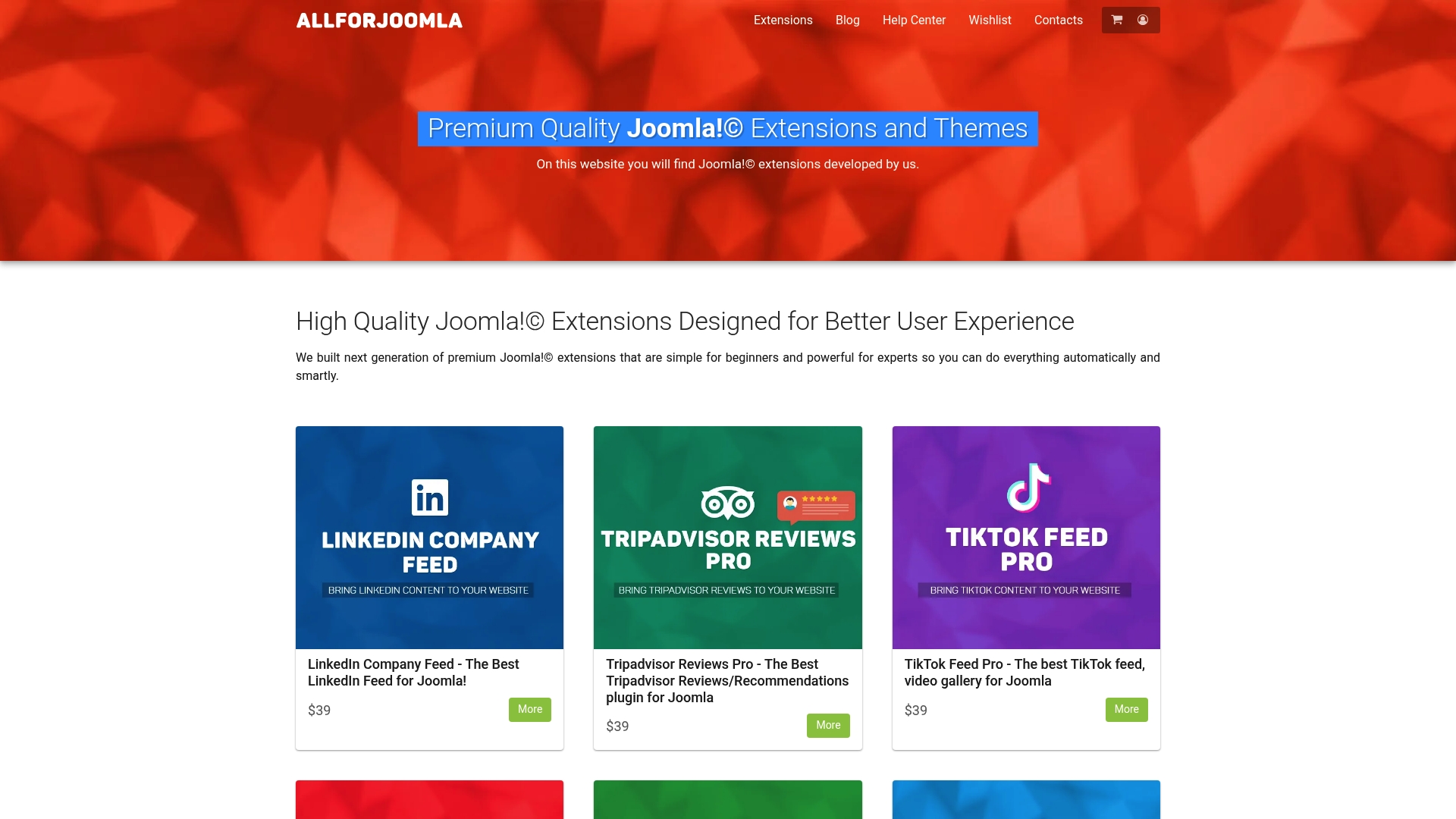
Browse curated selections of TikTok feed plugins optimized for performance, security, and ease of use. Each extension includes detailed documentation, responsive customer support, and regular updates that keep pace with TikTok’s evolving API. Whether you manage a single site or multiple client properties, you’ll find solutions scaled to your needs. Start exploring today and join thousands of Joomla! administrators already leveraging TikTok’s engagement power.
Frequently Asked Questions
What is a TikTok feed plugin for Joomla!?
A TikTok feed plugin is a Joomla! extension that connects your TikTok account to your website using API integration. It automatically fetches and displays your latest TikTok videos in customizable layouts without requiring manual embedding. The plugin refreshes content on schedules you control, typically every 15 minutes to 1 hour, keeping your site current with your social media activity.
Do I need coding skills to set up a TikTok feed plugin?
No coding knowledge is required for most modern TikTok feed plugins. Setup involves installing the extension through Joomla!'s manager, generating a TikTok API access token through TikTok’s developer portal, and pasting that token into the plugin settings. The entire process averages under 5 minutes and uses point-and-click configuration interfaces.
Will a TikTok feed plugin slow down my Joomla! site?
Properly configured plugins have minimal performance impact, typically adding less than 100ms to page load times. Caching mechanisms store video data on your server, eliminating the need for real-time API calls on every page load. This approach maintains speed while keeping content fresh, and most plugins include cache optimization settings you can adjust based on your traffic patterns.
Can I control which TikTok videos appear on my website?
Yes, moderation features give you granular control over displayed content. Hashtag filtering shows only videos with specific tags you approve, while keyword blocking hides videos containing unwanted terms. Some plugins offer manual approval workflows where you review new videos before they go live, combining automation with editorial oversight.
How often do TikTok feed plugins update with new content?
Refresh intervals are configurable, typically ranging from 15 minutes to 1 hour depending on the plugin. You balance update frequency against API rate limits and server resources. If you post new TikTok content daily, a 30-minute refresh ensures timely display without excessive API calls. High-frequency posters might choose 15-minute intervals for near-real-time synchronization.
What customization options do TikTok feed plugins offer?
Plugins provide multiple layout options including grid, carousel, and masonry formats with adjustable column counts from 1 to 6. You can enable video lightbox popups with autoplay, customize colors and fonts, adjust spacing and borders, and add custom CSS for unlimited design possibilities. Responsive settings ensure feeds display beautifully across desktop, tablet, and mobile devices without manual tweaking.










