
Adding social media feeds to your Joomla! website shouldn’t feel like solving a complex puzzle. Many developers and site owners struggle with API configurations, compatibility issues, and finding reliable extensions that work without breaking their sites. This guide walks you through selecting the right tools, configuring feeds properly, and avoiding common mistakes that cause 30% of display problems. You’ll learn how to integrate dynamic social content that boosts engagement by up to 25% while keeping your site fast and stable.
Table of Contents
- Prerequisites And Requirements
- Choosing The Right Joomla! Extension For Social Feeds
- Stepwise Guide To Integrate Social Media Feeds
- Common Mistakes And Troubleshooting
- Expected Results And Success Metrics
- Explore Premium Joomla! Social Feed Modules At AllForJoomla
- Frequently Asked Questions
Key takeaways
| Point | Details | |-------|---------|| | Prerequisites matter | Joomla! 4.x or higher, admin access, and platform API keys are essential before starting integration. | | Extension selection is crucial | Balance ease of use against customization needs when choosing social feed modules for your site. | | Follow systematic installation | Proper configuration and testing prevent most common errors and ensure reliable feed display. | | Avoid frequent mistakes | Clearing cache, updating extensions regularly, and respecting API limits prevent 30% of issues. | | Track engagement metrics | Monitor session duration and user interaction to measure your integration’s success and optimize performance. |
Prerequisites and requirements
Before diving into social feed integration, you need specific technical foundations in place. Missing even one requirement can derail your entire setup and waste hours troubleshooting.
Your Joomla! installation must run version 4.x or higher to ensure compatibility with modern social feed extensions. Older versions lack security updates and won’t support current API protocols that platforms like Facebook and Instagram require. You’ll also need full administrator access to your Joomla! backend to install extensions, configure modules, and adjust site settings.
API credentials from each social platform you want to display are absolutely essential. These keys authorize your website to pull data from Facebook, Instagram, Twitter, TikTok, or YouTube accounts. Without them, extensions can’t retrieve any content. Each platform provides a developer portal where you generate these credentials after registering your site as an authorized application.
Here’s what you need ready before starting:
- Joomla! 4.x or 5.x installed with current security patches
- Administrator login credentials for your site’s backend
- API keys and access tokens from target social platforms
- Basic familiarity with Joomla! module positioning and publishing
- Hosting environment that supports external API calls
Understanding fundamental Joomla! administration concepts helps tremendously. You should know how to navigate the extensions manager, assign modules to positions, and clear site cache when changes don’t appear immediately. This knowledge prevents frustration during setup and troubleshooting.
Choosing the right Joomla! extension for social feeds
Selecting the wrong extension creates headaches down the road. You need to evaluate options based on your technical skill level, customization requirements, and performance priorities.
The Joomla! ecosystem offers dozens of social feed extensions with varying capabilities. High-quality Joomla! extensions like those from AllForJoomla offer advanced customization without coding. Some modules focus on simplicity with drag and drop interfaces, while others provide granular control over every display element. Your choice depends on whether you prioritize quick setup or detailed visual control.
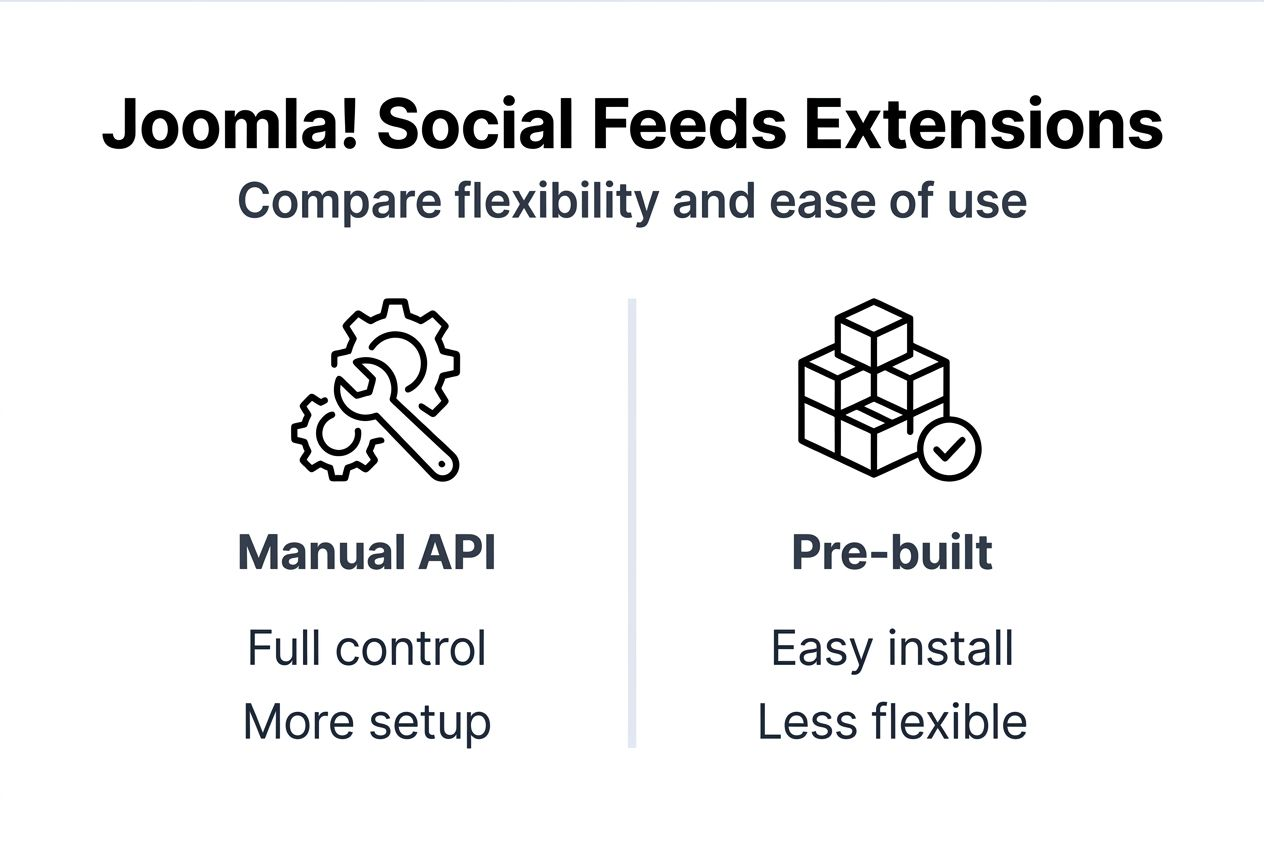
Manual API integration versus pre-built extensions presents a clear tradeoff. Building custom code gives complete flexibility but requires ongoing maintenance as social platforms update their APIs. Extensions handle these updates automatically and include error handling that prevents your feeds from breaking when platforms change requirements. For most users, extensions save significant development time and reduce technical debt.

Customization depth varies dramatically between extensions. Basic modules let you adjust colors, layouts, and feed refresh intervals through simple settings panels. Advanced options support custom CSS, template overrides, and conditional display rules. If your design requires pixel-perfect control, verify the extension provides sufficient styling hooks before purchasing.
Performance considerations become critical as you add multiple feeds. Extensions that load content asynchronously prevent social feeds from blocking your page render. This keeps your site fast even if a platform’s API responds slowly. Look for modules that cache feed data locally and refresh it on scheduled intervals rather than fetching live data on every page load.
Pro Tip: Beginner users should prioritize extensions with active support forums and detailed documentation, while experienced developers benefit from modules offering API hooks and event triggers for custom functionality.
Here’s how different user types should approach extension selection:
| User Level | Best Features | Example Use Case |
|---|---|---|
| Beginner | Pre-built templates, visual configuration | Small business displaying Instagram feed |
| Intermediate | Custom CSS support, multiple feed types | Agency site showcasing client social proof |
| Advanced | API hooks, template overrides, caching control | Enterprise portal with complex feed filtering |
AllForJoomla social feed extensions balance these needs by offering intuitive interfaces for basic setup alongside advanced options for developers who need deeper control.
Stepwise guide to integrate social media feeds
Successful integration follows a systematic approach. Skipping steps or rushing through configuration causes most implementation failures.
-
Request API credentials from your chosen social platforms by visiting their developer portals and registering your website as an application. Each platform provides specific instructions, but you’ll typically need your site URL and contact information. Save these credentials securely as you’ll need them during extension configuration.
-
Download your selected extension from a verified source like the official Joomla! Extensions Directory or trustworthy Joomla extensions marketplaces. Avoid unofficial download sites that may distribute modified versions containing security vulnerabilities. Check that the extension version matches your Joomla! installation.
-
Install the extension through your Joomla! administrator panel by navigating to System, then Extensions, and selecting Install. Upload the extension package file and wait for confirmation. The system will notify you if any dependencies are missing or if installation encounters errors.
-
Configure the extension by entering your API credentials in the module settings. Most extensions provide a dedicated configuration panel where you paste keys, select which accounts to display, and choose feed types (posts, photos, videos). Set your preferred refresh interval to balance content freshness against API rate limits.
-
Customize the display appearance using the extension’s template options. Adjust layout grid columns, color schemes, font sizes, and spacing to match your site design. Preview changes in the module preview pane before publishing to ensure the feed integrates visually with your existing content.
-
Assign the module to your desired position on the site and set publishing parameters. Choose which pages should display the feed, set start and end dates if applicable, and configure access levels to control visibility for different user groups.
-
Test the feed thoroughly by viewing it on desktop and mobile devices. Check that all content loads properly, links open correctly, and the display remains responsive across screen sizes. Clear your Joomla! cache from System, then Clear Cache to force the site to display your latest changes.
-
Optimize performance settings to minimize impact on page load times. Enable caching within the extension if available, set reasonable refresh intervals (15-30 minutes for most use cases), and consider lazy loading for feeds below the fold.
Pro Tip: After initial setup, bookmark each platform’s API status page to quickly check if feed issues stem from your configuration or platform-wide outages affecting all integrations.
Common mistakes and troubleshooting
Even experienced developers encounter predictable problems during social feed integration. Recognizing these patterns helps you resolve issues quickly.
Neglecting to clear Joomla! cache leads to 30% of display problems. After installing or updating any extension, you must clear both site cache and browser cache to see changes. The old cached version persists otherwise, making it appear that your configuration isn’t working when it actually is.
Using outdated extensions causes compatibility failures and security vulnerabilities. Social platforms regularly update their API requirements, and extensions must adapt to these changes. An extension that worked perfectly six months ago may suddenly stop functioning if its developer hasn’t released updates. Always check the last update date before purchasing or installing.
Ignoring API rate limits results in feed outages that frustrate users. Each platform restricts how many requests your site can make per hour or day. Exceeding these limits triggers temporary blocks where no content loads. Extensions with built-in error handling reduce feed downtime by approximately 35% by automatically managing request frequency and implementing exponential backoff when approaching limits.
Here are critical mistakes to avoid:
- Installing extensions from unverified sources that may contain malicious code
- Setting feed refresh intervals too aggressively, triggering rate limit blocks
- Failing to test feeds on mobile devices where layout issues often emerge
- Not monitoring Joomla! error logs after installation to catch API authentication failures
- Assuming all social platforms use identical API structures and requirements
Best practices include scheduling regular extension updates during low traffic periods, maintaining a testing environment where you can verify updates before applying them to production, and subscribing to extension developer newsletters to learn about upcoming changes. Most quality extensions include built-in error logging that helps diagnose connection issues, authentication problems, or API response errors without requiring deep technical knowledge.
When troubleshooting, start by verifying your API credentials are still valid and haven’t expired. Next, confirm the extension is updated to its latest version. Check your hosting environment allows outbound connections to social platform domains, as some hosts block external API calls by default. Review Joomla! error logs for specific messages that identify the failure point.
Expected results and success metrics
Understanding realistic outcomes helps you evaluate whether your integration delivers value. Setting appropriate benchmarks prevents unrealistic expectations while highlighting areas for optimization.
User engagement typically increases up to 25% in the first month after adding social feeds. Visitors spend more time exploring your content when they see fresh, dynamic material from platforms they already trust. This engagement boost stems from social proof and the perception that your site offers current, relevant information.
Average session duration often improves by about 20% as social feeds encourage visitors to browse additional pages. Someone who arrives seeking specific information may discover related content through your social posts, extending their visit naturally. This increased time on site signals quality to search engines and improves your SEO positioning over time.
Extension error handling features significantly impact reliability. Quality modules that manage API failures gracefully reduce feed downtime by around 35% compared to basic implementations that simply break when platforms return errors. This reliability matters because broken feeds damage credibility and create support burden.
Tracking specific metrics helps assess integration effectiveness:
| Metric | Baseline | Target After Integration | Measurement Method |
|---|---|---|---|
| Average session duration | 2.5 minutes | 3 minutes (20% increase) | Google Analytics behavior reports |
| Pages per session | 2.8 pages | 3.4 pages (21% increase) | Analytics engagement metrics |
| Social feed clicks | 0 | 50-100 monthly | Extension analytics or UTM tracking |
| Bounce rate | 55% | 45% (18% decrease) | Analytics audience overview |
| Feed uptime | N/A | 99.5% availability | Uptime monitoring tools |
Regular monitoring supports ongoing optimization. Review these metrics monthly to identify trends and correlate changes with site updates or seasonal factors. If engagement doesn’t improve as expected, analyze which feed types and positions generate the most interaction, then adjust your configuration accordingly.
Some benefits emerge gradually rather than immediately. Brand cohesiveness across your website and social channels builds trust over weeks as visitors see consistent messaging. Search engines may take 60-90 days to fully index and rank pages that now feature regularly updated social content.
Explore premium Joomla! social feed modules at AllForJoomla
Transforming your site with reliable social integration becomes straightforward when you use purpose-built tools designed specifically for Joomla! environments. AllForJoomla specializes in developing extensions that combine powerful features with user-friendly interfaces, making professional-grade social feed integration accessible regardless of your technical background. 
AllForJoomla social feed modules support all major platforms including Facebook, Instagram, Twitter, TikTok, and YouTube with automatic API updates that keep your feeds functioning as platforms evolve. These extensions include asynchronous loading that prevents feeds from slowing your page render times, built-in caching for optimal performance, and comprehensive error handling that maintains feed reliability even when platforms experience temporary issues. The modules offer extensive customization through visual configuration panels, eliminating the need for manual coding while still providing template overrides for developers who want complete control. Explore the full range of social integration solutions that streamline setup, enhance engagement, and deliver measurable results for your Joomla! website.
Frequently asked questions
What are the essential API keys needed to display social feeds on Joomla! websites?
Each social platform requires specific API credentials that authorize your website to retrieve public content. For Facebook and Instagram, you need an App ID and App Secret generated through Meta’s Developer portal, plus an Access Token for the specific accounts you want to display. Twitter requires API Key, API Secret Key, Access Token, and Access Token Secret from their Developer Platform. YouTube needs an API Key from Google Cloud Console with YouTube Data API enabled. TikTok provides an App ID and App Secret through their Developer Portal after approval.
Can I customize the appearance of social feeds without manual coding in Joomla!?
Most quality customizable Joomla! social feed extensions provide visual configuration panels where you adjust layouts, colors, fonts, and spacing through dropdown menus and sliders. These modules include pre-designed templates optimized for common use cases that you can modify to match your brand without touching code. Advanced customization remains possible through CSS overrides and template files for developers who need pixel-perfect control, but the majority of appearance adjustments happen through intuitive settings interfaces that anyone can use effectively.
How often should I refresh social feed content on my Joomla! website?
Optimal refresh intervals balance content freshness against API rate limits and server resources. For most business websites, refreshing feeds every 15 to 30 minutes provides sufficiently current content without exceeding platform rate limits or creating unnecessary server load. High-traffic sites or those featuring time-sensitive content may refresh every 5 to 10 minutes, while smaller sites with less frequent social posting can extend intervals to 60 minutes. Quality extensions handle refresh scheduling automatically and cache content locally to serve visitors quickly between updates.
How do I troubleshoot social media feed display issues on my Joomla! website?
Start by clearing your Joomla! cache from System, then Clear Cache in the administrator panel, as this resolves approximately 30% of display problems. Verify your extension is updated to its latest version since outdated modules often fail when platforms update their APIs. Check that your API credentials remain valid by testing them in the platform’s developer console, as tokens sometimes expire or get revoked. Review Joomla! error logs at System, then Maintenance, then Warnings for specific error messages that identify authentication failures or connection timeouts. If feeds worked previously but stopped suddenly, check the social platform’s API status page for outages affecting all integrations.
What performance impact should I expect from adding social feeds to my Joomla! site?
Well-configured social feed extensions using asynchronous loading and local caching typically add less than 0.3 seconds to page load times. The initial feed fetch occurs in the background after your primary content renders, preventing any blocking delay for visitors. Cached feeds serve instantly on subsequent page loads until the refresh interval triggers a new API request. Poor implementations that fetch live data on every page view without caching can add 2 to 4 seconds to load times and create server resource strain. Choosing extensions specifically designed for performance ensures social feeds enhance your site without compromising speed or user experience.










