Top 6 Firecoders.com Alternatives 2026

Looking for smarter ways to build or manage your coding projects can open up a world of possibilities. There are plenty of tools out there that promise speed, flexibility, and new features, but choosing the right one is not always easy. Sometimes what you need is something that stands out or offers an advantage others miss. Whether you are curious about fresh options or want to try a new approach, you might discover solutions that surprise you with their creativity and results. See how these alternatives stack up and find out what makes them unique.
Table of Contents
- AllForJoomla
- Firecoders Joomla Extensions
- Regular Labs
- WP AI Assistant
- Joomlashack
- Simple Image Gallery Pro
AllForJoomla
At a Glance
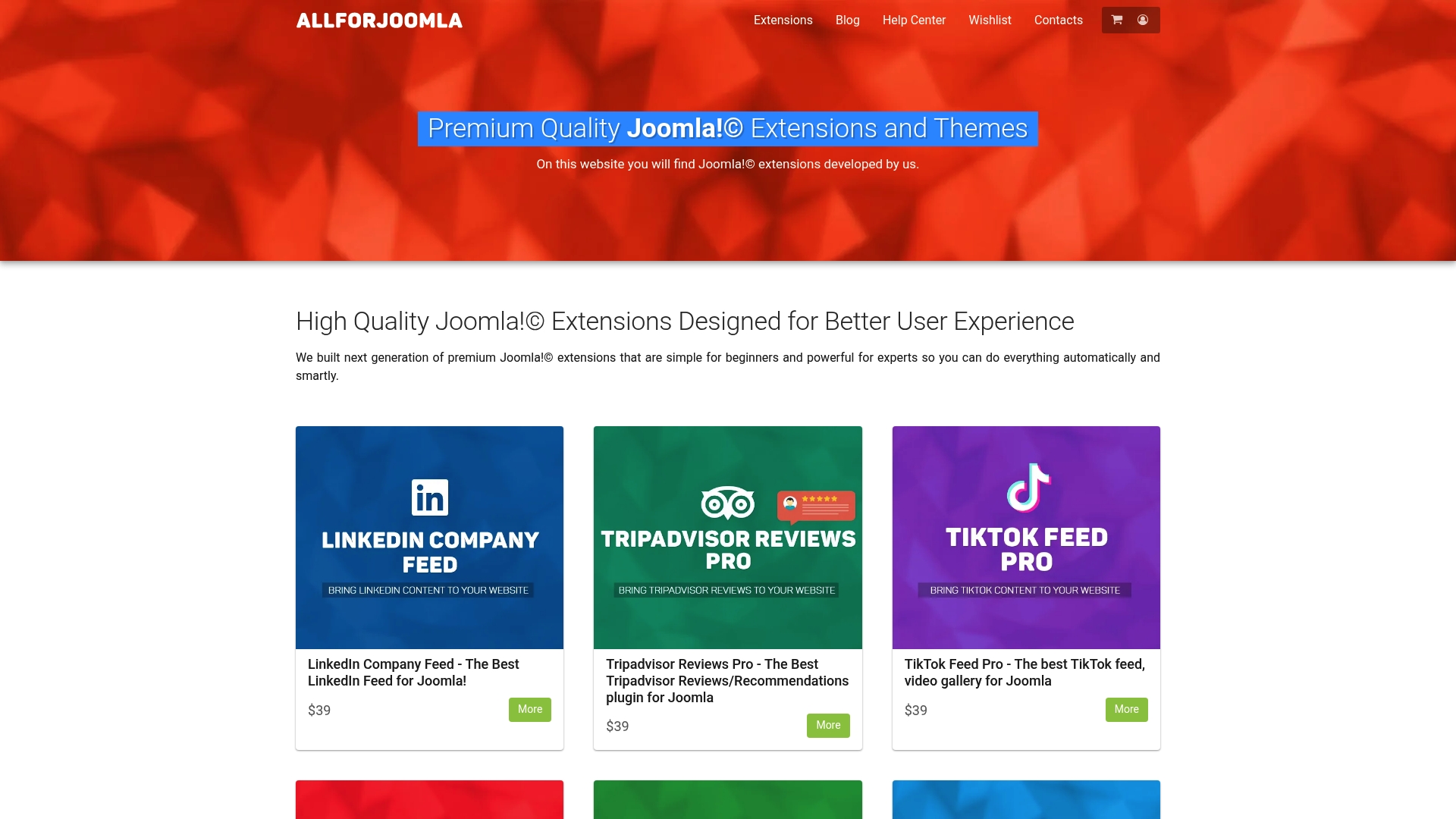
AllForJoomla is the leading source for premium Joomla! extensions focused on social media integration and customer engagement. It combines beginner friendly setup with advanced options so you get professional results without a steep learning curve.
Core Features
AllForJoomla provides social media feeds and galleries covering LinkedIn, TikTok, YouTube, Facebook, Twitter, and Google Reviews, plus high quality themes and extensions for reviews, feeds, galleries, and analytics. The site also includes a blog with tutorials and step by step guides for Joomla! optimization.
Pros
- Tailored social integrations: The extensions are built specifically for Joomla! so integration, styling, and updates match Joomla! conventions and templates.
- Accessible for all skill levels: The product set supports beginners with clear setup options while offering advanced hooks for developers to customize behavior.
- Educational resources included: The blog and tutorials reduce setup time and help you implement social media strategies with practical instructions.
- Premium quality and support: Extensions emphasize detailed features and support options so you get reliable behavior across Joomla! versions.
- User account management: Built in registration, login, and account management features simplify visitor interactions and membership flows.
Who It’s For
AllForJoomla is ideal for Joomla! webmasters, site administrators, and developers who need robust social media integration, review collection, multimedia galleries, and analytics. It suits small businesses, agencies, and professional developers who value predictable performance and modular purchases.
Unique Value Proposition
AllForJoomla stands out because it delivers focused, top tier Joomla! modules that solve social proof and multimedia needs without unnecessary complexity. The offering pairs specialized extensions with hands on documentation so teams deploy feeds and review systems in days rather than weeks. Pricing centered on individual extensions at common price points makes it easy to buy only what you need and scale deliberately. Smart buyers choose AllForJoomla because it reduces developer time, keeps front end markup clean, and provides consistent maintenance updates and support specific to Joomla! environments.
Real World Use Case
A local retailer integrates Facebook, YouTube, and Instagram feeds to show customer reviews and product demos on category pages, using AllForJoomla extensions to aggregate posts, moderate content, and display analytics. The result is higher session time and clearer social proof without heavy custom coding.
Pricing
Most extensions are priced at $29 or $39 with specific prices listed per product, so you can purchase modules individually. Pricing information is product specific which encourages modular buying, though total costs rise if you add many extensions.
Website: https://allforjoomla.com
Firecoders Joomla Extensions
At a Glance
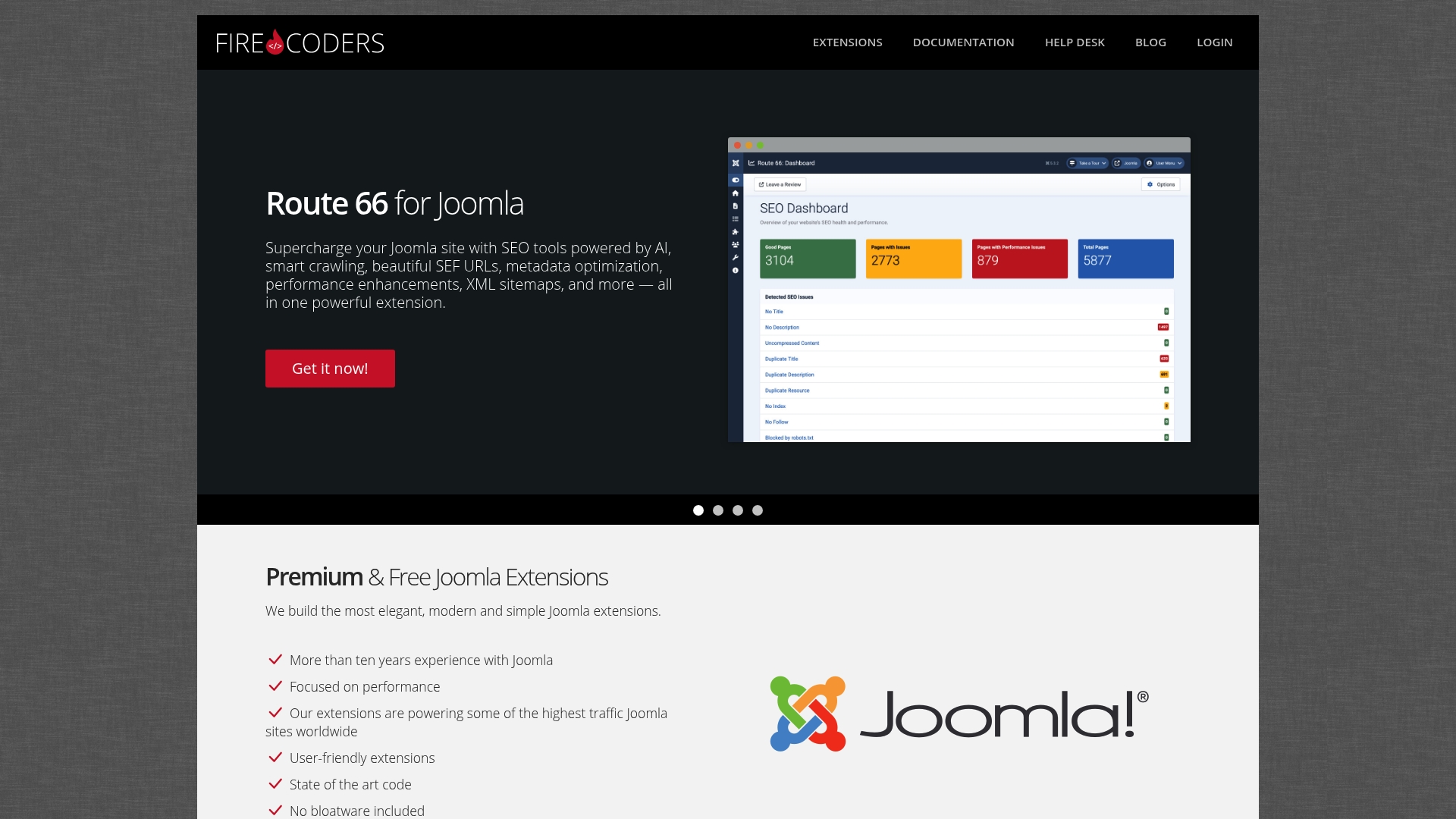
Firecoders delivers a compact suite of Joomla extensions designed for performance and clear usability. The extensions avoid unnecessary code and target sites that expect high traffic while offering both free and premium options for different budgets.
Core Features
Firecoders focuses on extensions that integrate cleanly with Joomla and respect the CMS design model. Key capabilities include image editing, SEO tools, a modern comments system, and responsive galleries that scale for high traffic uses.
Pros
- Performance focused: The extensions prioritize efficient code which reduces load and supports busy Joomla sites.
- Wide feature set: You get image tools, SEO helpers, comment management, and gallery options in one ecosystem.
- Clean modern code: The codebase avoids bloat which eases maintenance and improves site stability under load.
- Trusted for heavy traffic: Firecoders is positioned for high traffic scenarios and is well regarded in that use case.
- Support and docs: The developer provides dedicated support and documentation to speed setup and troubleshooting.
Cons
- Pricing not transparent: The provided content does not include clear pricing details which makes budgeting harder.
- Requires Joomla familiarity: Administrators new to Joomla will need time to learn how to configure extensions effectively.
- Customization may need developers: Advanced tweaks to specific extensions will likely require technical knowledge or developer help.
Who It’s For
Firecoders is ideal for Joomla site owners, web developers, and digital agencies that manage medium to large websites. If you run a photography portfolio, news site, or a business site with high visitor volume, these extensions fit practical production needs.
Unique Value Proposition
Firecoders stands out by offering compact, well coded extensions that follow Joomla conventions and focus on real world performance. The mix of free and premium modules lets you test features without a big upfront commitment.
Real World Use Case
A Joomla photography portfolio can use Showtime for responsive galleries and deploy Route 66 for SEO improvements with AI powered suggestions. Together the plugins help present images cleanly while improving URL structure and search visibility.
Pricing
Pricing details are not specified in the provided content. You should visit the product site to compare free options and premium upgrades before committing to a commercial deployment.
Website: https://www.firecoders.com/
Regular Labs
At a Glance
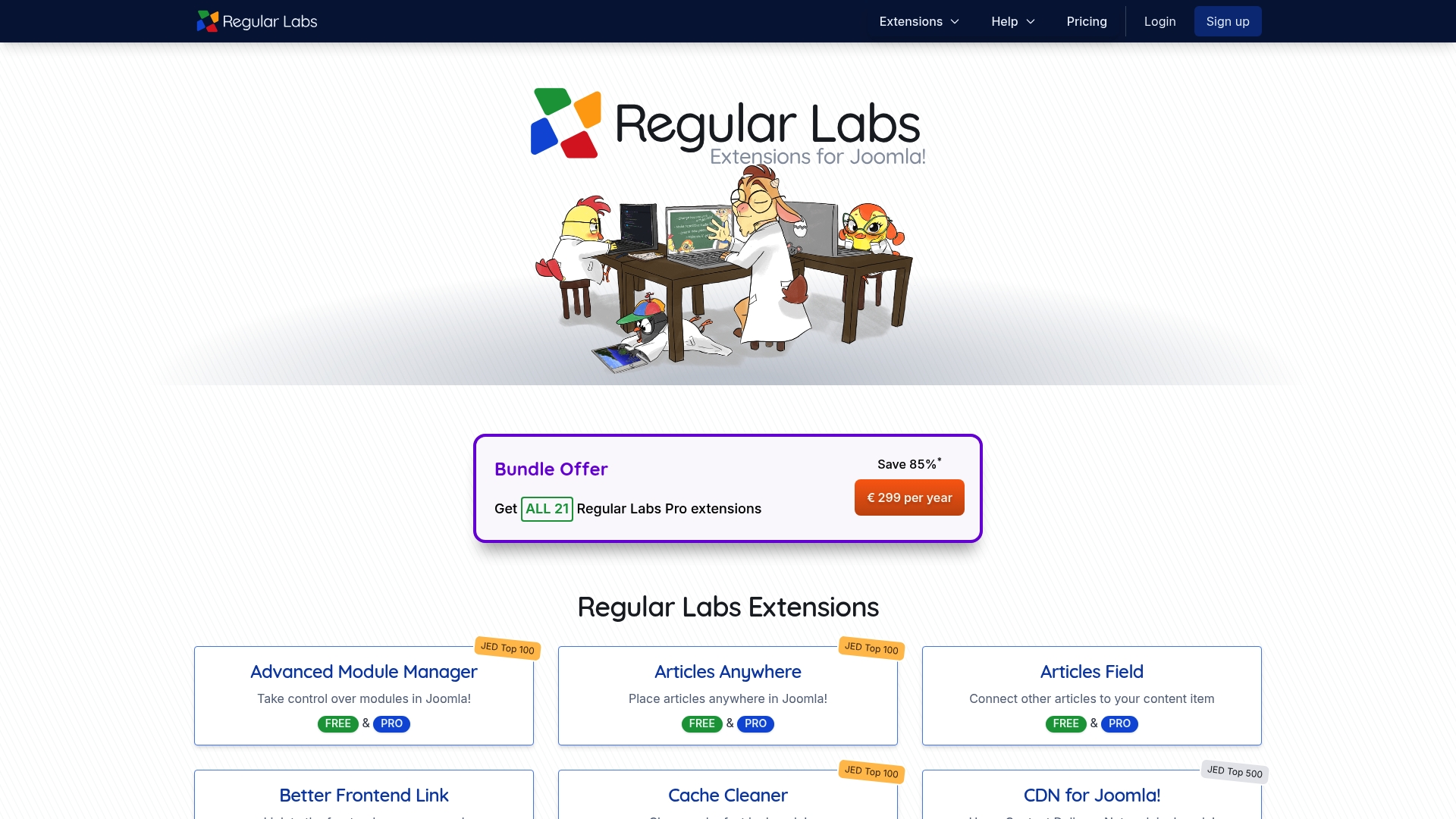
Regular Labs offers a focused collection of Joomla! extensions used on over 100,000 websites and ranked highly within the Joomla community. It is a practical choice for administrators who need reliable tools to customize and maintain Joomla! sites with less manual effort.
Core Features
Regular Labs develops more than 20 Joomla! extensions that handle tasks like module control, article placement, cache cleaning, and content templating. The product lineup includes both free and PRO versions and a bundle that packages all extensions together at a discounted rate.
Pros
- Extensive extension range: The catalog covers a wide set of Joomla! needs so you can add specific capabilities without large custom builds.
- Community recognition: Several extensions rank in the Joomla Top 100 which reflects maturity and active use across many sites.
- Bundle discounts: Purchasing the full bundle gives access to all extensions for one annual price which simplifies licensing and updates.
- Free and PRO tiers: Offering free versions lets you test features before committing to paid upgrades and reduces risk for smaller projects.
- Documentation and support: The company provides well documented resources and support channels that help administrators implement features faster.
Cons
- Joomla only focus: Extensions are tightly tied to the Joomla! ecosystem so they offer limited value for sites not running Joomla!.
- Pricing considerations: Individual extension costs or the bundle price may feel high for single feature needs, especially for solo developers on tight budgets.
- Management complexity: Running many extensions requires maintenance and learning each tool which can increase administrative overhead on large sites.
Who It’s For
Regular Labs targets Joomla! website administrators, developers, and designers who need practical tools to extend site capabilities quickly. It fits teams that prefer modular additions over full custom development and those who value proven community tools.
Unique Value Proposition
Regular Labs combines a broad set of targeted Joomla! tools with clear upgrade paths from free to PRO and a single bundle option for complete access. That mix lets you scale functionality while keeping extensions consistent and supported across multiple sites.
Real World Use Case
A web developer installs several Regular Labs extensions to build complex content layouts, implement modal popups, and improve performance with cache cleaning. The result is faster deployment, fewer custom scripts, and measurable time savings during iterative content work.
Pricing
Regular Labs offers a bundle for all 21 extensions at €49 per month or €299 per year, and individual extension pricing is available on each product page. The bundle is the most cost effective route when you need multiple tools across several sites.
Website
Website: https://regularlabs.com
WP AI Assistant
At a Glance
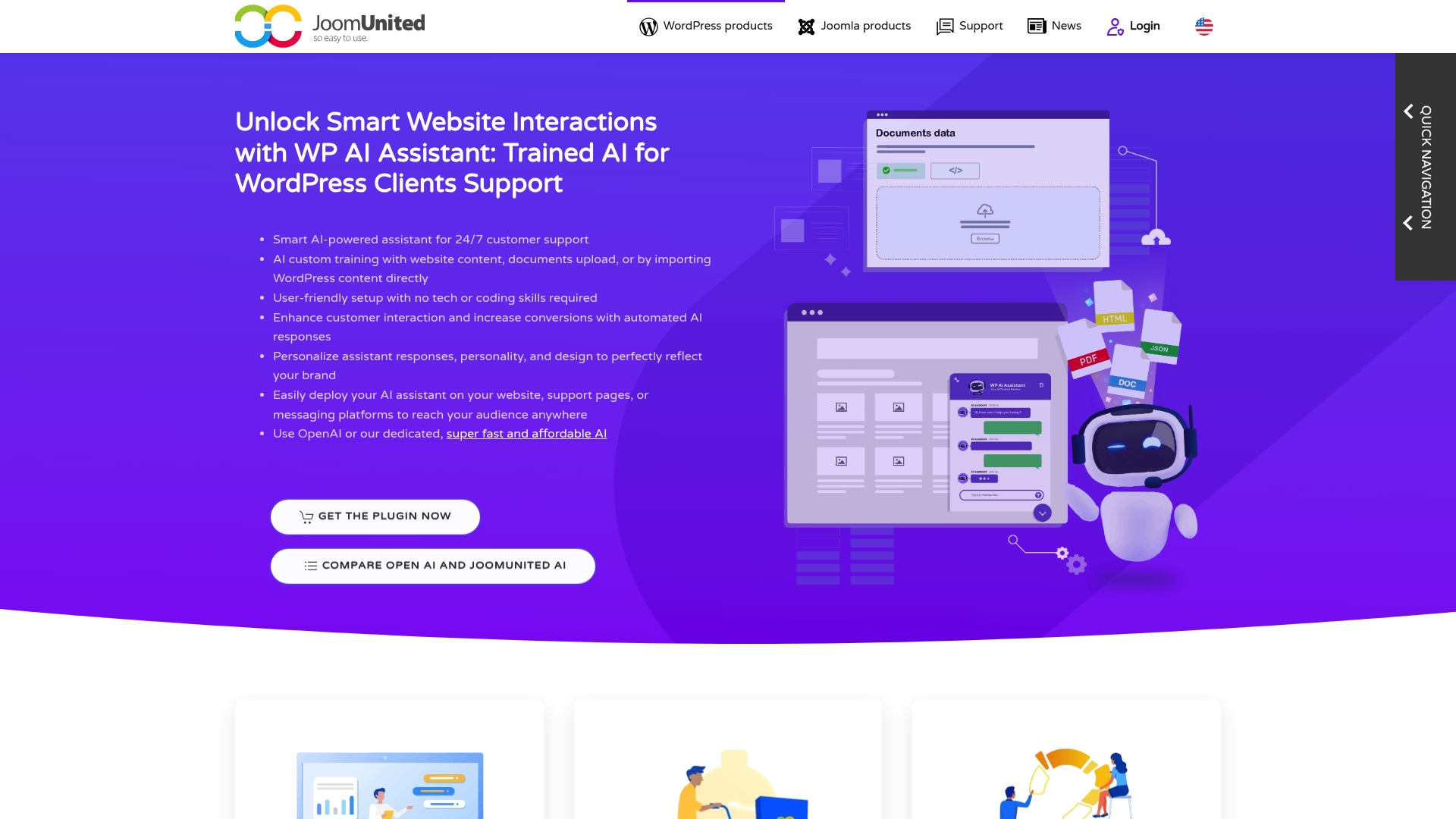
WP AI Assistant lets you train AI with your data so the chatbot gives tailored, context aware answers to visitors and customers. It targets WordPress sites with native support for WooCommerce and Elementor and handles multilingual content.
Core Features
WP AI Assistant focuses on training models on your own content for personalized replies and fast, automated support. It supports dedicated AI agents, the ability to create multiple bots for different tasks, and deep customization of assistant behavior and appearance.
Pros
- WooCommerce and Elementor integration: The plugin connects with popular WordPress builders and stores, which streamlines adding conversational support to product pages and checkout flows.
- Personalized AI support: Training on your data produces more relevant answers for common customer queries and product related questions.
- Multi bot management: You can run separate assistants for sales, technical support, and FAQs so each bot stays focused on its task.
- Customizable assistant behavior and appearance: You can match tone, responses, and visual style to your site branding for a consistent user experience.
- Improves support efficiency: Automation reduces routine ticket load and offers instant replies that keep customers engaged around the clock.
Cons
- Details on limitations or cost are not specified in the provided content which makes budgeting and feature comparison harder for decision makers.
- The plugin requires integration and configuration effort to reach optimal performance which can add setup time for sites with complex taxonomies.
- The quality of results depends on AI data quality and training effectiveness which means you must maintain and curate source content for best outcomes.
Who It’s For
WP AI Assistant is aimed at WordPress site owners, developers, and businesses that want AI driven support and engagement, especially those running WooCommerce stores or building pages with Elementor. It fits teams that can invest time in training and tuning AI models.
Unique Value Proposition
The plugin stands out by letting you train AI on your own data and manage multiple specialized bots while offering visual and behavioral customization. That mix gives site owners direct control over response accuracy and brand voice.
Real World Use Case
An e-commerce store uses WP AI Assistant to provide 24/7 answers on product details, shipping status, and basic returns workflow. The assistant reduces live chat volume and surfaces recommended products during browsing sessions.
Pricing
Pricing is not specified in the provided content so you should check the vendor site for current plans and licensing details before planning deployment.
Website: https://joomunited.com/wordpress-products/wp-ai-assistant
Joomlashack
At a Glance
Joomlashack provides a focused collection of Joomla! extensions and templates paired with tutorials and support, making it a practical resource for Joomla! site builders. The site shows active security verification which helps protect downloads and user accounts.
Core Features
Joomlashack centers on three visible capabilities from the current content: extensions and templates, tutorials and support, and a focus on website enhancement and security. The site bundles design assets with learning resources so administrators can implement features and follow step by step guidance.
Pros
-
Specialized Joomla! resources: The catalog targets Joomla! users which reduces time spent filtering non compatible tools.
-
Range of templates and extensions: A mix of visual templates and functional extensions lets you add both design and features without sourcing multiple vendors.
-
User support and tutorials: Available learning materials help site administrators and developers apply extensions more quickly and with fewer mistakes.
-
Robust security verification: The site uses visitor verification which indicates attention to protecting downloads and the user environment.
Cons
-
Limited information about specific products appears on the site so you must visit pages directly to confirm features and compatibility.
-
Full product and service details are not visible from the current content and require deeper access for an accurate evaluation.
-
Some features and files may require user registration or login which adds steps before you can test or download a product.
Who It’s For
Joomlashack is for web developers, Joomla! administrators, and website owners who want targeted extensions, templates, and practical tutorials. It fits teams and solo admins who prefer vendor resources built specifically for Joomla! rather than generic CMS plugins.
Unique Value Proposition
Joomlashack brings focused Joomla! support by combining platform specific extensions with step by step tutorials and a template library. That combination reduces guesswork when you need to add features or refine site design while keeping a security minded approach.
Real World Use Case
A portfolio owner installs a Joomlashack gallery extension to showcase photography and then follows a tutorial to configure image sizes and lightbox settings. The process reduces development time and keeps the gallery compatible with Joomla! site updates.
Pricing
Pricing is not specified in the current website content so you will need to view product pages or contact Joomlashack for plan details, trial options, and licensing terms.
Website: https://joomlashack.com
Simple Image Gallery Pro
At a Glance
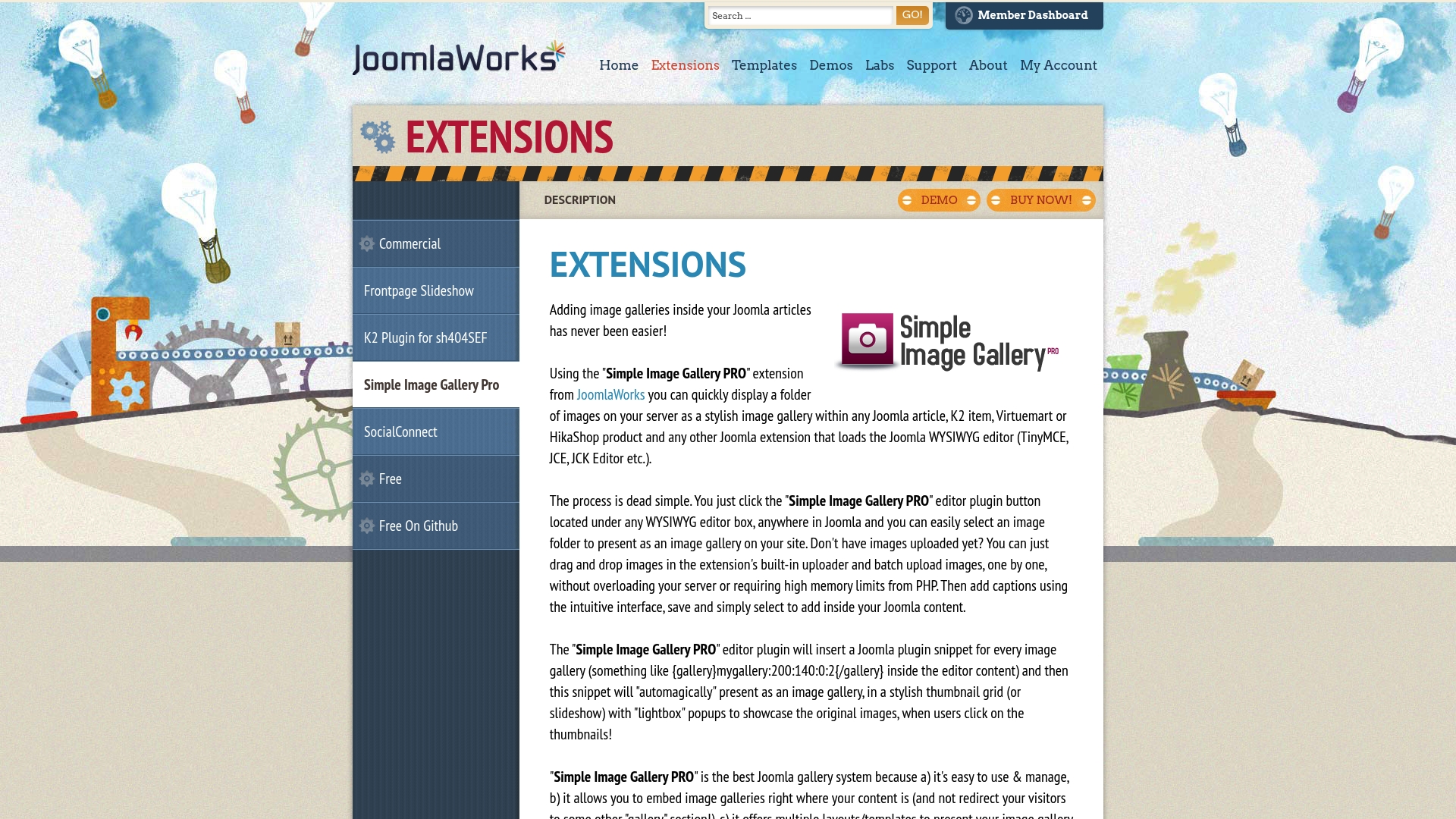
Simple Image Gallery Pro is a focused Joomla extension for adding rich image galleries inside articles and product pages. It pairs a backend component with a WYSIWYG editor plugin so you can manage galleries without leaving Joomla’s admin area.
Core Features
The extension includes a backend component for simplified gallery management, a WYSIWYG editor plugin that works inside articles and K2 or eCommerce item pages, and 10 gallery layouts for varied presentation. It also offers 13 popup engines with responsive support and Flickr album embedding.
Pros
- Versatile gallery layouts: The 10 themes let you present portfolios, grid displays, or slideshow styles without custom coding.
- Responsive popup engines: Thirteen popup options provide mobile-friendly viewing and improved visitor experience on phones and tablets.
- Straightforward management: The backend component and editor plugin reduce friction when creating or updating galleries across many articles.
- Multiple content sources supported: You can pull images from Flickr, K2 items, Virtuemart, and HikaShop which simplifies media workflows.
- Wide Joomla compatibility: Support for Joomla 1.5 through 3.x helps sites on older versions adopt the extension quickly.
Cons
- Limited to Joomla 1.5–3.x: The extension may not work on Joomla versions later than 3.x, which restricts use on sites running newer core releases.
- Paid product: The extension starts at a price point rather than being free, which matters for tight-content budgets.
- Advanced features require learning: Some configuration and advanced layout customization present a learning curve for new users.
Who It’s For
Webmasters and developers using Joomla who need a flexible gallery tool that integrates into existing content workflows will get the most value. It fits sites focused on visual content, including portfolios and media-heavy pages, where centralized gallery management saves time.
Unique Value Proposition
Simple Image Gallery Pro combines editor-level gallery insertion with a full admin component so you can build and maintain galleries from both the article editor and the backend. Its mix of layout themes, popup choices, and Flickr embedding makes it a single solution for varied visual needs.
Real World Use Case
A photography studio uses Simple Image Gallery Pro to display client portfolios within Joomla articles, switching layouts for different galleries and using responsive popups to keep mobile visitors engaged. The Flickr embedding feature also simplifies showcasing shoots hosted on external accounts.
Pricing
Starting from 19.90 EUR for the extension license, with that single up-front price fitting small sites and agencies that need a reliable gallery solution.
Website: https://joomlaworks.net/extensions/commercial/simple-image-gallery-pro
Joomla Extensions and Tools Comparison
The following table provides a concise comparison of several Joomla and CMS tools with their standout features, pros, cons, pricing, and target users to assist in selecting the best extension for your needs.
| Product | Features | Pros | Cons | Pricing |
|---|---|---|---|---|
| AllForJoomla | Social media feeds, analytics, reviews modules | Beginner-friendly options, tutorials, premium support | Modular pricing may increase with multiple purchases | $29-$39 per extension |
| Firecoders Joomla Extensions | SEO enhancements, responsive galleries, comments, image editing | Efficient code ensures high performance, free and premium tiers | Requires Joomla expertise, unclear pricing | Free and premium options available |
| Regular Labs | Over 20 extensions, PRO and free versions, bundle option | Widely recognized tools, bundle pricing available | Solo developers might find costs high for minor features | €49/month or €299/year for full bundle |
| WP AI Assistant | Trainable AI bots, WooCommerce compatibility | Personalized responses, multi-bot management, multilingual support | Requires training effort, pricing not mentioned | Information not specified |
| Joomlashack | Joomla extensions and templates, tutorials, security | Platform-specific resources, good range of templates and extensions | Limited transparency on product specifics | Information not specified |
| Simple Image Gallery Pro | Gallery layouts, responsive popups, backend management integration | Versatile layouts, Flickr integration, compatibility with Joomla 1.5-3.x | Limited to Joomla 1.5–3.x versions, paid product | Starting from €19.90 per license |
Discover Superior Joomla Extensions Beyond Firecoders
If you are seeking powerful alternatives to Firecoders.com that specialize in social media integration, review collection, and multimedia galleries for Joomla websites you have a strong option to explore. Firecoders focuses on performance but sometimes lacks specific social proof and multimedia features important to attract and engage visitors. Users often want extensions that balance easy setup for beginners with advanced customization for developers to maximize site impact.
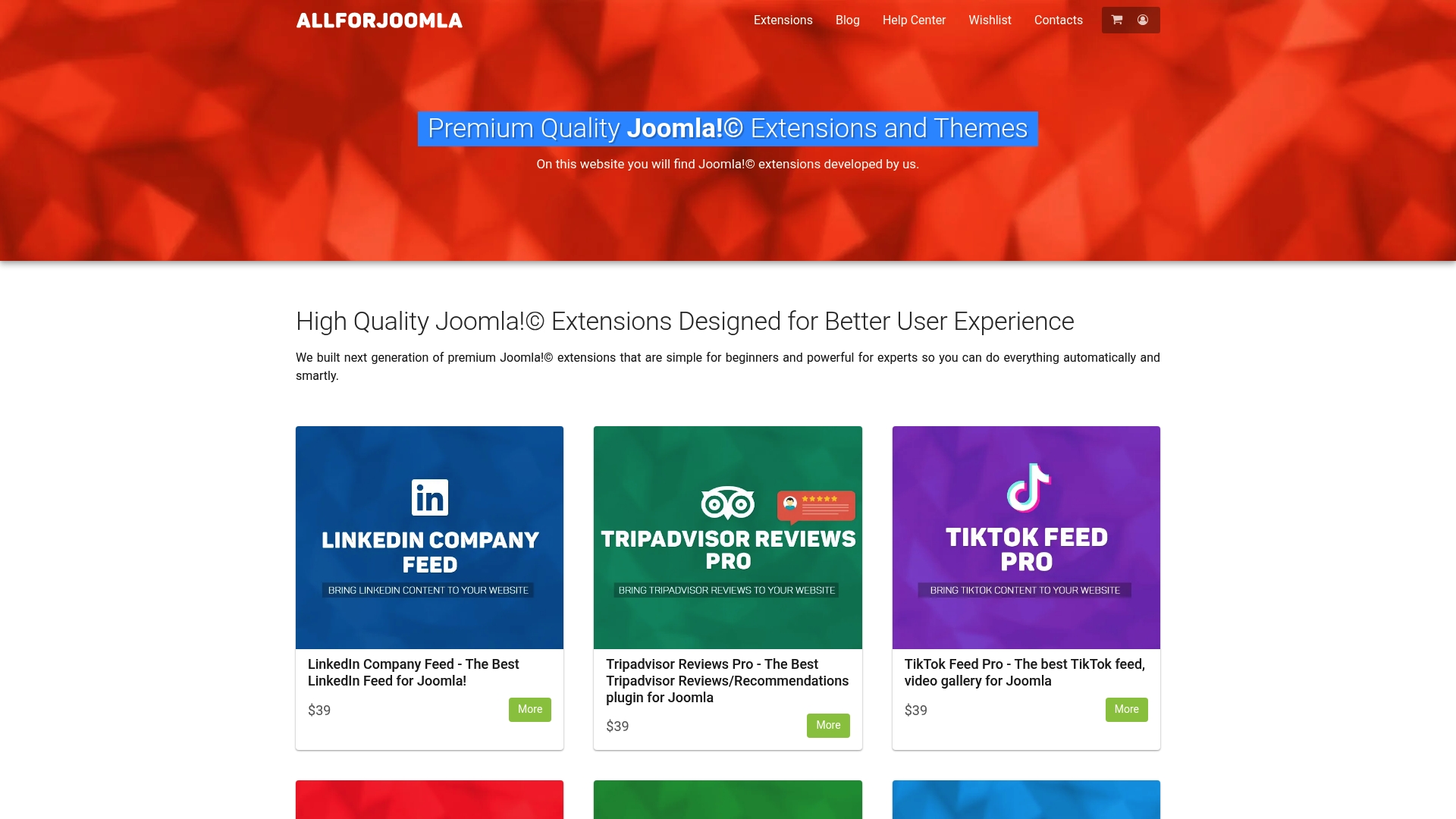
Unlock your Joomla site’s full potential with AllForJoomla. Our premium quality extensions help you quickly integrate social media feeds including Facebook, Twitter, Instagram, TikTok, and YouTube. Take advantage of powerful review plugins from Google and Tripadvisor to build trust and boost conversions. Visit AllForJoomla now to choose the perfect module for your site and start enhancing your online presence faster with modules designed to fit your needs and budget.
Frequently Asked Questions
What are some alternatives to Firecoders.com for Joomla extensions?
AllForJoomla, Regular Labs, and Joomlashack are notable alternatives. Research each platform’s features to determine which best meets your specific Joomla extension needs.
How do I compare features between different Joomla extension providers?
To effectively compare features, create a list of essential functionalities you require, such as performance optimization or gallery management. Then systematically evaluate each provider’s offerings against this checklist to identify the best fit.
What factors should I consider when choosing a Firecoders.com alternative?
Consider factors such as compatibility with your version of Joomla, the availability of support and documentation, and the overall performance metrics of each extension. Prioritize those that can meet your project’s scale and functionality requirements most efficiently.
How can I optimize my Joomla site using alternatives to Firecoders.com?
You can optimize your Joomla site by integrating extensions designed for performance and user experience. Focus on plugins that enhance caching, SEO, and media management to improve site speed and engagement over time.
Is it worth investing in premium Joomla extensions compared to free options?
Investing in premium Joomla extensions can provide better support, more features, and improved functionality. Assess whether these benefits align with your project goals and user needs, which can lead to more effective site management and user satisfaction.
How do I implement multiple Joomla extensions from different sources efficiently?
To implement multiple extensions efficiently, create a systematic plan for installation and configuration. Allocate dedicated time for testing each extension’s compatibility and performance to ensure your website runs smoothly and efficiently.










