
Many Joomla administrators believe cloud hosting is expensive and overly technical, reserved only for enterprise sites with massive budgets. The reality? Modern cloud hosting solutions are accessible, cost-effective, and purpose-built to solve the exact scalability and performance challenges Joomla websites face. This guide breaks down what cloud hosting is, how it works with Joomla, and why it might be the smartest infrastructure upgrade you make in 2026.
Table of Contents
Key takeaways
| Point | Details | |-------|---------|| | Cloud hosting provides dynamic scalability | Unlike traditional hosting, cloud platforms automatically adjust resources based on real-time Joomla site traffic and demand. | | Performance improvements are measurable | Cloud hosting delivers faster load times through CDN integration, optimized caching, and edge server distribution. | | Cost myths often mislead decision-makers | Pay-as-you-go pricing models can reduce expenses for Joomla sites with variable traffic patterns compared to fixed monthly fees. | | Migration demands Joomla-specific planning | Successful cloud transitions require careful backup procedures, provider selection, and extension compatibility testing. |
Introduction to cloud hosting for Joomla
Cloud hosting represents a fundamental shift from traditional server environments. Instead of your Joomla site living on a single physical server, it operates across a distributed network of virtual servers that share resources dynamically. This architecture matters because Joomla sites often experience unpredictable traffic patterns, seasonal spikes during campaigns, and resource-intensive extension operations that fixed hosting struggles to accommodate.
Traditional shared hosting locks you into predetermined CPU, RAM, and storage allocations. Your site shares one physical machine with dozens of other websites, creating performance bottlenecks when neighbors consume excessive resources. VPS hosting offers more control but still caps your resources at hardware limits. Cloud hosting eliminates these constraints by pooling resources across multiple servers, allocating capacity precisely when your Joomla site needs it.
The cloud infrastructure supporting your Joomla installation includes several critical components:
- Virtual machines that run your Joomla files and database independently
- Load balancers distributing traffic across multiple server instances
- Content delivery networks caching static assets at edge locations worldwide
- Automated backup systems creating redundant data copies across geographic regions
- Monitoring tools tracking performance metrics and triggering scaling events
Joomla websites specifically benefit from cloud hosting because the CMS itself generates database-heavy operations. Every page load queries your MySQL or PostgreSQL database multiple times, checks extension states, applies template rules, and processes user sessions. Cloud environments optimize these operations through dedicated database servers, memory caching layers, and distributed query processing that shared hosting simply cannot match.
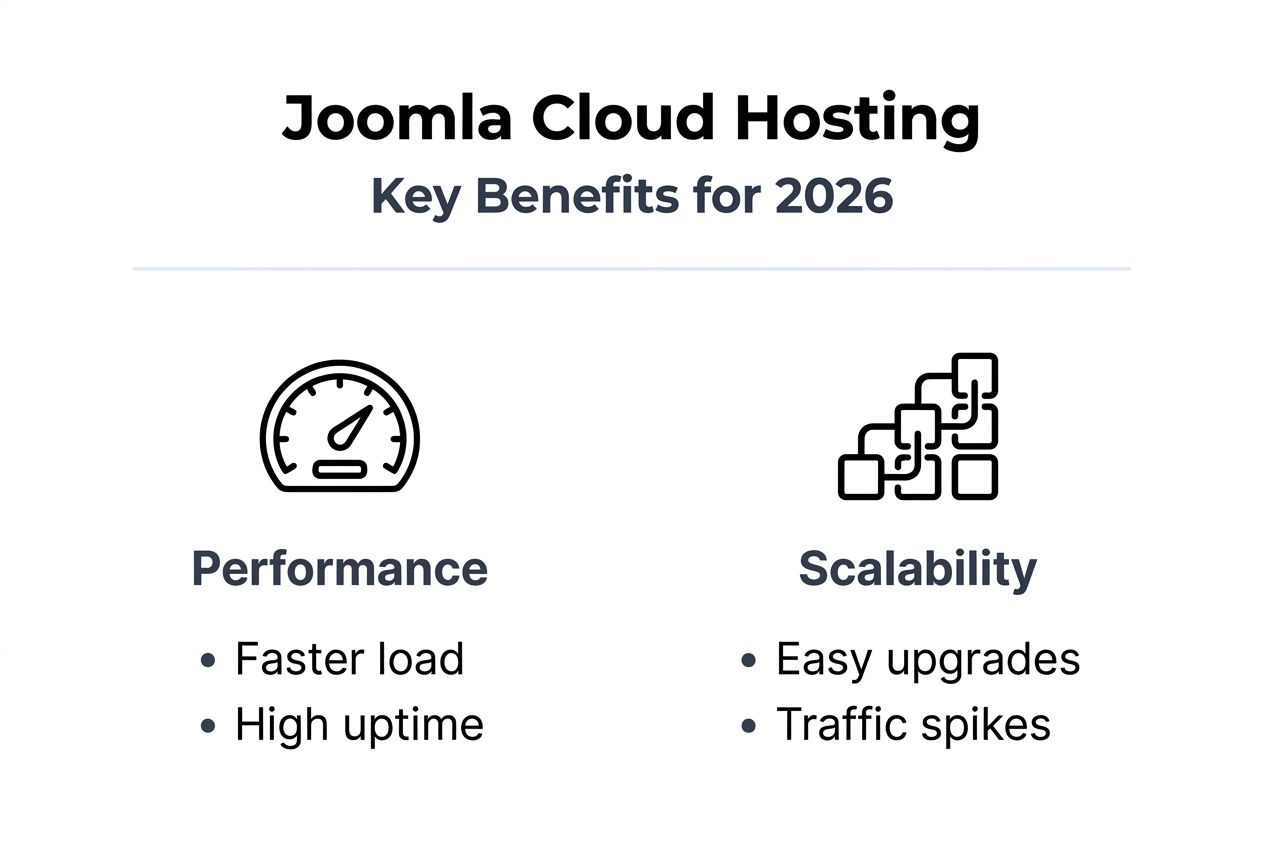
Scalability becomes particularly crucial when you run marketing campaigns, publish viral content, or experience seasonal traffic surges. Traditional hosting forces you to overprovision resources year-round to handle peak moments, wasting money during slow periods. Cloud platforms scale resources up during high-demand windows and scale down when traffic normalizes, aligning costs with actual usage.

How cloud hosting works with Joomla: technical foundations
Auto-scaling forms the backbone of cloud hosting’s value proposition for Joomla administrators. The system continuously monitors CPU utilization, memory consumption, database query rates, and incoming request volumes. When metrics cross predefined thresholds, the cloud platform automatically provisions additional virtual server instances, distributes traffic across them, and allocates extra RAM or storage as needed. This happens without manual intervention or service interruptions.
Your Joomla installation coordinates with cloud infrastructure through several integration points:
- Database connections route through managed database services that handle replication and failover
- File storage leverages object storage systems for media uploads and extension assets
- Session management utilizes distributed caching services like Redis or Memcached
- Email functions connect to cloud-based SMTP services ensuring reliable delivery
- Backup processes trigger automated snapshots stored across multiple availability zones
Cloud hosting environments enable Joomla sites to implement CI/CD workflows, accelerating updates and feature rollouts with reduced downtime. Traditional hosting requires manual file uploads via FTP, database migrations through phpMyAdmin, and risky live edits. Cloud platforms support Git-based deployment pipelines where code changes push automatically to staging environments, run automated tests against your Joomla modules and plugins, and deploy to production only after validation passes.
Pro Tip: Configure your cloud environment to maintain separate staging and production instances with identical server configurations. This eliminates the










