
Many Joomla! administrators believe feed integration is too technical or risky for their sites. This misconception keeps business owners from leveraging dynamic content that could boost engagement. Feed integration simply pulls external data like social media posts or reviews into your website automatically. This guide breaks down the process, addresses security concerns, and shows you practical steps to enhance your Joomla! site with fresh, engaging content that keeps visitors coming back.
Table of Contents
- Understanding Feed Integration: How It Works
- Managing Challenges In Feed Integration
- Types Of Feed Integrations And Comparison For Joomla Sites
- Practical Steps To Integrate Feeds On Your Joomla! Website
- Explore Premium Joomla! Tools For Seamless Feed Integration
- FAQ
Key takeaways
| Point | Details |
|---|---|
| Feed integration definition | Automatically pulls external content from RSS or JSON sources into your Joomla! site for dynamic updates |
| Technical workflow | Data retrieval, parsing, and presentation layers work together to display external feeds seamlessly |
| Common challenges | Malformed feeds, rate limiting, and security vulnerabilities require validation and sanitization strategies |
| Business benefits | Keeps content fresh, increases social proof, and improves customer engagement without manual updates |
Understanding feed integration: how it works
Feed integration transforms your static Joomla! site into a dynamic hub. When you integrate a feed, your website connects to external data sources and displays their content in real time.
The process starts with data retrieval. Your site requests information from external sources using specific URLs or API endpoints. These sources provide data in standardized formats like RSS or JSON. Parsing data from external sources converts raw feed content into structured information your site can understand.
Three layers make integration work:
- Data retrieval layer: Fetches content from external APIs or feed URLs at scheduled intervals
- Processing layer: Parses and validates incoming data to ensure compatibility and security
- Presentation layer: Transforms processed data into attractive, readable content on your pages
Your Joomla! site uses modules and plugins to manage these layers automatically. Modern extensions handle the technical complexity behind the scenes. You configure settings through a simple interface, choosing which feeds to display, how often to update them, and where they appear on your site.
“Feed integration bridges the gap between your website and the dynamic content your audience creates across social platforms, bringing authentic engagement directly to your digital doorstep.”
The beauty of this system lies in automation. Once configured, feeds update themselves without your intervention. Fresh Instagram posts, new customer reviews, or latest Twitter mentions appear automatically. This keeps your site current while you focus on running your business.
Managing challenges in feed integration
Even well-configured feeds encounter obstacles. Understanding these challenges helps you build resilient integrations that serve your visitors reliably.
Malformed feeds cause the most common integration failures. External sources sometimes send incomplete data or improperly formatted content. Your Joomla! site might display broken layouts or error messages when parsing fails. Quality extensions include error handling that gracefully manages these situations without breaking your entire page.
Rate limiting presents another hurdle. Social media platforms restrict how frequently you can request data. Exceed these limits and your feed stops updating temporarily. Smart caching strategies help by storing fetched content locally and refreshing it only when necessary.
Security vulnerabilities pose the most serious risk. XSS attacks and data breaches can occur when malicious code hides in feed content. Never trust external data blindly. Always sanitize incoming content before displaying it to visitors.
Protection strategies include:
- Input validation: Check feed data against expected formats before processing
- Content sanitization: Strip potentially harmful scripts or code from text and HTML
- Regular updates: Keep your security plugins current to defend against new threats
- Monitoring: Track feed performance and error logs to catch issues early
Pro Tip: Set up fallback content that displays when feeds fail to load. This ensures visitors always see something useful, even if external sources go offline temporarily.
Bandwidth consumption can surprise you. Frequent feed updates consume server resources and data transfer capacity. Balance freshness against practical limitations by adjusting update intervals based on how rapidly your source content actually changes.
Types of feed integrations and comparison for Joomla sites
Choosing the right feed type and integration method determines your success. Each approach offers distinct advantages suited to different business needs.
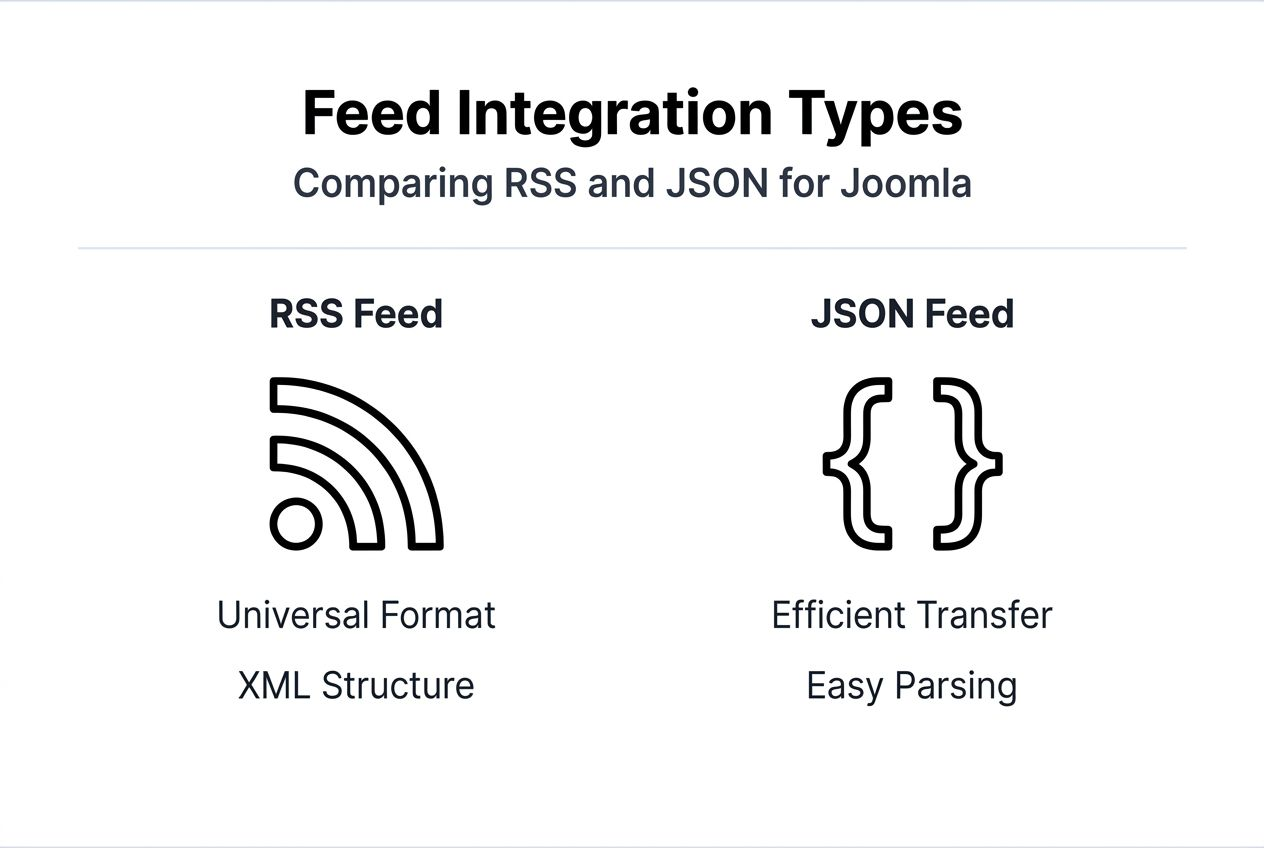
RSS remains the oldest and most universal feed format. It uses XML structure that virtually every platform supports. RSS feeds work reliably across different systems and rarely break due to format changes. However, they carry more overhead and transfer more data than modern alternatives.

JSON feeds offer a lighter, more efficient option. They transmit less data and parse faster than RSS. Modern APIs from Facebook, Instagram, and Twitter primarily use JSON. The format integrates smoothly with contemporary web technologies, making it ideal for performance-focused sites.
| Integration Method | Ease of Use | Flexibility | Performance | Best For |
|---|---|---|---|---|
| Manual embedding | Low | Low | Medium | One-time displays, simple needs |
| Native Joomla modules | High | Medium | High | Standard feeds, quick setup |
| Third-party extensions | High | Very High | Very High | Complex requirements, multiple sources |
| Custom development | Low | Very High | Variable | Unique needs, specific workflows |
Manual embedding involves copying feed URLs into article content or custom HTML modules. This approach requires no special extensions but offers limited control over appearance and updates. You cannot easily modify how content displays without editing raw code.
Native Joomla modules provide basic feed integration out of the box. The built-in Feed Display module handles simple RSS feeds adequately for basic needs. Limitations appear when you want advanced filtering, custom styling, or multiple feed sources combined into one display.
Third-party extensions like those from AllForJoomla deliver professional results with minimal effort. These tools offer drag-and-drop configuration, automatic styling that matches your template, and advanced features like content filtering and merge capabilities. They handle security validation, caching, and error management automatically.
Custom development makes sense only when off-the-shelf solutions cannot meet highly specific requirements. The investment in developer time usually exceeds the cost of premium extensions unless your needs are truly unique.
Your choice depends on these factors:
- Technical skill level: Less experienced users benefit from pre-built modules
- Customization needs: Unique displays may require custom code or flexible premium tools
- Budget constraints: Free options work for basic needs; premium tools justify their cost through time savings
- Performance requirements: High-traffic sites need efficient, cached solutions
Practical steps to integrate feeds on your Joomla! website
Implementing feed integration successfully requires methodical planning and testing. Follow these steps to avoid common pitfalls and create reliable integrations.
-
Identify your feed sources: List the external platforms you want to integrate. Verify each platform provides a public feed or API. Check their terms of service for usage restrictions or authentication requirements.
-
Select appropriate extensions: Research feed integration tools that support your chosen sources. Read reviews and check compatibility with your Joomla version. Premium extensions typically offer better support and more features than free alternatives.
-
Install and configure: Download your chosen extension through Joomla’s extension manager. Navigate to the module or plugin settings. Enter your feed URLs or API credentials exactly as provided by the source platform.
-
Customize display options: Configure how many items to show, update frequency, and visual styling. Match your site’s design by adjusting colors, fonts, and layout options. Preview changes before publishing to ensure they look professional.
-
Implement caching strategies: Set appropriate cache durations that balance freshness against server load. Social feeds typically refresh every 15 to 60 minutes. News feeds might update more frequently while review feeds change less often.
-
Test thoroughly: View your feed on desktop and mobile devices. Verify all links work correctly and images load properly. Intentionally trigger errors by entering invalid feed URLs to confirm graceful error handling.
-
Monitor and maintain: Check feed performance weekly during the first month. Review error logs for parsing failures or connection issues. Update extensions promptly when new versions release to maintain security and compatibility.
Pro Tip: Create a staging site to test feed configurations before deploying to your live website. This prevents broken displays from affecting visitor experience while you experiment with settings.
-
Optimize for speed: Enable lazy loading for feed images to improve initial page load times. Minimize the number of simultaneous feed requests on a single page. Consider combining multiple sources into one cached display rather than loading each separately.
-
Plan for failures: Configure fallback content that displays when external feeds become unavailable. This might include cached versions of the last successful update or static placeholder content explaining the temporary issue.
-
Document your setup: Record feed URLs, API keys, and configuration settings in a secure location. This documentation becomes invaluable when troubleshooting issues or migrating to a new site.
Explore premium Joomla! tools for seamless feed integration
You have learned how feed integration works and the steps to implement it successfully. Now consider how the right tools can eliminate technical hurdles entirely.
AllForJoomla specializes in premium modules and plugins designed specifically for Joomla! administrators who want professional results without coding expertise. Their social media feed extensions handle Instagram, Facebook, Twitter, TikTok, and YouTube with automatic updates and beautiful, responsive displays. Review collection plugins from Google, Tripadvisor, and Facebook help build social proof and trust. Every tool includes built-in security validation, intelligent caching, and support for the latest platform APIs. Affordable pricing makes professional integration accessible to small businesses and large enterprises alike. Enhance your site functionality and customer engagement today with reliable, high-end extensions built by Joomla! experts.
FAQ
What is feed integration?
Feed integration embeds external data sources into your website for automatic content updates. It pulls information from social media, review platforms, or news sources and displays it dynamically on your Joomla! pages. This keeps your site fresh with minimal manual effort while showcasing real-time customer engagement and social proof.
What feed formats are supported by Joomla! integrations?
Joomla! feed integration modules commonly support RSS and JSON formats, the two standards used by most platforms. RSS works universally across older and newer systems, while JSON offers better performance and efficiency. Some advanced extensions also handle Atom feeds and proprietary platform APIs. Your format choice depends on which external platforms you want to integrate and your performance requirements.
How can I prevent security risks when integrating feeds?
Always sanitize and validate external feed content before displaying it to visitors. Use Joomla! security extensions that automatically strip potentially malicious code from incoming data. Follow OWASP guidelines for web application security. Keep all extensions updated to patch known vulnerabilities. Never trust external data sources implicitly, even from reputable platforms.
How often should feeds update on my site?
Update frequency depends on your content type and audience expectations. Social media feeds typically refresh every 15 to 30 minutes for timely content without excessive server load. Review feeds can update hourly since they change less frequently. News feeds might refresh every 5 to 10 minutes if timeliness matters to your audience. Balance freshness against server resources by monitoring your cache hit rates and adjusting intervals accordingly.
Can I combine multiple feed sources into one display?
Yes, advanced Joomla! extensions allow merging content from multiple sources into unified displays. This creates comprehensive social walls or review aggregations that showcase diverse customer engagement. Premium tools handle the complexity of normalizing different feed formats and sorting combined content chronologically. This capability proves especially valuable for businesses active across multiple social platforms who want to showcase all their engagement in one convenient location.










