
Selecting the right gallery plugin for your Joomla site can feel overwhelming with dozens of options claiming to be the best. You need a solution that handles large image collections smoothly, supports modern formats like WebP, and integrates seamlessly with Joomla 4 and 5. This guide cuts through the noise by presenting clear evaluation criteria, detailed examples of leading plugins, and practical comparisons to help you make an informed decision. Whether you manage a photography portfolio, an e-commerce catalog, or a media-rich corporate site, you’ll discover which gallery plugin matches your specific needs and technical requirements.
Table of Contents
- How To Evaluate Joomla Gallery Plugins: Key Criteria
- Top Joomla Gallery Plugin Example: JoomGallery 4.0.1
- Comparison Of Leading Joomla Gallery Plugins In 2026
- Choosing The Right Gallery Plugin For Your Joomla Site
- Explore Premium Joomla Modules, Components, And Plugins
- Frequently Asked Questions
Key takeaways
| Point | Details |
|---|---|
| Evaluation criteria matter | Performance, metadata support, scalability, and image processing capabilities determine plugin quality |
| JoomGallery 4.0.1 leads free options | Open-source solution with Ajax loading, extensive metadata handling, and support for collections exceeding 10,000 images |
| Comparison reveals trade-offs | Side-by-side analysis shows where each plugin excels in features, performance, and compatibility |
| Decision depends on context | Your site’s image volume, metadata needs, budget, and Joomla version guide the best choice |
How to evaluate Joomla gallery plugins: key criteria
Choosing a gallery plugin requires more than scanning feature lists. You need to assess how each option performs under real-world conditions on your Joomla site. Performance and frontend loading speed directly impact user experience and search rankings. A plugin that slows page load times by even two seconds can increase bounce rates significantly. Look for solutions offering lazy loading, Ajax-based image delivery, and optimized thumbnail generation.
Support for large collections and metadata becomes critical as your gallery grows. Professional photographers and media sites require EXIF and IPTC data preservation to maintain image attribution, camera settings, and copyright information. Without proper metadata handling, you lose valuable context and face potential licensing issues. Verify that your chosen plugin reads and displays this information accurately.
Image processing compatibility determines how efficiently your plugin handles uploads and format conversions. Modern plugins support both ImageMagick and GD libraries, giving you flexibility based on your server configuration. WebP format support is no longer optional in 2026. This modern format reduces file sizes by 25-35% compared to JPEG without visible quality loss, directly improving load times and user experience.
Mass upload and migration tools separate professional-grade plugins from basic options. When you need to import hundreds or thousands of images, manual uploads become impractical. Look for batch processing capabilities, FTP import options, and migration utilities that transfer galleries from other plugins without data loss. These features save countless hours during initial setup and platform transitions.
Compatibility with Joomla 4 and 5 ensures your investment remains viable. Plugins still requiring Joomla 3 will force you into costly migrations or leave you stranded on outdated software. Verify active development, recent updates, and explicit Joomla 5 support before committing. Check the developer’s track record for timely compatibility updates when new Joomla versions release.
Pro Tip: Test any gallery plugin with a subset of your actual images before full deployment. Performance characteristics vary dramatically based on image dimensions, file sizes, and metadata complexity.
Explore premium Joomla modules and plugins that complement your gallery setup with social media integration and multimedia enhancements.
Top Joomla gallery plugin example: JoomGallery 4.0.1
JoomGallery 4.0.1 stands out as a comprehensive, free solution specifically built for Joomla 4 and 5. This open-source plugin handles galleries exceeding 10,000 images without performance degradation, making it suitable for professional photography sites, stock image libraries, and enterprise media repositories. The plugin’s architecture separates image processing from frontend delivery, preventing resource bottlenecks during high-traffic periods.
Frontend Ajax loading transforms user experience by loading images progressively as visitors scroll. This approach eliminates the traditional wait for entire gallery pages to render, particularly valuable for mobile users on slower connections. The Ajax implementation works seamlessly with Joomla’s caching system, maintaining fast load times while delivering dynamic content. You can configure loading thresholds, thumbnail counts, and animation effects without touching code.

Extensive metadata support makes JoomGallery ideal for photographers and media professionals who need complete EXIF and IPTC preservation. The plugin reads camera settings, GPS coordinates, copyright information, and custom fields directly from image files. You can display this metadata in customizable layouts, create searchable fields, and maintain data integrity across image edits. This capability proves essential for stock photography sites, photojournalism archives, and any gallery requiring detailed image attribution.
Mass upload capabilities and image processing flexibility address practical workflow needs. JoomGallery supports FTP batch imports, ZIP file uploads, and direct server folder scanning. The plugin works with both ImageMagick and GD libraries, automatically selecting the best option based on your server configuration. WebP format support enables automatic conversion during upload, reducing bandwidth consumption without manual intervention.
Migration tools facilitate switching from other gallery plugins or importing from legacy Joomla 3 installations. JoomGallery includes importers for several popular gallery extensions, preserving image organization, categories, and metadata during transfer. This feature eliminates the need to manually recreate gallery structures when upgrading your site or consolidating multiple galleries.
Pro Tip: Configure JoomGallery’s thumbnail generation settings to create multiple size variants during upload. This preprocessing eliminates runtime image scaling, dramatically improving gallery load times.
Discover more Joomla gallery plugin options and compare features across different solutions.
Comparison of leading Joomla gallery plugins in 2026
Understanding how top gallery plugins stack up against each other helps you identify the best fit for your specific requirements. This comparison focuses on features that directly impact daily use, performance, and long-term maintainability. Each plugin brings distinct strengths and limitations that matter differently depending on your site’s scale and purpose.
| Plugin | Performance Features | Metadata Support | Upload Tools | Image Processing | Joomla Compatibility | Cost |
|---|---|---|---|---|---|---|
| JoomGallery 4.0.1 | Ajax loading, lazy load, caching | Full EXIF/IPTC | Mass upload, FTP, migration | IM/GD, WebP | Joomla 4/5 | Free |
| Phoca Gallery | Standard loading, basic caching | Limited EXIF | Batch upload, FTP | GD, basic WebP | Joomla 3/4/5 | Free |
| Simple Image Gallery Pro | Lightbox, responsive | Minimal | Single/batch upload | GD only | Joomla 3/4 | Paid |
| Responsive Photo Gallery | Grid layouts, mobile optimized | Basic EXIF | Batch upload | IM/GD | Joomla 4/5 | Paid |
JoomGallery 4.0.1 excels in metadata support and scalability among free options, making it the strongest choice for sites requiring professional-grade image management. Phoca Gallery offers broader Joomla version support but lacks advanced Ajax loading and comprehensive metadata handling. Simple Image Gallery Pro provides excellent lightbox functionality but limits image processing flexibility with GD-only support.
Performance differences become apparent with galleries exceeding 500 images. JoomGallery’s Ajax implementation maintains consistent load times regardless of collection size, while standard loading plugins show progressive slowdown. This scalability factor matters significantly for growing sites that start small but expand over time.
Metadata support varies dramatically across plugins. Professional photographers require complete EXIF preservation including lens data, exposure settings, and GPS coordinates. JoomGallery and Responsive Photo Gallery handle this comprehensively, while Simple Image Gallery Pro offers only basic metadata display. If your workflow depends on detailed image information, this criterion should heavily influence your decision.
Upload and migration tools separate plugins designed for serious use from basic galleries. JoomGallery’s FTP import and migration utilities enable efficient management of large collections, while plugins lacking these features force manual uploads that become impractical above 100 images. Consider your current gallery size and growth projections when evaluating this factor.
Explore Joomla plugin comparisons for additional extension options and integration possibilities.
Choosing the right gallery plugin for your Joomla site
Making the right gallery plugin choice requires matching features to your specific site requirements and growth trajectory. Start by assessing your current image volume and realistic projections for the next two years. A site with 200 images today might reach 2,000 images by 2028, demanding scalability you should plan for now rather than facing a forced migration later.
Prioritize plugins offering Ajax loading and WebP support as non-negotiable baseline features. These technologies directly impact user experience and search performance in ways that compound over time. A gallery loading three seconds faster retains more visitors, generates longer session times, and signals quality to search engines. The performance difference between modern and outdated plugins becomes measurable in analytics within weeks of implementation.
Consider metadata needs based on your content type and professional requirements. Photography portfolios, stock image sites, and media archives require comprehensive EXIF and IPTC support to maintain image attribution and searchability. Corporate galleries and product catalogs may function adequately with basic metadata. Match the plugin’s capabilities to your actual use case rather than assuming you need every feature.
Budget considerations extend beyond initial plugin cost to include update frequency, support quality, and migration risks. Free plugins like JoomGallery provide enterprise-grade features without licensing fees, but verify active development and community support. Paid plugins offer dedicated support but may lock you into subscription models. Calculate total cost of ownership over three years including potential migration expenses if you outgrow a limited solution.
Leverage migration tools to switch plugins safely when your needs evolve. JoomGallery and several premium options include importers that preserve gallery structure, categories, and metadata during transfers. Test migration on a staging site before touching your production environment. Document your current gallery organization to verify complete data transfer.
Pro Tip: Create a weighted scoring matrix listing your top five requirements and rating each plugin candidate. This objective approach prevents feature overload from obscuring what actually matters for your site.
Learn more about selecting Joomla extensions that integrate seamlessly with your gallery setup.
Explore premium Joomla modules, components, and plugins
Now that you understand gallery plugin selection, consider how premium Joomla extensions can further enhance your site’s multimedia capabilities and overall functionality. AllForJoomla specializes in expertly developed modules and plugins designed specifically for Joomla 4 and 5, ensuring seamless integration with modern gallery solutions. The platform offers reliable extensions covering social media integration, review collection, and advanced multimedia display that complement your gallery setup.
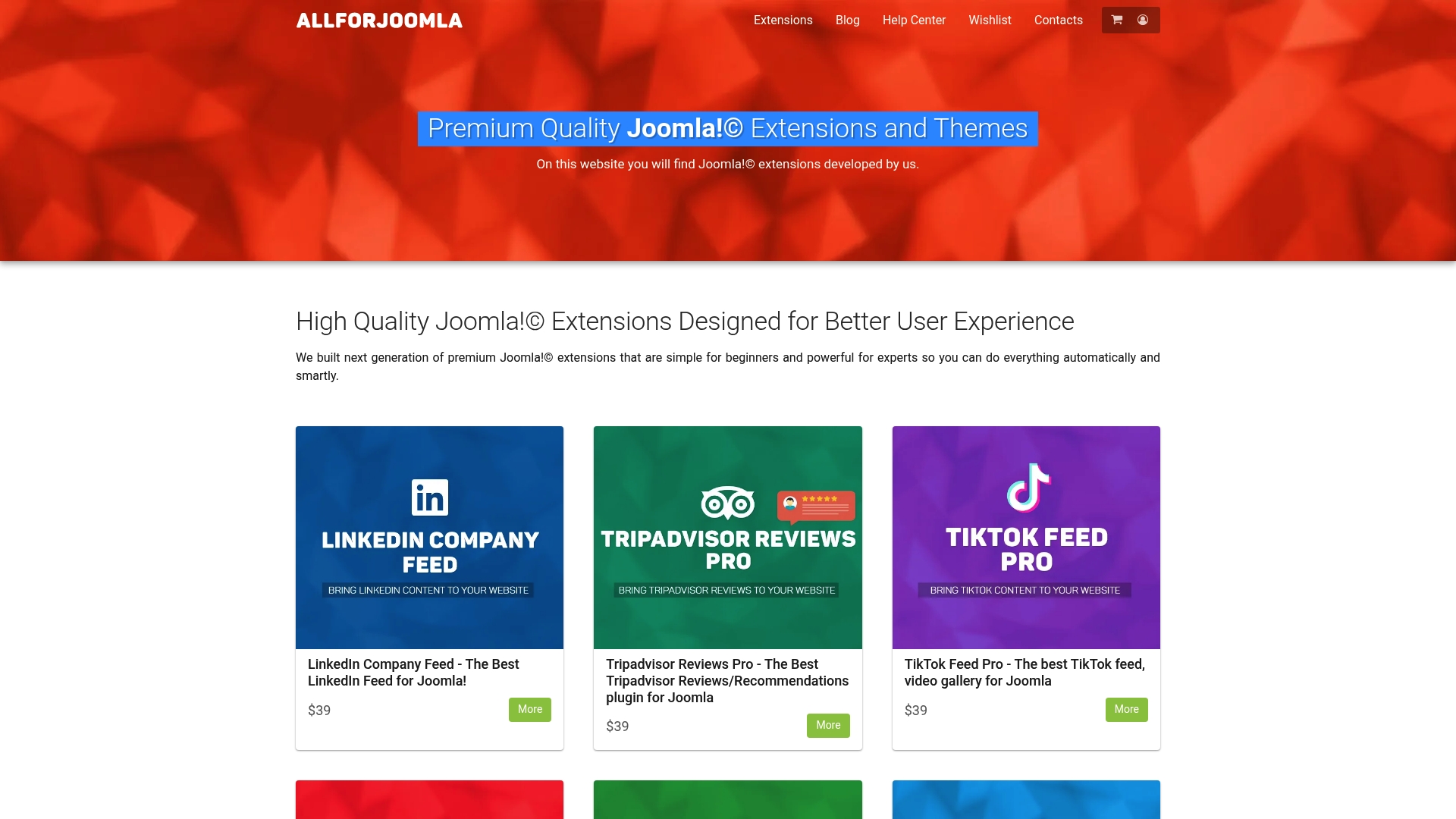
AllForJoomla’s extensive selection includes tools that extend beyond basic galleries into comprehensive multimedia management. You’ll find modules for Instagram feeds, YouTube video integration, and Facebook reviews that work alongside your image galleries to create rich, engaging content experiences. Each extension undergoes rigorous compatibility testing and receives regular updates matching Joomla’s release cycle.
The platform serves both beginners seeking straightforward solutions and experienced developers requiring advanced customization options. Professional-grade tools remain accessible through intuitive interfaces while exposing configuration options for technical users. This balance makes AllForJoomla an ideal resource whether you’re building your first Joomla site or managing enterprise deployments.
Explore premium Joomla modules and plugins to discover extensions that integrate with your gallery plugin choice. Browse Joomla components and plugins for comprehensive functionality additions. Check out AllForJoomla apps for the complete extension catalog and detailed feature comparisons.
Frequently asked questions
What is the best gallery plugin for Joomla in 2026?
JoomGallery 4.0.1 represents the strongest free option for Joomla 4 and 5, offering Ajax loading, comprehensive metadata support, and scalability for collections exceeding 10,000 images. For sites requiring premium support and advanced customization, Responsive Photo Gallery provides excellent paid alternatives with similar technical capabilities.
Why does metadata support matter for gallery plugins?
Metadata preservation maintains critical information embedded in image files including copyright, camera settings, GPS coordinates, and attribution details. Professional photographers, stock image sites, and media archives require this data for legal compliance, searchability, and proper image attribution. Without metadata support, you lose valuable context that may be impossible to recreate.
How do I ensure gallery plugin compatibility with Joomla 5?
Verify that the plugin explicitly lists Joomla 5 support in its documentation and check the developer’s update history for timely compatibility releases. Test the plugin on a staging site running Joomla 5 before production deployment. Avoid plugins showing no updates in the past 12 months, as they likely lack active maintenance for current Joomla versions.
What performance features should I prioritize in a gallery plugin?
Ajax-based image loading, lazy load implementation, WebP format support, and efficient thumbnail generation represent the most impactful performance features. These technologies directly reduce page load times, improve mobile experience, and decrease bandwidth consumption. Plugins lacking these features will struggle with galleries exceeding 100 images and create poor user experiences on slower connections.
Can I migrate my existing gallery to a different plugin without losing images?
Most modern gallery plugins include migration tools that import images, categories, and metadata from other popular gallery extensions. JoomGallery specifically offers importers for several competing plugins. Always test migration on a staging site first, verify complete data transfer, and maintain backups of your original gallery until confirming successful migration.










