Top 7 Huge-it.com Alternatives 2026

Choosing the right tools can make all the difference for any website. As needs and trends change, fresh options step into the spotlight ready to help users create stunning visual experiences or handle complex tasks with ease. Some platforms offer simple designs, while others bring more advanced features for those who want greater control. Curious about what new ideas are out there? This lineup reveals some surprising picks worth checking out.
Table of Contents
- AllForJoomla
- Huge-IT
- YOOtheme Pro
- JoomUnited Products
- ThemeXpert
- Essential Addons For Elementor
- SiteOrigin
AllForJoomla
At a Glance
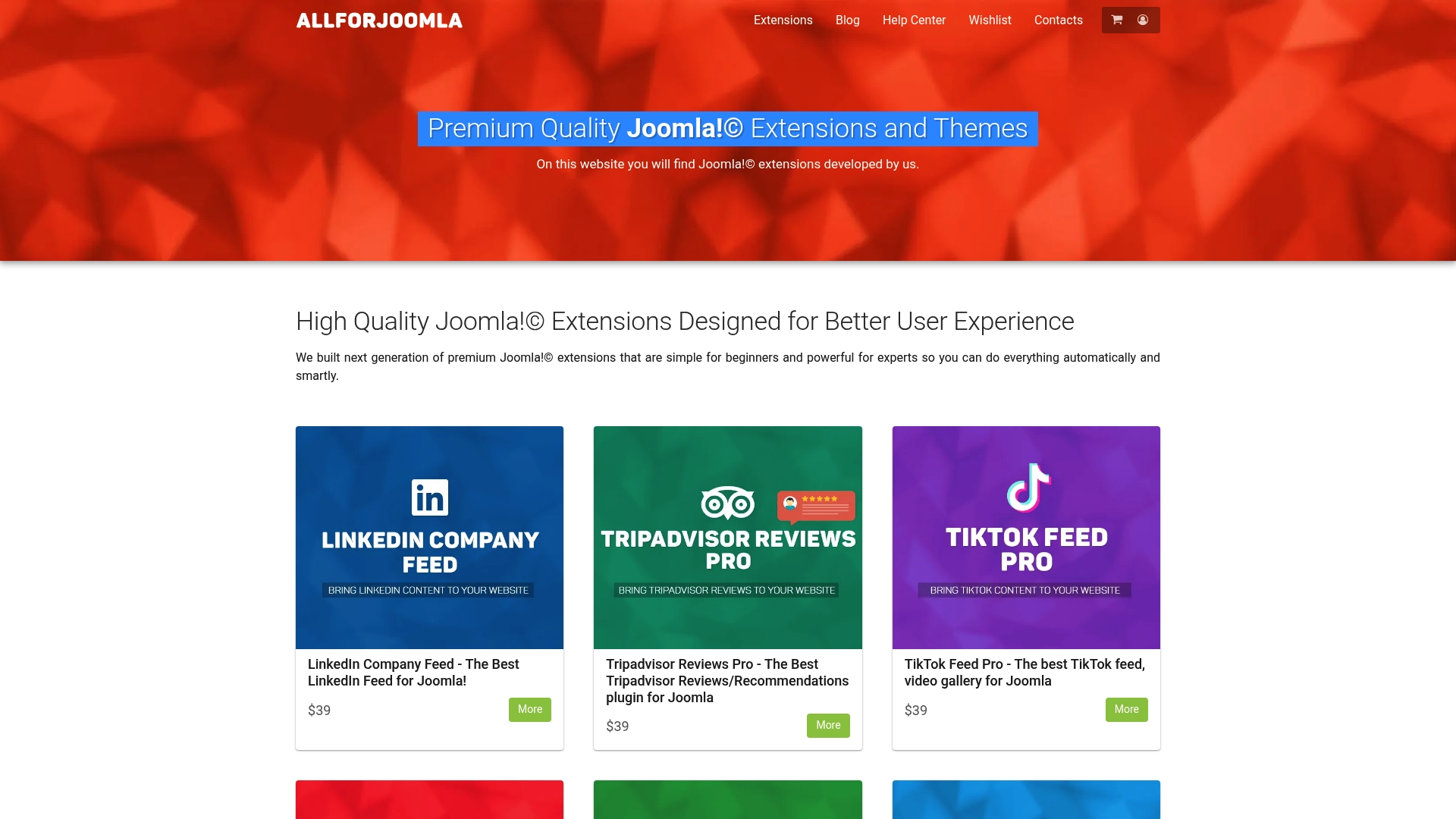
AllForJoomla is the leading source for premium Joomla! extensions and themes focused on social media feeds, review collection, and multimedia display for Joomla! sites. It balances beginner friendly setup with advanced options for experienced developers.
Takeaway: Choose AllForJoomla when you want a top tier, Joomla! native solution for social integration and reviews.
Core Features
AllForJoomla provides a catalog of extensions and themes that cover social media feeds for Facebook, Instagram, TikTok, YouTube, X.com, Twitter, and LinkedIn plus review plugins for Google, Tripadvisor, and Facebook. The site also includes an educational blog and a secure user account system for registration and login.
Takeaway: Use the built in feeds and review plugins to centralize social proof and multimedia content.
Pros
- Wide Range of Specialized Extensions: The catalog includes targeted modules for feeds, reviews, and galleries so you can pick tools that match your site goals.
- Clear Product Organization: Each extension is categorized with visible pricing which saves time when planning purchases for multiple sites.
- Educational Blog: Detailed articles teach SEO tactics and extension management so your team learns while they implement changes.
- Simple Account Management: Registration and login are straightforward which helps client onboarding and license handling.
- Premium Quality Focus: The emphasis on high quality extensions reduces maintenance surprises and keeps sites performing well.
Takeaway: The pros speed deployment and raise long term reliability for production Joomla! sites.
Who It’s For
AllForJoomla fits webmasters, developers, and Joomla! site administrators who need professional grade extensions that are simple to manage. If you run client sites or manage content rich portals and want reliable social feeds and review displays, this is the right fit.
Takeaway: Pick this if you need stable, professional extensions for client or enterprise Joomla! projects.
Unique Value Proposition
AllForJoomla stands out because it focuses exclusively on Joomla! delivering extensions built to integrate smoothly with Joomla! workflows and templates. The combination of social media feed coverage across major networks, dedicated review plugins, and a resource rich blog gives you tools and know how in one place. Pricing is transparent and targeted at premium quality which attracts sophisticated buyers who prefer dependable code, consistent updates, and a compact catalog that avoids feature bloat. Limited free offerings reflect a deliberate product strategy to prioritize sustained support and tested releases over disposable freebies.
Takeaway: Sophisticated buyers choose AllForJoomla for predictable performance, focused feature sets, and ongoing site stability.
Real World Use Case
A Joomla! site owner installs Google Reviews Pro and Facebook Feed Pro to surface recent testimonials and social posts on the homepage and product pages. The plugins reduce manual updates, increase visitor trust, and simplify moderation from a single admin panel.
Takeaway: Deploy these plugins to turn customer feedback into visible social proof with minimal maintenance.
Pricing
Most extensions are priced at $29 or $39 with YouTubeR listed at $29. Pricing stays straightforward so you can budget across multiple extensions when building a social and review strategy.
Takeaway: Expect predictable per extension pricing for planning multiple site deployments.
Website: https://allforjoomla.com
Huge-IT
At a Glance
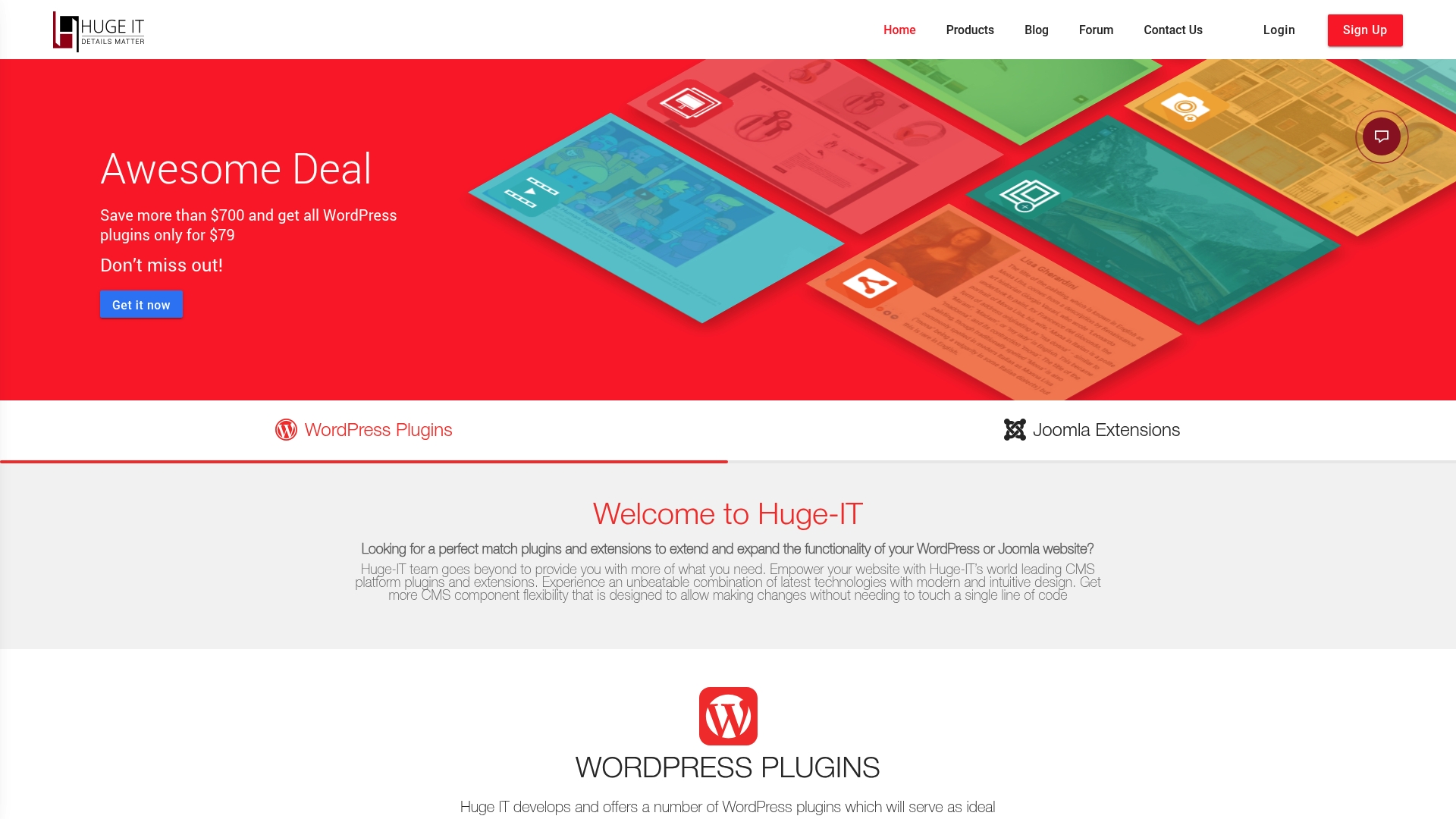
Huge-IT offers a broad catalog of WordPress Plugins and Joomla Extensions focused on galleries, forms, maps, sliders, and video features. Its main appeal is aggressive promotional pricing that makes multiple tools affordable for small teams and agencies.
Core Features
Huge-IT provides plugins and extensions for galleries, catalogs, sliders, video galleries, maps, and contact forms, all designed for quick installation and basic customization. The product lineup includes bundle options, live chat and email support, tutorials, and a money back guarantee within 30 days.
Pros
- Wide range of tools: Huge-IT covers galleries, forms, maps, sliders, catalogs, and video so you can add multiple interactive features without sourcing different vendors.
- Competitive pricing: Their bundle offers provide deep discounts so small businesses can access many plugins at a fraction of usual cost.
- Support resources: Live chat, email support, FAQs, and tutorials are available to guide setup and basic troubleshooting for site administrators.
- Unlimited website licenses: Bundles include licenses that let you deploy plugins across unlimited sites when you choose the bundle option.
- Regular updates: The vendor issues updates and improvements which keep extensions compatible with core CMS changes.
Cons
- Promotional offers are time limited which forces quick purchasing decisions for those who want the best price.
- Several plugins overlap in functionality so you must review features carefully to avoid redundancy on your site.
- User reviews for some individual plugins are not provided here which makes independent quality verification harder for administrators.
Who It’s For
Huge-IT suits website owners, Joomla administrators, and WordPress developers who need ready to install modules to add visual galleries, contact forms, maps, or product catalogs. It appeals to those who prioritize cost effective bundles and straightforward features over highly specialized or custom solutions.
Unique Value Proposition
Huge-IT stands out for combining a broad plugin catalog with aggressive promotional bundles that lower the entry barrier for multi feature deployment. The mix of live support, tutorials, and an accessible pricing model makes it practical for small businesses and agencies to implement multiple front end features quickly.
Real World Use Case
A small business uses Huge-IT to build a portfolio gallery and add a contact form and location map to its Joomla site. By buying the promotional bundle the owner deployed multiple features the same week and relied on tutorials plus support to finish setup without hiring external help.
Pricing
Huge-IT lists all 16 WordPress plugins for $79 as a bundle, presented as a discount from a $350 plus perceived value. Joomla extensions are available for $69 versus a listed $500 value. The purchases include the 30 day money back guarantee for added purchase protection.
Website: https://huge-it.com
YOOtheme Pro
At a Glance
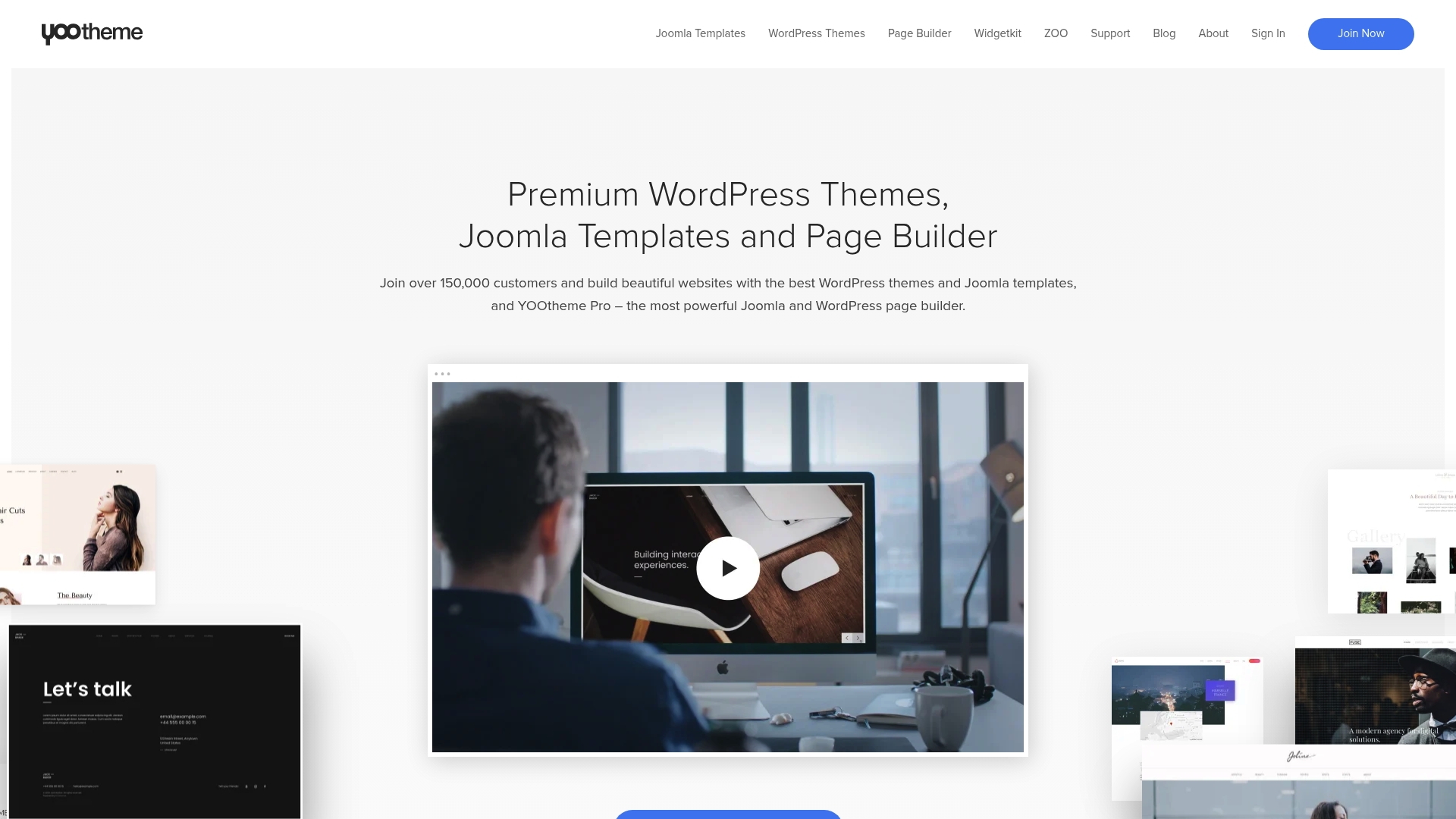
YOOtheme Pro is a visual theme and page builder that serves both Joomla and WordPress sites with professional templates and an intuitive editor. It fits teams that want design control without writing every layout from scratch.
Core Features
YOOtheme Pro combines pre-designed templates and a powerful page builder to let designers create business, ecommerce, blog, and portfolio sites visually. The product also bundles plugins and extensions such as Widgetkit and ZOO and supports open source projects like the UIkit CSS Framework.
Pros
-
Comprehensive builder: The product provides a full theme and page builder for both Joomla and WordPress, allowing consistent workflows across platforms.
-
Wide design library: YOOtheme Pro ships with a large range of customizable templates that speed up site launches while preserving professional aesthetics.
-
Included extensions: Bundled plugins and extensions add functionality without forcing you to source third party tools for common needs.
-
Open source backing: The project benefits from community support and open source components which improve developer access and long term maintainability.
-
Responsive modern designs: Sites built with YOOtheme Pro deliver mobile friendly, contemporary layouts that match client expectations.
Cons
-
Requires some familiarity with web development to unlock deep customization and templating options.
-
Pricing details vary and are available on the website, which can make budgeting less predictable for agencies and small teams.
-
Not a free product and a purchase is required to access the full feature set.
Who It’s For
YOOtheme Pro targets web developers, designers, and agencies that build client sites on Joomla and WordPress and want a single visual toolset. If you build multiple sites per month and value design consistency, this product speeds delivery while keeping customization open.
Unique Value Proposition
YOOtheme Pro’s main advantage is that it merges a robust visual editor with a curated library of templates and integrated extensions. That combination reduces design time while keeping access to developer friendly open source tools like the UIkit CSS Framework.
Real World Use Case
A small business used YOOtheme Pro to build a professional website with custom design and integrated ecommerce. The drag and drop page builder allowed the team to manage content and product pages without daily developer intervention.
Pricing
Pricing details can be found at YOOtheme Pro Sign Up and on related extension pages for plugins like Widgetkit and ZOO. Visit the signup link for current plans and license options.
Website: https://yootheme.com
JoomUnited Products
At a Glance
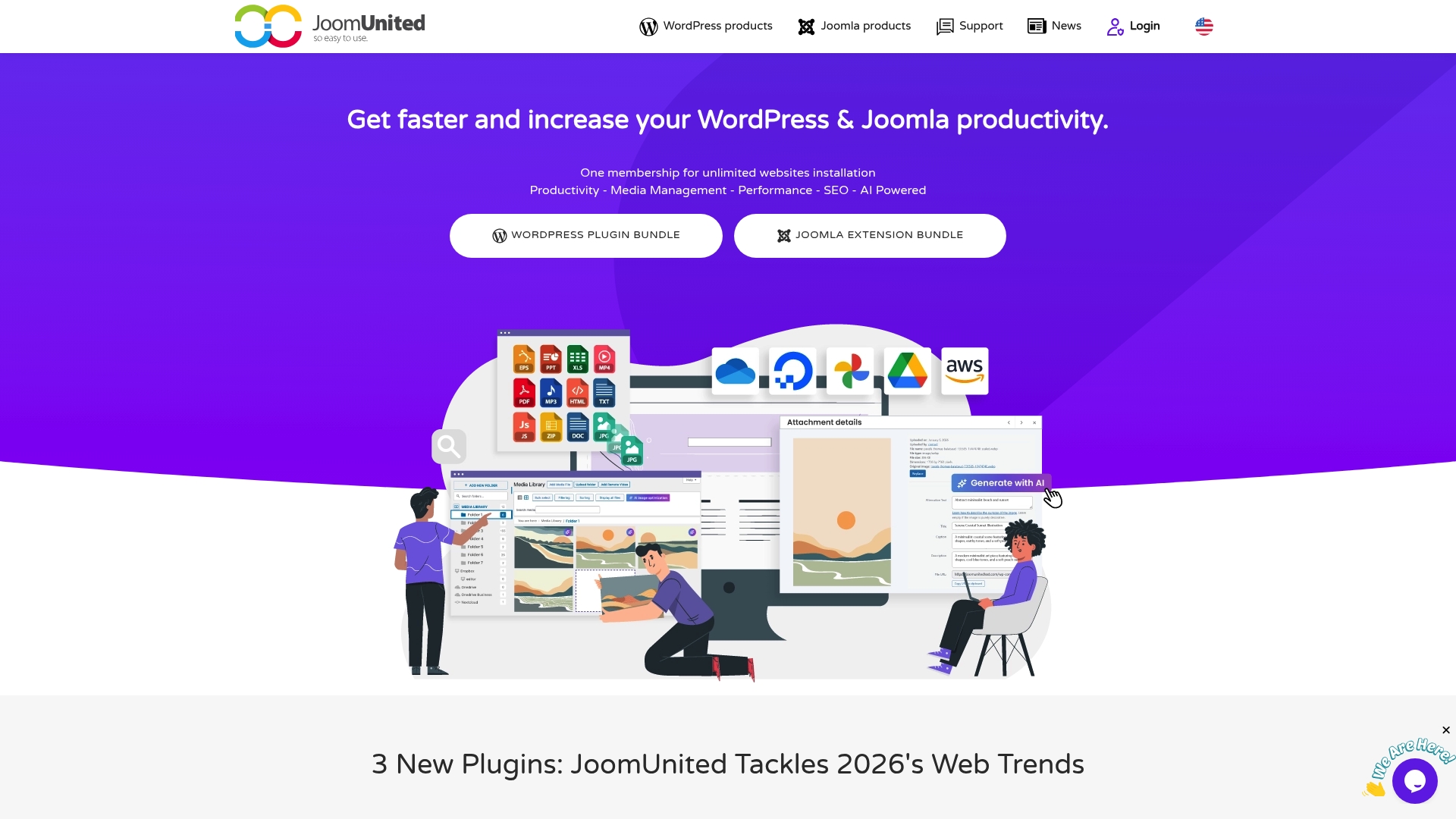
Bottom line: JoomUnited Products package focuses on advanced media organization, cloud connectors, and AI-powered chatbots built for WordPress and Joomla administrators and agencies. It bundles tools that address media, SEO, and automation needs while allowing unlimited installations for licensed plugins.
Core Features
Core strengths include a media library with folders that links to cloud services and a file manager with remote storage support for Google Drive, OneDrive, and Amazon S3. The suite also includes AI assistants, location autocomplete, content filtering, and table management.
Pros
- Wide cloud integrations: JoomUnited supports many cloud and storage services, which simplifies media workflows across client sites in multi-domain environments.
- AI functionality: The package includes AI tools for chat and location autocomplete that improve user engagement without heavy custom development.
- Page builder compatibility: The extensions work with popular page builders such as Elementor and DIVI, reducing redesign work when adding features.
- Multi-site licensing: Multi-site and multi-domain licenses are included, making this cost effective for agencies managing many client sites.
- Support and documentation: Dedicated support and detailed online documentation help teams onboard faster and troubleshoot issues with less downtime.
Cons
- Primarily geared toward WordPress and Joomla users, so sites on other CMS platforms will not benefit from these extensions.
- The range of products and advanced options can introduce a learning curve that requires onboarding for less technical staff.
- Pricing details are not explicitly listed on the site, which makes budget planning harder without contacting sales.
Who It’s For
Ideal users are web developers, digital agencies, and professional website owners running WordPress or Joomla who need robust media handling, SEO tools, and AI features. Teams managing many client sites will find the multi-site license especially practical.
Unique Value Proposition
JoomUnited stands out by pairing comprehensive media management with cloud integration and AI features in one membership. The unlimited installation model and focus on professional workflows make it a practical choice for agencies that require repeatable, scalable plugin deployments.
Real World Use Case
Practical example: a digital agency uses WP Media Folder to organize thousands of images across client sites, syncs with cloud storage for backups, and applies automatic SEO metadata to speed up deployments and reduce manual tagging.
Pricing
Pricing details are not provided on the website. Interested users should contact JoomUnited or review their WordPress and Joomla bundles pages for current bundle and licensing options.
Website: https://joomunited.com
ThemeXpert

At a Glance
ThemeXpert supplies a full suite of Joomla templates, extensions, and a page builder aimed at speeding site builds for agencies and developers. The product mixes powerful tools with a broad catalog, though its depth can feel overwhelming at first.
Core Features
ThemeXpert centers on the Quix page builder, a visual drag and drop tool for creating responsive layouts without coding. The product line also includes responsive Joomla templates, extensions for media management and instant pages, SEO helpers, and a set of tutorials and documentation for ongoing support.
Pros
- Wide template selection: The large collection of templates gives you varied starting points for client sites and niche projects.
- User friendly page builder: Quix lets you build landing pages and complex layouts quickly with visual controls and reusable elements.
- Strong support resources: Tutorials, documentation, and active support reduce troubleshooting time for development teams.
- Flexible pricing plans: Annual and lifetime options plus membership discounts let agencies pick a plan that fits recurring budgets.
- Positive reputation: Customer feedback and longevity in the Joomla ecosystem signal trustworthy quality and consistent updates.
Cons
- The product range can overwhelm beginners who only need a single template or simple extension.
- Advanced features and agency bundles raise the cost when discounts are not applied.
- Website copy and promotional content are long and can make it harder to find specific product details.
Who It’s For
ThemeXpert targets web developers, Joomla designers, and digital agencies that build multiple Joomla sites or manage ongoing client work. Individual site owners who want visual building tools and extensive support will also find value, provided they navigate the product catalog carefully.
Unique Value Proposition
ThemeXpert combines a polished visual builder with a curated set of Joomla templates and extensions so teams can deliver responsive sites faster. The pairing of Quix and specialized extensions for media and SEO helps agencies reduce development time and keep maintenance centralized.
Real World Use Case
A digital agency uses ThemeXpert to create a responsive site for a hospitality client. Designers assemble pages in Quix, apply a responsive template, and add media management and SEO extensions to optimize load times and search visibility. Support resources solve integration questions during the launch week.
Pricing
ThemeXpert lists Standard at $119 per year and Agency at $299 per year. Lifetime options and membership packages are available, and special coupons may reduce the checkout price for advanced features.
Website: https://themexpert.com
Essential Addons for Elementor
At a Glance
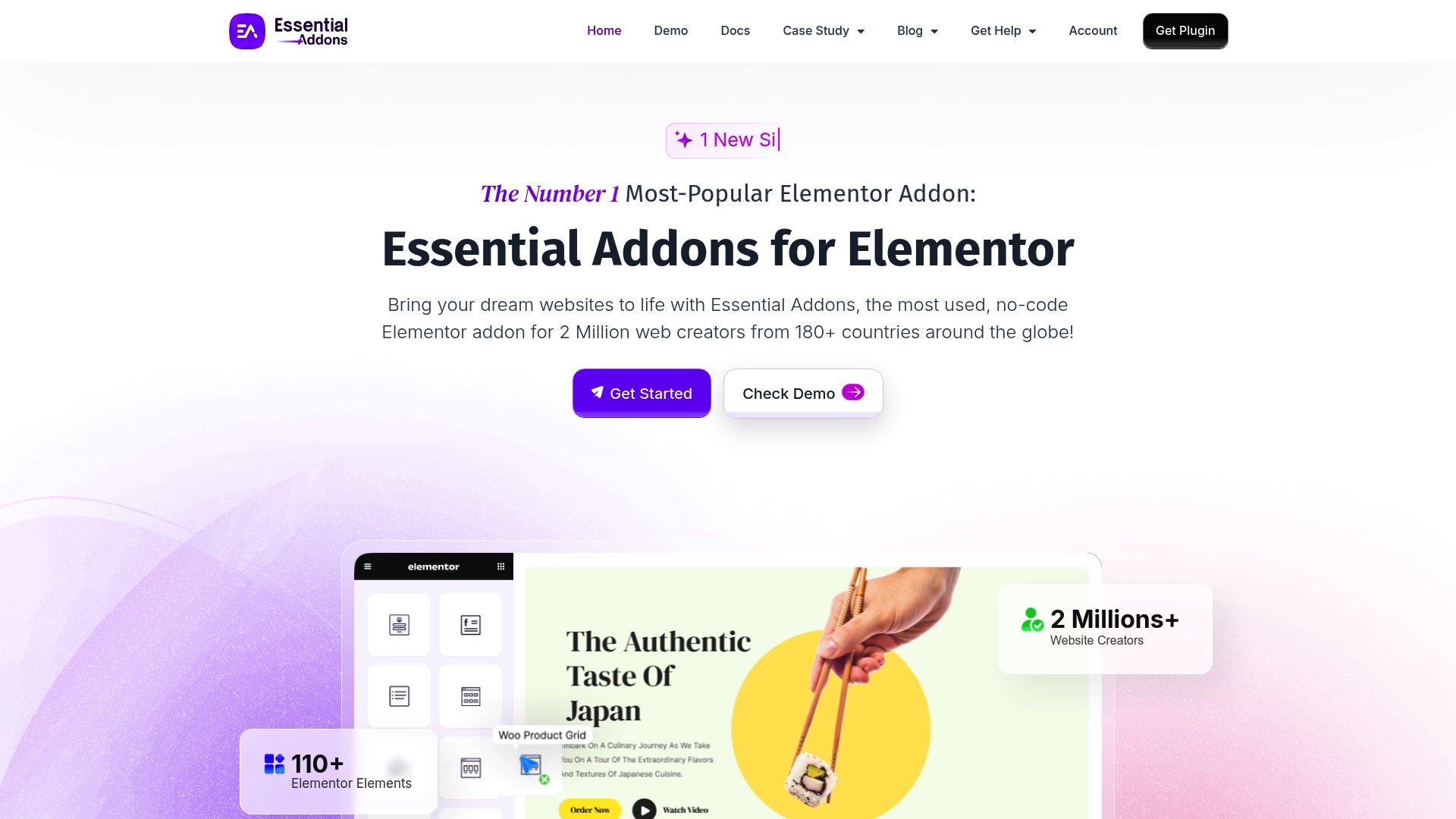
Essential Addons for Elementor is a no-code addon suite that extends Elementor with a very large widget library and sensible performance design. It targets creators who want rapid page builds using 110+ widgets without writing code.
Core Features
Core capability: a broad set of widgets and extensions that plug directly into Elementor and WordPress themes. The product highlights 110+ Elementor Elements, translation support with WPML, and specific widgets for WooCommerce stores.
- 110+ Elementor Elements including Content, Dynamic Content, Creative, Marketing, WooCommerce, Documentation, and Social Elements
- 95+ Widgets suited for portfolios, eCommerce, and business sites
- Lightweight and performance optimized for fast loading
- Compatibility with all WordPress themes that support Elementor
- Translation support with WPML for multilingual sites
Pros
- Large widget collection: The extensive library covers common and niche needs so you rarely need custom code to implement features like testimonials or pricing tables.
- No coding required: Non developers can assemble complex pages quickly using drag and drop and prebuilt widgets.
- Performance optimized: The design focuses on lightweight output so pages load faster than many plugin-heavy setups.
- Wide compatibility: Works with most WordPress themes and Elementor versions, reducing conflicts during upgrades.
- Affordable plans: Multiple pricing tiers including lifetime licenses let agencies and freelancers choose a plan that matches their budget.
Cons
- Premium features behind paywall: Many advanced widgets and extensions require a paid license which limits functionality on free installs.
- Advanced widgets need technical knowledge: Customizing some dynamic or conditional widgets calls for developer experience to get the exact behavior desired.
- Lifetime pricing may be costly for some: The one time license options at higher tiers can exceed the budget of small solo users or hobby sites.
Who It’s For
This addon is for WordPress site builders using Elementor who want a no-code toolkit to add visual and functional elements quickly. Web designers, digital marketers, and agencies creating client sites will get the most value from the broad widget set.
Unique Value Proposition
Essential Addons combines a very large element library with performance minded output and WPML support so you can build diverse, multilingual sites inside Elementor without heavy development work.
Real World Use Case
A digital marketing agency assembles client sites using over 95 widgets to add testimonials, pricing tables, advanced headers, and WooCommerce product displays. The team delivers prototypes in days rather than weeks while keeping load times low.
Pricing
Pricing ranges from entry plans at $3.99 per month for a single site up to lifetime licenses at $239.99 or $299.99, with agency and bundle options available for multi site use.
Website: https://essential-addons.com
SiteOrigin
At a Glance
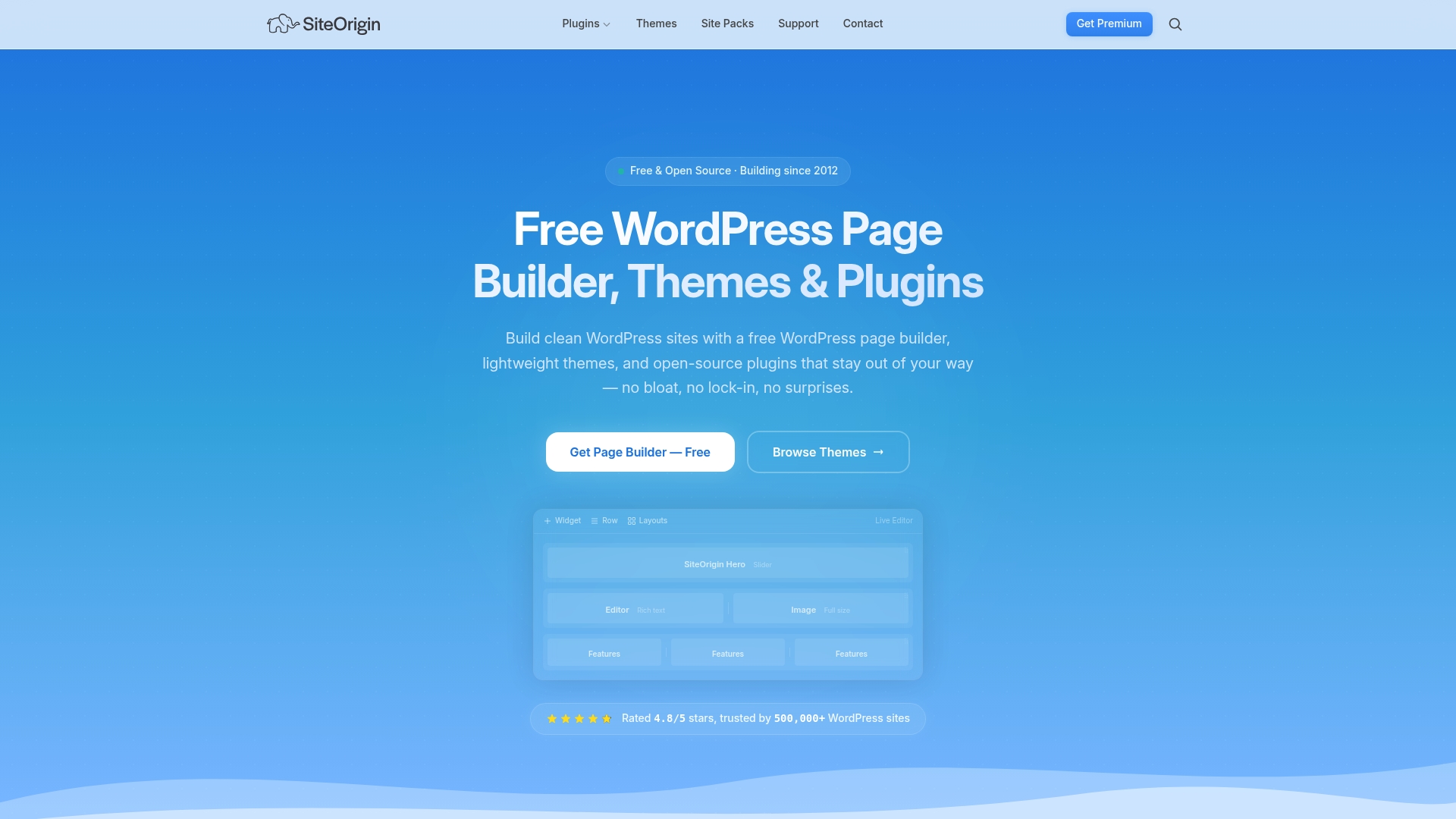
SiteOrigin is a free, open source page builder and plugin toolkit that focuses on lightweight, clean output and long term stability. It fits users who want reliable WordPress tools without vendor lock in or unnecessary extras.
Core Features
SiteOrigin provides a Page Builder that uses a drag and drop interface and outputs clean, efficient code. The Widgets Bundle supplies ready widgets such as sliders, forms, and price tables. The SiteOrigin CSS visual editor lets you fine tune any WordPress theme without hand coding.
Pros
- Free and open source: The project is 100% GPL and has been actively developed since 2012, which makes it a stable choice for long term sites.
- Strong reputation: Rated 4.8 out of 5 and trusted by over 500,000 WordPress sites, it benefits from a large user base and community validation.
- Easy to learn: Extensive tutorials and straightforward controls help site owners and marketers build pages quickly without a developer.
- Theme compatibility: Works with any WordPress theme and integrates with the Block Editor, reducing conflicts when you switch themes.
- Lightweight approach: No bloat and no vendor lock in, so your site stays lean and portable.
Cons
- Some advanced functionality requires premium upgrades, so power features are not always free.
- Recent user requests for enhancements, such as mirroring pricing tables, remain in progress and may affect feature parity.
- It can feel limited compared to some premium page builders that bundle advanced templates and built in marketing tools.
Who It’s For
SiteOrigin suits WordPress site owners, developers, and marketers who want a lightweight, easy to use page builder that stays out of the way. It matches well with teams that need portability and prefer open source licensing over proprietary ecosystems.
Unique Value Proposition
SiteOrigin stands out by combining a free, well maintained Page Builder with a visual CSS editor and a practical widget set. That mix delivers clean front end code and theme flexibility without locking your site into a single vendor.
Real World Use Case
A small business owner uses SiteOrigin Page Builder to create a custom homepage layout and adds widgets for contact forms and sliders. They achieve a professional look and responsive design without hiring a developer or changing their existing theme.
Pricing
The core product is free. A premium plan is available at $29 per year and includes all addons, unlimited sites, and support under a single price.
Website: https://siteorigin.com
Joomla and WordPress Tools Comparison
This table summarizes the key features, advantages, considerations, target users, and pricing of various professional tools designed for Joomla and WordPress platforms. Use this comparison to identify the best product to meet your needs.
| Product | Key Features | Pros | Cons | Pricing |
|---|---|---|---|---|
| AllForJoomla | Joomla integrations for social media feeds, reviews, and multimedia | Wide range of extensions, quality-focused, includes educational resources | Limited free options | $29–$39 per extension |
| Huge-IT | WordPress and Joomla plugins for galleries, maps, forms, sliders | Multiple interactive features, affordable bundles, good support | Redundant plugins, limited promotional time | $79 for 16 WP plugins, $69 for Joomla bundle |
| YOOtheme Pro | Theme and page builder for both Joomla and WordPress | Comprehensive builder, extensive templates, community support | Some technical knowledge required, variable pricing | Pricing listed on website |
| JoomUnited | Media libraries with cloud storage and AI chatbots for Joomla/WordPress | Cloud integration, AI functionalities, compatibility with top page builders | Advanced features may need onboarding, pricing unclear | Pricing listed on website |
| ThemeXpert | Joomla templates with drag-and-drop page builder | Large template collection, user-friendly Quix page builder | Depth can be overwhelming, raised costs for advanced features | $119/year Standard, $299/year Agency |
| Essential Addons | No-code Elementor plugins for WordPress | 110+ widgets, lightweight performance, multilingual support | Advanced widgets behind paywall, higher lifetime costs | $3.99/month to $299.99 lifetime plan |
| SiteOrigin | Free Drag-and-Drop Page Builder and plugin toolkit for WordPress | Free and open-source product, clean lightweight code, strong reputation | Advanced features may need premium upgrade | Free core, premium at $29/year |
Discover Reliable Joomla! Extensions to Elevate Your Website Experience
If you are exploring alternatives to Huge-IT.com because you need a specialized Joomla! solution that excels in social media integration, review collection, and media display, AllForJoomla offers premium, easy-to-use extensions tailored to your needs. Whether you want to showcase authentic customer reviews from Google and Facebook or create engaging social feeds from TikTok and Instagram, AllForJoomla delivers powerful tools designed for both beginners and advanced users.
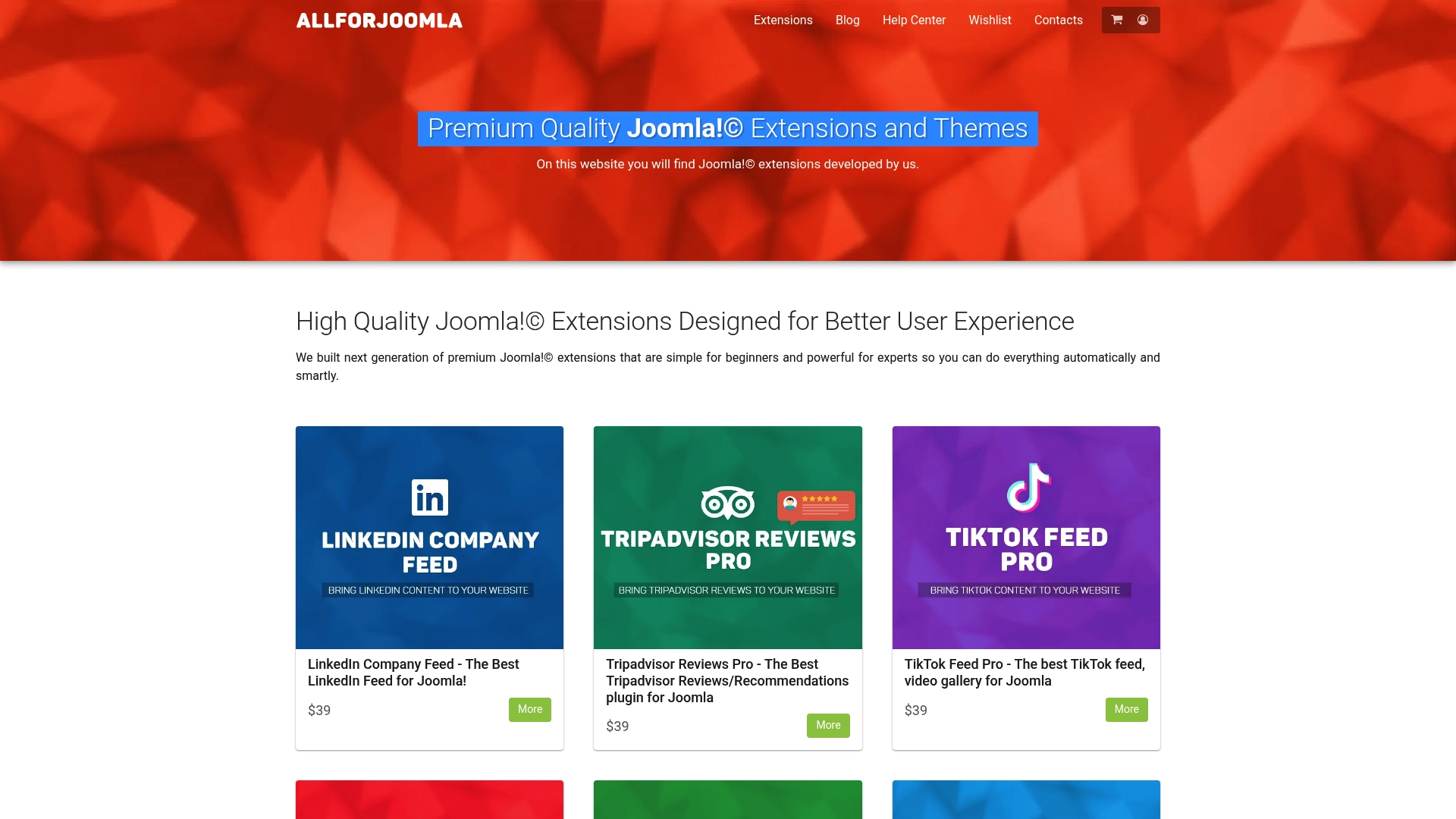
Explore AllForJoomla’s premium extensions to boost your site’s visitor engagement, build trust with social proof, and streamline your content management. Act now to leverage reliable, professional-grade modules that keep your Joomla! site vibrant and up to date. Visit AllForJoomla.com today and transform your social media presence with confidence.
Frequently Asked Questions
What are the key features to look for in alternatives to Huge-IT?
Look for alternatives that offer a diverse range of plugins or extensions tailored to multimedia, galleries, and forms. Prioritize options that provide clear installation processes, ongoing support, and robust documentation to ensure smooth integration into your websites.
How can I determine if an alternative to Huge-IT is compatible with my site?
Check the compatibility of each alternative with your current Content Management System (CMS) before making a decision. Most vendors display compatibility information on their product pages, so ensure it works seamlessly with your website platform.
What should I consider when comparing the pricing of Huge-IT alternatives?
Compare the pricing structure of each alternative to identify those that offer the most value for features provided. Consider whether they offer bundled options, licensing for multiple sites, or a one-time purchase versus subscription models to find the best fit for your budget.
How can I evaluate the quality of support and resources provided by Huge-IT alternatives?
Read user reviews and testimonials focusing on support experiences and resource availability. Look for alternatives that provide extensive documentation, tutorials, and multiple support channels like live chat or email to help you navigate any issues quickly.
What is the best way to transition from Huge-IT to a chosen alternative?
Start by identifying which features you use most frequently in Huge-IT, and then select an alternative that matches those needs. Plan the transition carefully by backing up your site and gradually installing the new plugins or extensions, allowing time to adjust and optimize settings as necessary.










