
Choosing the right multimedia gallery extension for your Joomla site can feel overwhelming with dozens of options available. The wrong choice leads to frustrated visitors, poor engagement, and wasted time reconfiguring. This guide cuts through the noise by establishing clear evaluation criteria and reviewing three proven gallery types that Joomla administrators rely on to showcase images, videos, and multimedia content effectively. You’ll learn which features matter most, how different gallery extensions compare, and which solution fits your specific needs and technical comfort level.
Table of Contents
- Key takeaways
- How to choose the right multimedia gallery for your Joomla site
- Phoca Gallery: the feature-rich Joomla multimedia solution
- Balbooa Gallery: modern layouts and user-friendly management
- JO Image Gallery: lightweight and shortcode-based simplicity
- Comparing Joomla multimedia gallery types: feature summary and use cases
- Explore premium Joomla gallery extensions at AllForJoomla
- FAQ
Key Takeaways
| Point | Details |
|---|---|
| Evaluation criteria for galleries | Assess customization options, user interaction capabilities, performance, accessibility, and integration when selecting a Joomla gallery extension. |
| Phoca Gallery features | Phoca Gallery provides extensive customization, frontend uploads, ratings, comments, and social integration to support flexible access control. |
| Staging test guidance | Test gallery extensions on a staging site with representative image sizes and quantities to evaluate real world performance before production deployment. |
| User experience focus | Aim for a solution that offers strong mobile support, intuitive controls, and straightforward configuration to minimize setup time. |
How to choose the right multimedia gallery for your Joomla site
Selecting a gallery extension requires evaluating several core criteria that directly impact user engagement and site performance. Customization options determine whether the gallery matches your brand identity and layout requirements. Look for extensions offering theme controls, color adjustments, thumbnail sizing, and flexible display configurations that adapt to your content strategy.
User interaction features transform passive image viewing into active engagement. Comments, ratings, social sharing buttons, and frontend upload capabilities encourage visitors to participate rather than simply browse. These features build community around your visual content and generate user-generated material that keeps your site fresh. Performance and responsiveness affect how quickly galleries load and how smoothly they function across desktop, tablet, and mobile devices. Slow-loading galleries with clunky mobile interfaces drive visitors away before they see your content.
Accessibility compliance matters more than many site owners realize. WCAG standards ensure visitors with disabilities can navigate and enjoy your galleries using screen readers and keyboard controls. Integration capabilities with social platforms, cloud storage services, and other Joomla extensions expand functionality without requiring custom development. The Joomla extensions catalog showcases solutions that balance these criteria effectively.
Pro Tip: Test gallery extensions on a staging site before deploying to production. Load sample images matching your typical file sizes and quantities to evaluate real-world performance under your specific conditions.
Phoca Gallery: the feature-rich Joomla multimedia solution
Phoca Gallery stands as one of the most comprehensive free gallery components available for Joomla administrators seeking maximum flexibility. This extension supports hierarchical categories, multiple thumbnail sizes, frontend uploads, ratings, comments, and over 200 customization parameters that accommodate virtually any gallery configuration you can imagine. The depth of options means you can create everything from simple photo albums to complex multimedia archives with granular access controls.
The hierarchical category system lets you organize thousands of images logically with parent categories, subcategories, and multiple levels of nesting. Visitors navigate through your content structure intuitively rather than scrolling through endless flat galleries. Frontend user upload functionality transforms your gallery into a collaborative platform where registered users contribute content directly. You control permissions through Joomla’s Access Control List to determine who can upload, edit, or delete images.
Interactive features include star ratings, comment systems, and social media integration with Facebook and Picasa. Geotagging capabilities embed location data in images for travel sites or real estate portfolios. Watermark protection safeguards your intellectual property by automatically applying custom overlays to uploaded images. The Joomla extensions catalog includes similar feature-rich solutions, but Phoca Gallery’s combination of power and zero cost makes it compelling for budget-conscious administrators.
Theme customization through extensive parameters means you rarely need custom CSS. Adjust colors, spacing, borders, shadows, and animation effects through the admin interface. Multiple display modes include basic thumbnails, mosaic layouts, image sliders, and detail views. The learning curve is steeper than simpler alternatives, but the payoff is a gallery perfectly tailored to your requirements without compromise.
Balbooa Gallery: modern layouts and user-friendly management
Balbooa Gallery delivers contemporary design aesthetics with six modern grid layouts, drag and drop frontend management, albums, touch swipe, social sharing, and accessibility features that appeal to administrators prioritizing visual polish and ease of use. The grid layout options include masonry, justified, mosaic, and cascading styles that automatically adjust to different image dimensions while maintaining visual harmony. This eliminates the tedious work of manually cropping or resizing images to fit rigid templates.

Drag and drop frontend management revolutionizes how you organize galleries after initial setup. Reorder images, move items between albums, and restructure your entire gallery hierarchy without touching the backend admin panel. This intuitive interface reduces the technical barrier for team members who need to manage visual content but lack deep Joomla expertise. Touch swipe gestures provide smooth navigation on mobile devices, creating an app-like experience that feels native rather than adapted.
Accessibility compliance through WCAG standards ensures your galleries work with assistive technologies. Proper alt text fields, keyboard navigation support, and screen reader compatibility make your visual content available to all visitors regardless of ability. Social sharing integration with major platforms plus comment systems from Disqus and VKontakte foster engagement and extend your content’s reach beyond your site. Password protection lets you create private galleries for clients, members, or exclusive content that requires credentials to view.
Import and export functionality simplifies gallery migration between sites or backup workflows. Hover effects add subtle interactivity that draws attention to images without overwhelming visitors. The Joomla extensions catalog features extensions with similar modern interfaces, but Balbooa Gallery combines visual sophistication with practical management tools in a single package.
Pro Tip: Use password-protected galleries for client proofs or member-exclusive content. This creates perceived value and encourages membership signups while protecting sensitive or premium visual materials from public access.
JO Image Gallery: lightweight and shortcode-based simplicity
JO Image Gallery targets administrators who value lightweight, shortcode-based implementation with responsive Bootstrap layouts and Fancybox lightbox effects over extensive feature sets. The shortcode foldername method means you simply specify a directory path and the extension automatically generates a gallery from images in that folder. No complex configuration panels, no database entries for individual images, just point to a folder and display.
Responsive Bootstrap layouts ensure galleries adapt seamlessly to any screen size using familiar grid frameworks. Fancybox lightbox integration provides smooth image zooming, navigation arrows, and thumbnail strips without additional plugins. Hover effects add polish with minimal performance overhead. The extension maintains compatibility with older Joomla plugins like Simple Image Gallery, making it ideal for sites migrating from legacy systems or administrators comfortable with established workflows.
Minimal resource consumption means faster page loads and reduced server strain compared to feature-heavy alternatives. Sites with limited hosting resources or high traffic volumes benefit from this efficiency. The simplicity also reduces potential conflict points with other extensions since the codebase is lean and focused. You sacrifice advanced features like user uploads, comments, and social integration, but gain reliability and speed.
The Joomla extensions catalog includes various lightweight options, but JO Image Gallery’s shortcode approach particularly appeals to developers comfortable with file system management. You organize images in folders on your server using FTP or file managers, then reference those folders in articles or modules. Updates are as simple as adding or removing files from the designated directories. This file-based approach feels natural to administrators who prefer direct control over their content structure.
Comparing Joomla multimedia gallery types: feature summary and use cases
Understanding how these three gallery types stack up across key dimensions helps you select the best fit for your specific situation. The comparison draws from official Joomla Extension Directory documentation to ensure accuracy.
| Feature | Phoca Gallery | Balbooa Gallery | JO Image Gallery |
|---|---|---|---|
| Customization depth | Extensive (200+ parameters) | Moderate (theme options) | Minimal (Bootstrap defaults) |
| User interaction | Ratings, comments, uploads | Social sharing, comments | None (display only) |
| Layout variety | Multiple modes | 6 modern grids | Single responsive grid |
| Performance | Moderate (feature overhead) | Good (optimized code) | Excellent (lightweight) |
| Accessibility | Basic | WCAG compliant | Bootstrap standard |
| Ideal for | Feature-rich community sites | Modern business portfolios | Simple image display needs |
Phoca Gallery suits administrators building community-driven sites where user contributions and social features drive engagement. The extensive customization handles diverse content types and complex organizational structures. Expect longer setup time but greater long-term flexibility. Sites with thousands of images across multiple categories benefit from the hierarchical organization and granular access controls.
Balbooa Gallery fits businesses and creative professionals prioritizing visual presentation and modern design aesthetics. The drag and drop management appeals to teams with varying technical skill levels. Accessibility compliance matters for organizations serving diverse audiences or meeting regulatory requirements. The balance between features and usability makes it versatile for most mainstream applications.
JO Image Gallery serves sites needing straightforward image display without interactive features or complex management. Blogs, documentation sites, and small business portfolios with modest gallery requirements appreciate the simplicity and performance. The shortcode approach suits administrators comfortable managing files directly on the server. Limited features mean faster implementation and fewer potential issues.
Consider your technical comfort level, content volume, required features, and audience expectations when choosing. The Joomla extensions catalog provides additional options if these three don’t align perfectly with your needs. Most administrators find one of these approaches matches their priorities closely enough to proceed confidently.
Explore premium Joomla gallery extensions at AllForJoomla
Now that you understand the criteria and options for Joomla multimedia galleries, finding the right extension becomes straightforward. AllForJoomla offers premium Joomla modules and components that extend beyond basic gallery functionality to include social media integration, review collection, and advanced multimedia display options. These professional-grade tools combine the ease of use beginners need with the sophisticated features experienced developers demand.
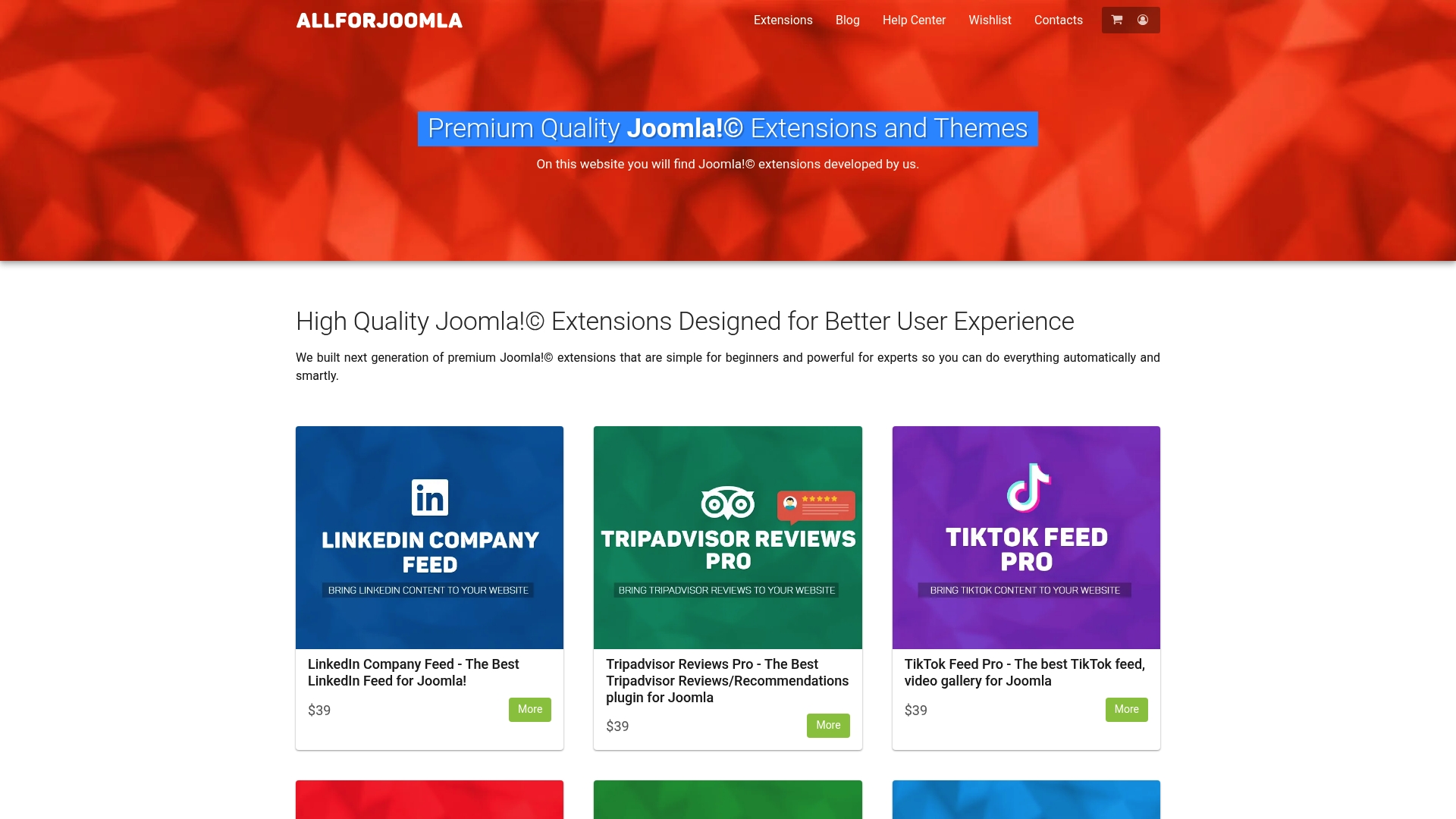
Their curated selection includes gallery extensions optimized for performance, user engagement, and seamless Joomla integration. You get reliable updates, professional support, and competitive pricing that makes premium quality accessible for small business budgets. Whether you need advanced customization like Phoca Gallery, modern aesthetics like Balbooa Gallery, or lightweight efficiency like JO Image Gallery, exploring the premium Joomla modules and components catalog reveals solutions that elevate your site’s visual presentation and visitor engagement effectively.
FAQ
What is the best multimedia gallery extension for Joomla beginners?
JO Image Gallery works best for Joomla beginners due to its lightweight design and simple shortcode implementation. You create galleries by pointing to image folders on your server without complex configuration panels or database management. The responsive Bootstrap templates provide professional appearance automatically. This simplicity reduces the learning curve while delivering reliable image display functionality. Visit Joomla extensions for beginners to explore starter-friendly options.
Can I allow visitors to upload images to my Joomla gallery?
Yes, Phoca Gallery supports frontend user uploads that let registered visitors contribute images directly to your galleries. You control upload permissions through Joomla’s Access Control List to determine which user groups can add, edit, or delete content. This feature transforms static galleries into interactive community platforms. Frontend uploads increase content freshness and visitor engagement by making users active participants rather than passive viewers.
Are there Joomla gallery extensions that support accessibility standards?
Balbooa Gallery offers WCAG compliance with proper accessibility features built into its design framework. This includes keyboard navigation support, screen reader compatibility, and semantic HTML structure that assistive technologies can interpret correctly. Accessible galleries ensure visitors with disabilities can navigate and enjoy your visual content effectively. Meeting accessibility standards also reduces legal risk and expands your potential audience to include all users regardless of ability.
How can I protect my Joomla multimedia galleries with passwords?
Balbooa Gallery includes password protection that restricts gallery access to users with correct credentials. This feature creates private galleries for client proofs, member-exclusive content, or sensitive materials requiring controlled access. You set unique passwords for individual galleries rather than relying solely on Joomla user accounts. Password protection adds a security layer ideal for professional photographers, agencies, or membership sites offering premium visual content as a benefit.