Trustpilot and Google Reviews can both help visitors evaluate your business, but the right choice for a Joomla website depends on the reviews you already have and the page where you want to show them. Start with the source that provides recent, relevant feedback about the business or location your visitor is considering.
For a local service page, that may be the Google reviews of a specific business location. For a company with an established Trustpilot profile, Trustpilot reviews may provide more useful context. If both sources add value, you can display them together while keeping their identities and ratings separate.
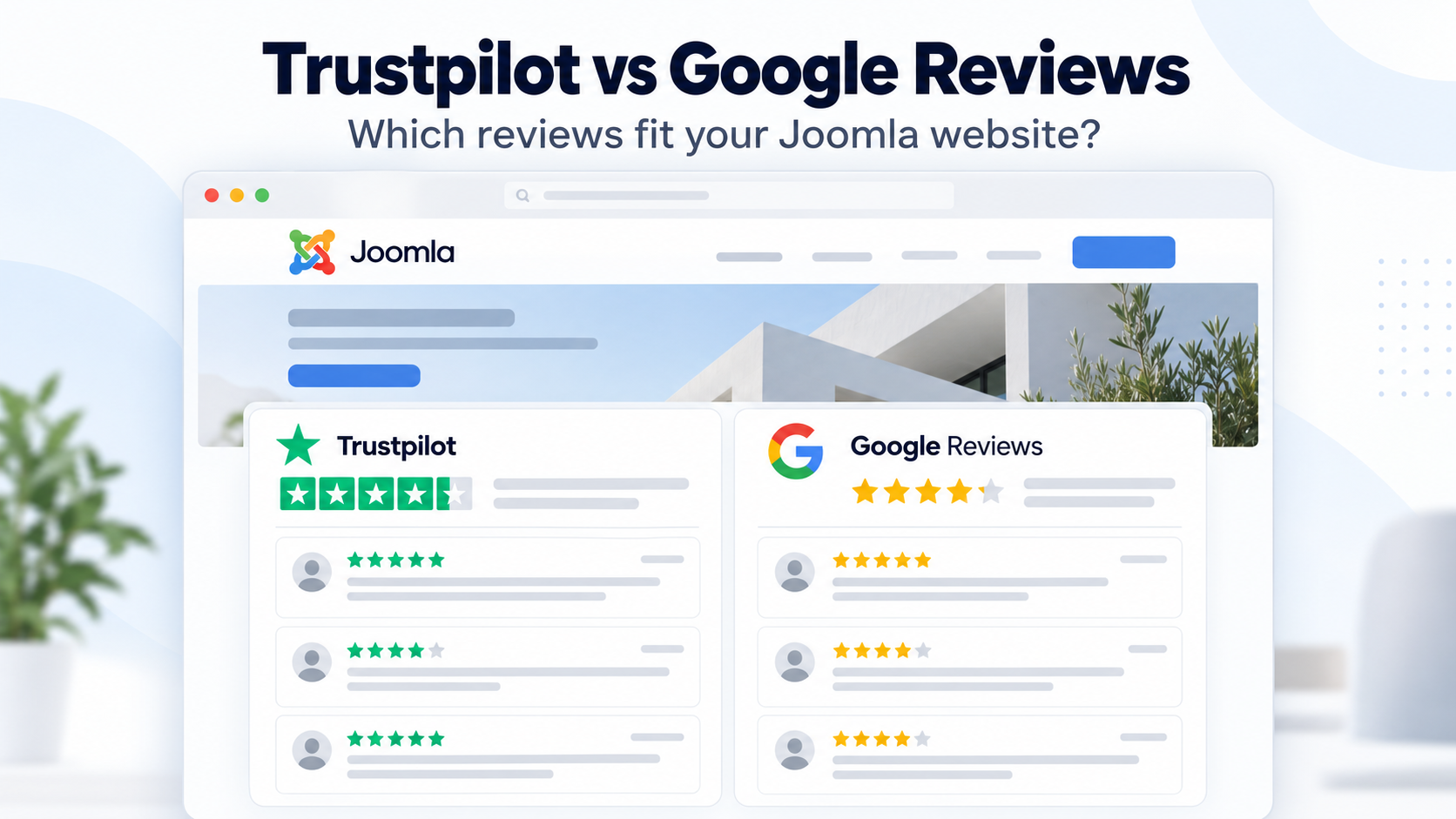
⚖️ Trustpilot vs Google Reviews at a Glance
This comparison focuses on Trustpilot business reviews and reviews associated with Google Business Profiles. It concerns feedback about a business or customer experience, rather than reviews of individual products.
| What to consider | Trustpilot | Google Reviews |
|---|---|---|
| Review context | Customer experiences associated with a business profile. Trustpilot also supports location reviews. | Customer experiences associated with a particular place or business profile on Google. |
| Business model | Worth considering for an online business or another company with relevant Trustpilot feedback. | Relevant to businesses eligible for Google Business Profile, including storefront and service-area businesses. |
| Overall rating | TrustScore uses a weighted calculation, including the age and frequency of reviews. | Google describes its review score as the average of the ratings published for that place or business. |
| Potential website placement | Company pages, service pages and landing pages where the feedback helps explain the customer experience. | Location pages, local service pages and contact or booking pages associated with the reviewed business. |
| AllForJoomla extension | Trustpilot Reviews Pro | Google Reviews Pro |
A Trustpilot score and a Google rating are not calculated in the same way. Trustpilot explains that its TrustScore calculation gives more weight to recent reviews and considers review frequency. Google's review score explanation describes an average of published ratings.
Instead of choosing whichever profile has the higher number, also examine review volume, publication dates and what customers actually describe. A detailed review about the service on your page can be more useful to that visitor than a higher rating with little relevant context.
🎯 Which Review Source Fits Your Business?
A Local Business or Service Provider
For a salon, restaurant, repair company or another business serving a local area, start by checking the Google profile customers use to find and review that business. If it already contains useful feedback, displaying those reviews on the corresponding Joomla page is a practical starting point.
For example, a salon's booking page can show reviews about appointments, communication and the experience at that salon. An active Trustpilot profile may also be useful, particularly when it adds feedback about other parts of the customer journey.
A Business with Multiple Locations
On a branch page, prioritize feedback about that branch. Check the profile name, address and source link before publishing the widget so visitors understand which location the reviews describe.
A company-wide reputation section can serve a different purpose on the homepage. Trustpilot also supports location reviews, so check the scope of each profile rather than assuming every Trustpilot review describes the whole company.
An Online Business
For an online shop, software developer or digital service, an established Trustpilot profile may contain feedback directly relevant to prospective customers. Reviews discussing delivery, support, subscriptions or the buying experience can help answer questions on your website.
Google Business Profile is not available to every online business. Google's business eligibility guidelines generally require in-person contact with customers and identify online-only businesses as ineligible. A business that also serves customers in person should check the eligibility rules for its actual operating model.
A Business with One Established Review Profile
If your business already receives regular, meaningful reviews on one platform, use that existing feedback first. There is little value in giving an almost empty profile the main position simply because you prefer its logo or rating display.
Choose the source that helps visitors understand your business now. You can add another source when it contributes useful feedback.
🔗 What If You Have Reviews on Both Platforms?
You do not have to choose a single platform for the entire website. Two sources can work together when each adds relevant information.
For example, a retailer could show company feedback from Trustpilot on its main reviews page and Google reviews of a particular shop on that shop's contact page. Alternatively, a dedicated reviews page can contain two clearly labelled sections.
- Keep the platform name visible so visitors can identify each source.
- Show each platform's rating and review count separately.
- Keep links to the original profiles or reviews available.
- Use comparable spacing and readable layouts for both widgets.
Keep the two ratings separate rather than presenting them as one combined score. They represent different sets of reviewers and different calculation methods. Separate summaries make the information easier to interpret and verify.
It is also reasonable to feature one source more prominently. Base that decision on relevance, recent activity and the page's purpose, rather than simply selecting the higher rating.
📍 Where Should You Display Reviews on Your Joomla Website?
The source and placement should support the same decision:
- Homepage: introduce your business reputation with a compact review section.
- Service page: use feedback that helps visitors evaluate the service being described.
- Location page: show reviews of the relevant branch or business place.
- Booking or enquiry page: place a concise review block near the point where visitors decide to contact you.
- Dedicated reviews page: give visitors more room to browse, with separate sections when using both platforms.
A compact slider may suit a homepage, while a grid can give reviews more space on a dedicated page. Check the result on mobile so the business name, source and review text remain easy to read.
For broader advice about review presentation, see how to embed business reviews on Joomla sites.
🧩 How to Display Your Chosen Reviews in Joomla
After choosing your source, use the corresponding Joomla extension to create and publish the review widget. AllForJoomla provides a separate extension for each platform.
Display Trustpilot Reviews
Trustpilot Reviews Pro for Joomla displays Trustpilot company information and customer reviews. Select the business, customize the widget with the Visual Builder and publish its generated shortcode where you want the reviews to appear.
You do not need to obtain or configure your own Trustpilot API key. The widget can combine company information, rating and review count with customer reviews in Grid, Masonry or Slider layouts.
Follow our guide on how to add Trustpilot reviews to a Joomla website, or see the Trustpilot Reviews Pro documentation for installation and setup.
Display Google Reviews
Google Reviews Pro for Joomla displays Google business information, ratings and customer reviews. Find the correct public business using the integrated search, customize the widget in the Visual Builder and copy its shortcode into your Joomla content.
No Google API key or coding is required. You can create separate widgets for different business places and choose a layout that fits each page.
See the Google Reviews Pro documentation for the complete workflow. To compare presentation options, explore the Trustpilot Reviews Pro demo and the Google Reviews Pro demo.
Both extensions support GDPR-Friendly Media Loading for supported media, allowing that media to be served from your own website instead of being requested directly from third-party media servers in visitors' browsers.
❓ Frequently Asked Questions
Is Trustpilot or Google Reviews Better for My Joomla Website?
Choose the source with feedback most relevant to your business and the page being viewed. Google reviews can be useful for a specific local business or location; Trustpilot can be useful for showing established feedback about the company and customer experience. Review quality, recency and context matter alongside the rating.
Can I Display Both on the Same Website?
Yes. Use separate Trustpilot and Google review widgets, either on different pages or in clearly labelled sections of the same page. Keep each source's rating, review count and original profile link identifiable.
Do I Need an API Key?
No. When using Trustpilot Reviews Pro or Google Reviews Pro from AllForJoomla, you do not need to create or configure your own API key. Select the relevant business and configure the widget from Joomla Administrator.
Will Displaying Reviews Give My Website Stars in Google Search?
Displaying a review widget does not automatically make your page eligible for review stars in search results. Google's review snippet guidelines exclude self-serving reviews for LocalBusiness and Organization, including reviews about a business embedded on its own website through a third-party widget.
Use the reviews to help visitors assess your business. The rating shown on your Google Business Profile and eligibility for review stars beside your website's organic search result are separate matters.











