The best Joomla video gallery extension depends on where your videos are published and how you want visitors to browse them. A YouTube channel with tutorials, an Instagram gallery combining photos and videos, and a Facebook Page video collection each need different source and display options.
This guide compares five AllForJoomla extensions for those tasks. Start with your content source, then choose the gallery controls, publishing workflow and privacy settings that fit your website.
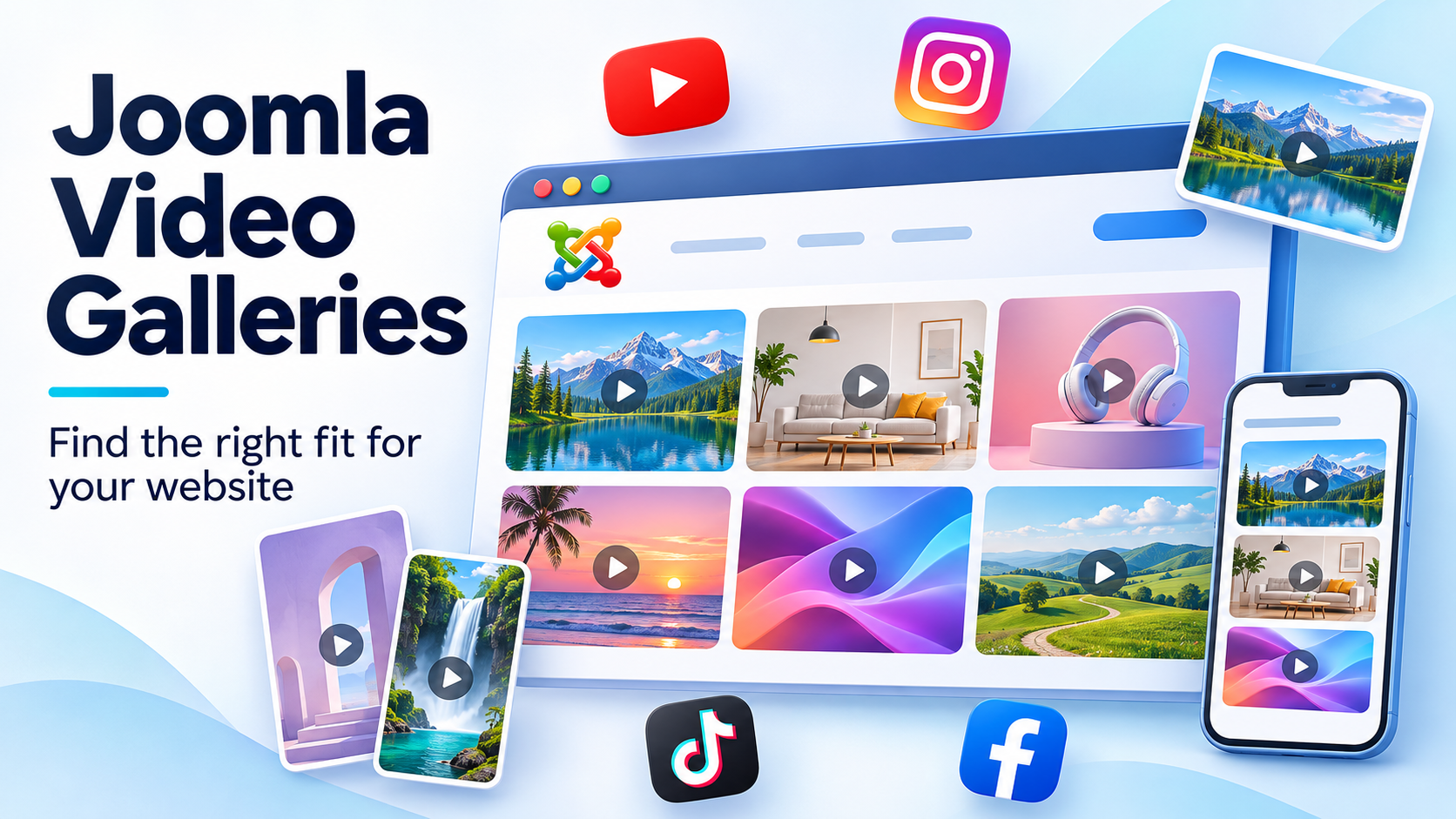
🎬 Which video gallery extension fits your Joomla website?
Use this table to find a starting point. Each extension connects to its own supported content source and provides its own configuration options.
| What you want to display | Extension | Why it fits |
|---|---|---|
| A YouTube channel with videos, Shorts and playlists | YouTube Channel Pro | No YouTube API key required, visual builder and independently configurable content sections |
| A YouTube video, playlist, channel or selected video collection | YouTubeR | Shortcode-based configuration with video, playlist and channel display modes |
| Instagram videos, or photos and videos together | InGallery | Multiple sources, albums, video filtering and per-post CTA buttons |
| Videos from a TikTok account | TikTok Feed Pro | No TikTok API key required, keyword filters and responsive video layouts |
| Videos from a Facebook Page you manage | Facebook Feed Pro | A dedicated video gallery or a fuller Page widget with posts, photos and videos |
Start with your video source
For tutorials, product demonstrations and recorded webinars already on YouTube, choose an extension that supports the channel or playlist structure you use. For Instagram or TikTok content, look for the appropriate platform integration and controls for selecting relevant posts.
If your project uses MP4 files uploaded directly to Joomla, check specifically for local video file support before buying. The five extensions compared here display content published on their respective external platforms.
📺 YouTube Channel Pro for videos, Shorts and playlists
YouTube Channel Pro works without requiring your own YouTube API key. It suits businesses, creators and educators who want to bring their YouTube channel into Joomla and configure the result in a visual builder with an instant preview.
You can independently enable Latest Videos, Popular Videos, Uploads, Latest Shorts, Popular Shorts and Playlists. Display the channel header with its available information, simplify it, or hide it to focus on the gallery.
For example, a training website can show recent tutorials and playlists, while a creator's homepage can focus on Shorts. Playlist keyword filters help control which playlists appear. Columns, spacing and custom responsive breakpoints let you adapt the same widget to different screen sizes.
Explore YouTube Channel Pro and its live demo.
YouTubeR for shortcode-based YouTube galleries
YouTubeR supports individual YouTube videos, playlists and channels through shortcodes. You can also specify selected video IDs for a playlist-style collection, making it useful when a page needs a handpicked group of demonstrations or customer stories.
Shortcode parameters control settings such as columns, rows, displayed information and playback mode. Available modes include lightbox, embedded playback and links to YouTube. Playlist themes provide different presentation styles.
YouTubeR requires a YouTube API key. Choose between the two YouTube extensions according to your workflow. YouTube Channel Pro provides a visual channel widget without your own API key, while YouTubeR provides direct shortcode configuration for videos, playlists and channels.
See the YouTubeR product page, demo and shortcode documentation.
📷 InGallery for Instagram video galleries
InGallery displays Instagram photos and videos from accounts, hashtags and individual posts. You can combine sources within albums and configure the gallery using a visual builder with an instant preview.
Its Only and Except filters support the videos criterion. This lets you focus an album on video content or combine video filtering with supported account, hashtag and individual-post criteria.
Grid, Masonry and Carousel layouts suit different page designs. Per-post CTA buttons can connect a video demonstration to a product, service or portfolio page, with a custom destination and label for each selected post.
Explore InGallery and its live demo.
🎵 TikTok Feed Pro for TikTok video galleries
TikTok Feed Pro displays videos and profile information from a TikTok account. Add the account URL or username and configure the feed in the visual builder. No TikTok API key is required.
Include and exclude keyword filters help select relevant posts. For example, a business account covering several services can show videos related to a particular service on its corresponding Joomla page.
Adjust the video columns, spacing, items per page and responsive breakpoints. You can also control profile and video information and enable popup playback.
See TikTok Feed Pro and its live demo.
Facebook Feed Pro for Facebook Page videos
Facebook Feed Pro creates a responsive video gallery from a Facebook Page you manage and authorize. You connect through the built-in Facebook authorization process, select the Page and customize the widget with a visual preview.
No setup of your own Facebook App or API key is required. The extension provides gallery controls for columns, spacing, items per page and responsive breakpoints, together with photo and video popup browsing.
You can focus a widget on videos or include navigation between Page posts, photos and videos. This suits businesses that already publish their media on Facebook and want to make it accessible from their Joomla website.
Explore Facebook Feed Pro and its live demo.
🖼️ Need a Joomla photo and video gallery?
A mixed gallery can show more of a project in one place. A hotel might combine room photographs with video tours, while a retailer might combine product images with demonstrations.
For Instagram content, InGallery supports photos and videos within the same gallery, with albums and filters for organizing them. For Facebook Page content, Facebook Feed Pro provides photo, album and video sections within its Page widget.
These are different browsing arrangements. Decide whether visitors should see a mixed Instagram gallery or navigate between Facebook media sections, then check the relevant demo against your page design.
⚙️ Layout, loading and privacy settings to compare
Mobile layout and playback
Choose a layout that fits both the page width and the video format. Check thumbnail proportions, readable titles and comfortable tap targets. YouTube Channel Pro, TikTok Feed Pro and Facebook Feed Pro provide custom responsive breakpoints, while InGallery offers responsive Grid, Masonry and Carousel layouts.
Also consider how videos open. Popup playback helps visitors watch from the current page, while linking to the source platform may better fit your preferred browsing and privacy configuration. Check the modes supported by the selected extension.
Separate widget data loading
AllForJoomla widgets retrieve their data through AJAX after the page's document structure is ready. This allows widget data to be requested separately from the main HTML page. Scripts, thumbnails and video playback still contribute to the page's overall resource use.
Choose a sensible initial item count and use the browsing controls available in your extension. Read more about how separate widget loading works.
GDPR-Friendly Media Loading
GDPR-Friendly Media Loading lets supported media be served from your Joomla server, reducing direct connections between visitors and external media servers. Its coverage depends on the extension.
- InGallery supports local delivery of Instagram photos and videos.
- YouTube Channel Pro supports local delivery of YouTube images. Popup video playback loads the YouTube player from YouTube. For browsing without that embedded player, enable local image loading and disable Play in popup.
- TikTok Feed Pro supports local delivery of supported non-video media. TikTok videos load from TikTok when played.
- Facebook Feed Pro supports local delivery of supported Facebook media.
These settings help control media requests as part of your website's wider privacy configuration. Learn more about GDPR-Friendly Media Loading.
Content updates and licensing
Feed data usually updates daily, but each extension has its own retrieval and caching behavior. Check the selected product's description and documentation for its update schedule, settings and applicable data update limits.
AllForJoomla purchases include a lifetime extension license and six months of Updates & Support. Updates & Support renews automatically unless you cancel auto-renewal. See the license and renewal explanation for details.
❓ Questions about Joomla video galleries
Can I display a YouTube gallery without my own API key?
Yes. YouTube Channel Pro displays channel videos, Shorts and playlists without requiring you to configure your own YouTube API key.
Can I create an Instagram gallery containing only videos?
Yes. InGallery supports filtering video content with its Only and Except filters. Configure an album to include videos from your supported Instagram sources.
Can one Joomla page contain galleries from different platforms?
Yes. You can place separately configured widgets on the same page, such as a YouTube channel widget alongside an Instagram gallery. Configure each widget with its own supported source and layout.
Where should I start?
Choose the platform where your content is published, open the matching demo and check the content selection, mobile layout and playback experience. For YouTube setup guidance, continue to how to embed a YouTube gallery in Joomla.