When a Joomla website displays content from a Facebook Page, Facebook needs a way to determine whether the application requesting that content is allowed to access it. This is where Facebook access tokens come in.
For most Joomla website owners, access tokens remain invisible until something goes wrong. A Facebook feed may work normally for months and then suddenly stop updating with an Error validating access token message or another Facebook API error.
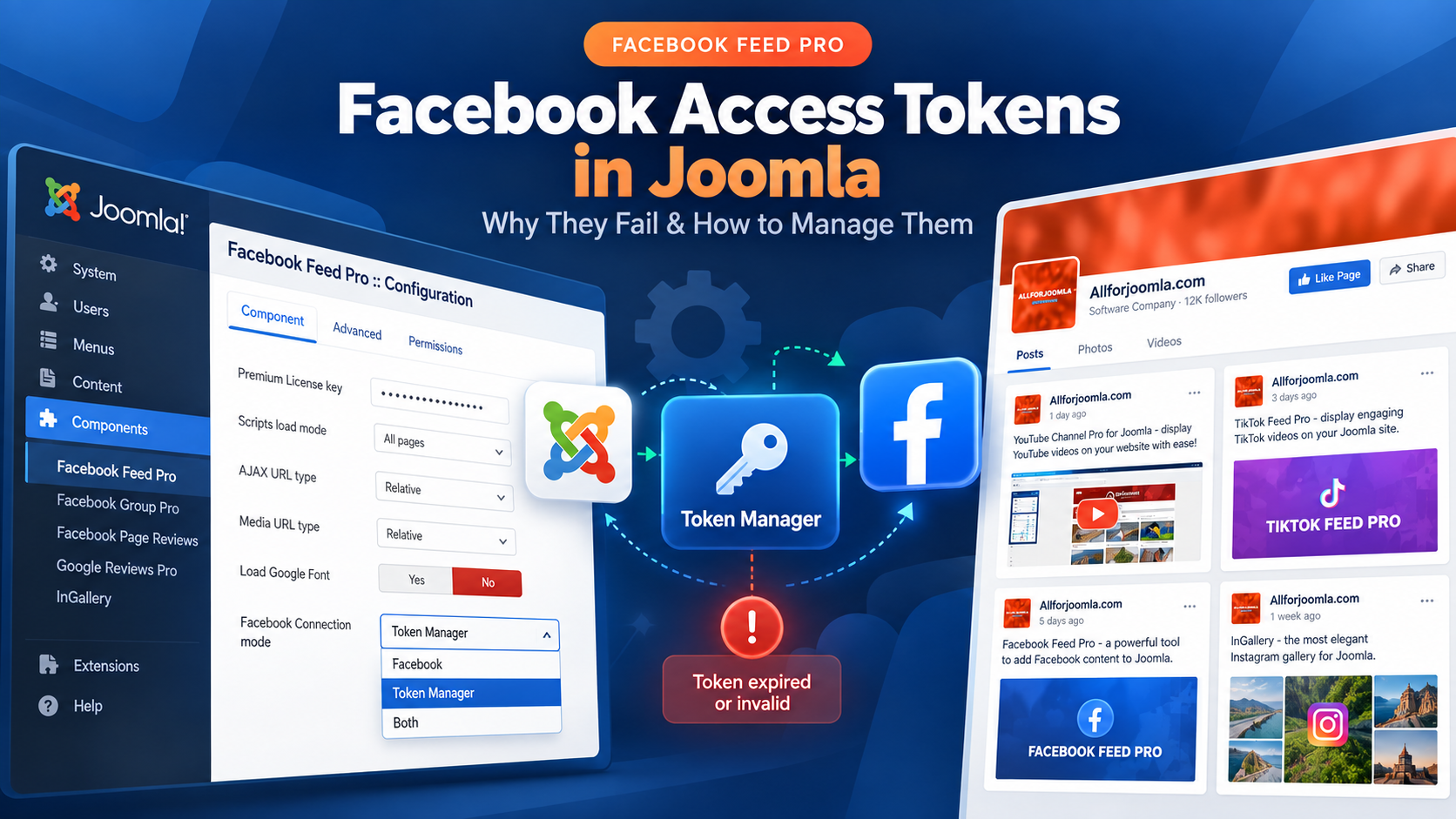
Understanding the difference between token expiration, token invalidation and changes to Facebook Page access makes these problems much easier to diagnose — especially when several Joomla widgets depend on the same Facebook Page.
What Is a Facebook Access Token?
A Facebook access token is a credential issued by Facebook that allows an application to make permitted requests to the Facebook Graph API.
The token itself is an opaque string. Behind it, Facebook keeps information about the application that requested it, the person or Page it represents, the permissions that were granted and, where applicable, its expiration.
Meta documents several types of access tokens, including User Access Tokens and Page Access Tokens. For a Joomla website displaying content from a Facebook Page, these two are the most relevant.
You can find the current technical definition and token types in the Meta Access Tokens documentation.
User Access Tokens vs. Page Access Tokens
A User Access Token represents a Facebook user who has authorized an application and granted particular permissions.
A Page Access Token is used to access data belonging to a Facebook Page. Facebook normally obtains Page access in the context of an authorized user who has the necessary access to that Page.
This distinction matters because displaying a Facebook Page on a Joomla website is not simply a matter of knowing the Page URL or Page ID. Facebook must also determine whether the application requesting Page data has been authorized to do so.
Why a Joomla Facebook Feed Needs Page Access
A Joomla Facebook feed extension needs to request Page data from Facebook — for example posts, photos, albums or videos. Facebook evaluates these requests through its API and the authorization associated with them.
This does not necessarily mean that the Joomla website owner must create a Facebook App or manually generate API credentials.
For example, Facebook Feed Pro handles the Facebook authorization process for the user, so no API key or Facebook App setup is required. Facebook access tokens are still part of the underlying authorization process, but they do not need to be created or managed manually as developer credentials.
Do Facebook Page Access Tokens Expire?
The answer depends on the type of token.
Meta distinguishes between short-lived and long-lived access tokens. Default User and Page access tokens can be short-lived, while a short-lived User Access Token can be exchanged for a long-lived one.
Short-Lived vs. Long-Lived Access Tokens
According to Meta's current documentation, short-lived tokens typically expire within hours, while a long-lived User Access Token generally lasts about 60 days.
A long-lived Page Access Token generated from a valid long-lived User Access Token is different: Meta states that it does not have a fixed expiration date, although it can still expire or become invalid under certain conditions.
See Meta's current Long-Lived Access Tokens documentation for the technical details.
Expiration and Invalidation Are Not the Same Thing
This distinction is important.
A token can stop working because it reached an expiration time, but a token can also become invalid even when it does not have a normal time-based expiration date.
Meta explicitly notes that security-related events can invalidate access tokens before their expected expiration time. This is why describing a long-lived Page Access Token as a token that simply "never expires" is misleading.
A more accurate description is:
A long-lived Facebook Page Access Token may have no fixed expiration date, but Facebook can still invalidate it when the authorization or security state changes.
Why Facebook Access Tokens Become Invalid
There is no single reason why a previously working Facebook connection can stop working. Several different events can affect the authorization behind an access token.
Password Changes and Security Events
Meta documents password changes and security-related events as situations that can invalidate an existing access token.
For example, Facebook may invalidate an authorization session after a password change or when it considers an existing session no longer valid for security reasons.
From the Joomla website's point of view, nothing may have changed. The widget configuration can still contain the same Facebook Page and the same settings, but Facebook no longer accepts the previously issued access token.
Facebook Authorization Can Be Revoked
A Facebook user can revoke an application's authorization. Facebook can also reject requests when the application is no longer authorized for that user.
In that situation, the application cannot continue using the old authorization simply because a token value is still stored on the Joomla website. Facebook is the authority deciding whether that token remains valid.
Page Access and Permissions Can Change
Changes to the person's access to a Facebook Page or to the permissions granted during authorization can also prevent the application from retrieving Page data.
It is useful to distinguish this from token expiration. In some situations the token itself may still exist, while a particular request can no longer be performed because the required Page access or permission is no longer available.
So not every Facebook access failure means that a token has simply "expired". The underlying problem may instead be authorization, Page access or permissions.
What Does a Token Failure Look Like in Joomla?
A Joomla extension normally discovers that a token is no longer usable when it makes the next request to Facebook.
Meta notes that applications are not necessarily notified in advance when an access token becomes invalid. Instead, an API request can return an error indicating that the token is expired, invalid or no longer authorized.
Error Validating Access Token
One common Facebook API response is an OAuth error containing the message Error validating access token.
The exact message and error subcode can vary depending on the reason. For example, Meta documents separate cases for an expired token, an invalidated login session and revoked application authorization.
If you are already seeing this error in Facebook Feed Pro, use our dedicated troubleshooting guide rather than treating this article as a step-by-step repair procedure:
Why Do I Get "Error Validating Access Token..." in Facebook Feed Pro?
Meta also provides technical information about inspecting tokens and API error responses in its Access Token Debugging and Error Handling documentation.
Why Token Management Gets Harder with Multiple Joomla Widgets
For a single Facebook feed, reconnecting Facebook when authorization changes is usually straightforward.
The situation becomes more important when the same Joomla website has several widgets using one or more Facebook Pages.
Direct Facebook Connection
With a direct connection, an individual widget goes through the Facebook authorization process and receives the access information it needs to retrieve Page data.
This approach is simple and works well when only one Facebook Feed Pro widget is involved.
What Changes When Several Widgets Use the Same Page?
Consider a Joomla website that has:
- a Facebook posts widget on the homepage;
- a photo gallery on another page;
- a video gallery elsewhere on the website.
All three widgets may depend on access to the same Facebook Page.
If each widget maintains its own Facebook connection, authorization has to be managed repeatedly. Changes made during a later Facebook authorization process — particularly changes to selected Pages or permissions — can also affect access that was previously granted.
The underlying problem is therefore not simply "how long does a token last?" It is how to manage an external authorization state that several Joomla widgets depend on.
Where Token Manager Fits
This is the problem that Token Manager in Facebook Feed Pro is designed to address.
Instead of authorizing Facebook independently for every widget, Token Manager stores Facebook Page access centrally on the Joomla website. Multiple Facebook Feed Pro widgets can then use the Page access managed through the same Token Manager entry.
If Facebook authorization later needs to be renewed, the access can be updated centrally rather than reconnecting every widget individually.
Token Manager does not make Facebook access tokens immune to invalidation. Facebook still controls whether an authorization remains valid. Its purpose is to make that authorization easier to manage inside Joomla when several widgets depend on it.
For the actual setup procedure, see How to Use Token Manager in Facebook Feed Pro.
A Practical Facebook Token Management Strategy for Joomla
There is no need to make Facebook token management more complicated than the website requires.
For One Facebook Feed
If your Joomla website uses one Facebook Feed Pro widget, a direct Facebook connection is usually sufficient.
The widget can connect to Facebook, authorize the required Page and use the resulting Page access to retrieve content.
For Multiple Widgets or Facebook Pages
If several widgets depend on Facebook access, centralized management becomes more useful.
Using Token Manager means that the Facebook authorization is managed separately from individual widget configurations. The same authorized Page can be used by multiple widgets without repeating the complete Facebook authorization process for each one.
This becomes particularly useful on larger Joomla websites or agency-managed websites where Facebook content is displayed in several places.
When Facebook Invalidates Access
An invalid token should normally be treated as an authorization problem, not as a string that needs to be manually edited.
The appropriate response is to establish valid Facebook authorization again. If the website uses Token Manager, that authorization can be renewed centrally. If a widget uses a direct connection, that widget can reconnect to Facebook.
Access tokens should also be treated as credentials. Raw token values should not be published, included in public screenshots or shared unnecessarily.
How This Applies to Facebook Feed Pro
Facebook Feed Pro is designed so Joomla website owners do not need to create their own Facebook App or manually configure an API key.
The extension handles the Facebook connection workflow and can display Facebook Page posts, photos, albums and videos after the required Page access has been authorized.
For a single widget, Facebook can be connected directly. For websites with several widgets, Token Manager provides centralized Page access that can be reused across those widgets.
If you are setting up Facebook Feed Pro for the first time, see our step-by-step guide: How to Add a Facebook Feed to a Joomla Website.
For the complete extension setup and configuration workflow, see the Facebook Feed Pro documentation.
Frequently Asked Questions
Do Facebook Page access tokens expire?
It depends on the token. Short-lived access tokens expire relatively quickly, while long-lived User Access Tokens generally last about 60 days. According to Meta, a long-lived Page Access Token generated from a valid long-lived User Access Token does not have a fixed expiration date, but it can still expire or become invalid under certain conditions.
Why can a Facebook Page token stop working if it has no expiration date?
No fixed expiration date does not mean that Facebook guarantees the token will remain valid forever. Security events, password changes, revoked authorization and other changes to the authorization state can make previously issued access unusable.
Does changing a Facebook password invalidate access tokens?
It can. Meta specifically documents password changes as one of the situations in which an existing access token or login session can become invalid. The application then needs valid Facebook authorization again before it can continue making API requests on behalf of that user or Page.
Can multiple Facebook Feed Pro widgets use the same Facebook Page access?
Yes. Token Manager allows a Facebook Page access token to be managed centrally and used by multiple Facebook Feed Pro widgets. This is useful when the same Page supplies posts, photos or videos to several different areas of a Joomla website.











